About the examples: Examples and screenshots in this guide use BEAT, a demo company in a Dynamics 365 test environment. Use your own company's codes and values instead of copying them.
Step by step, with screenshots
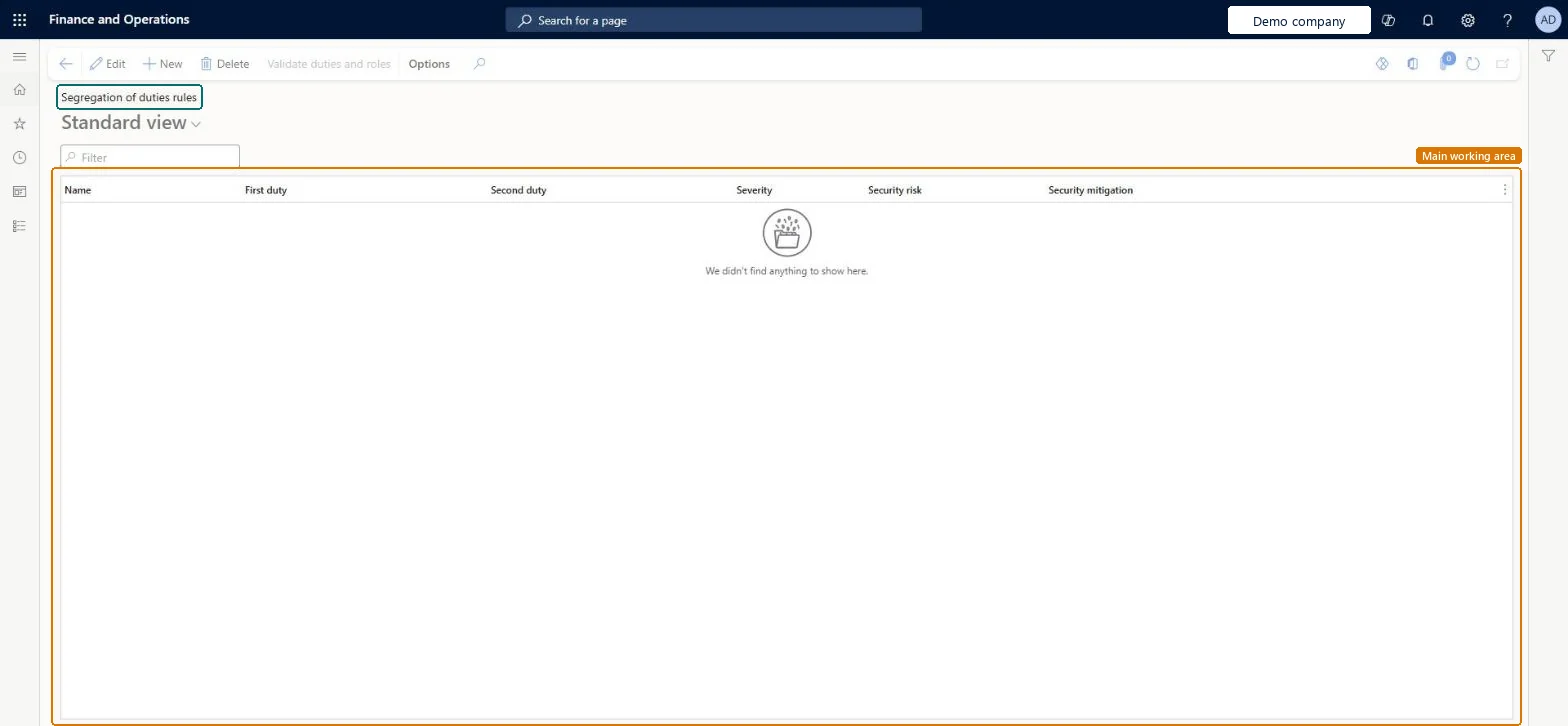
Set up Segregation of duties rules1 screen
Use this page to lower the risk of fraud, catch errors and enforce internal control policies by naming pairs of duties that shouldn't be combined.
Screen 1
Add a segregation of duties rule
Go to System administration > Security > Segregation of duties > Segregation of duties rules
Select New and enter a name for the rule
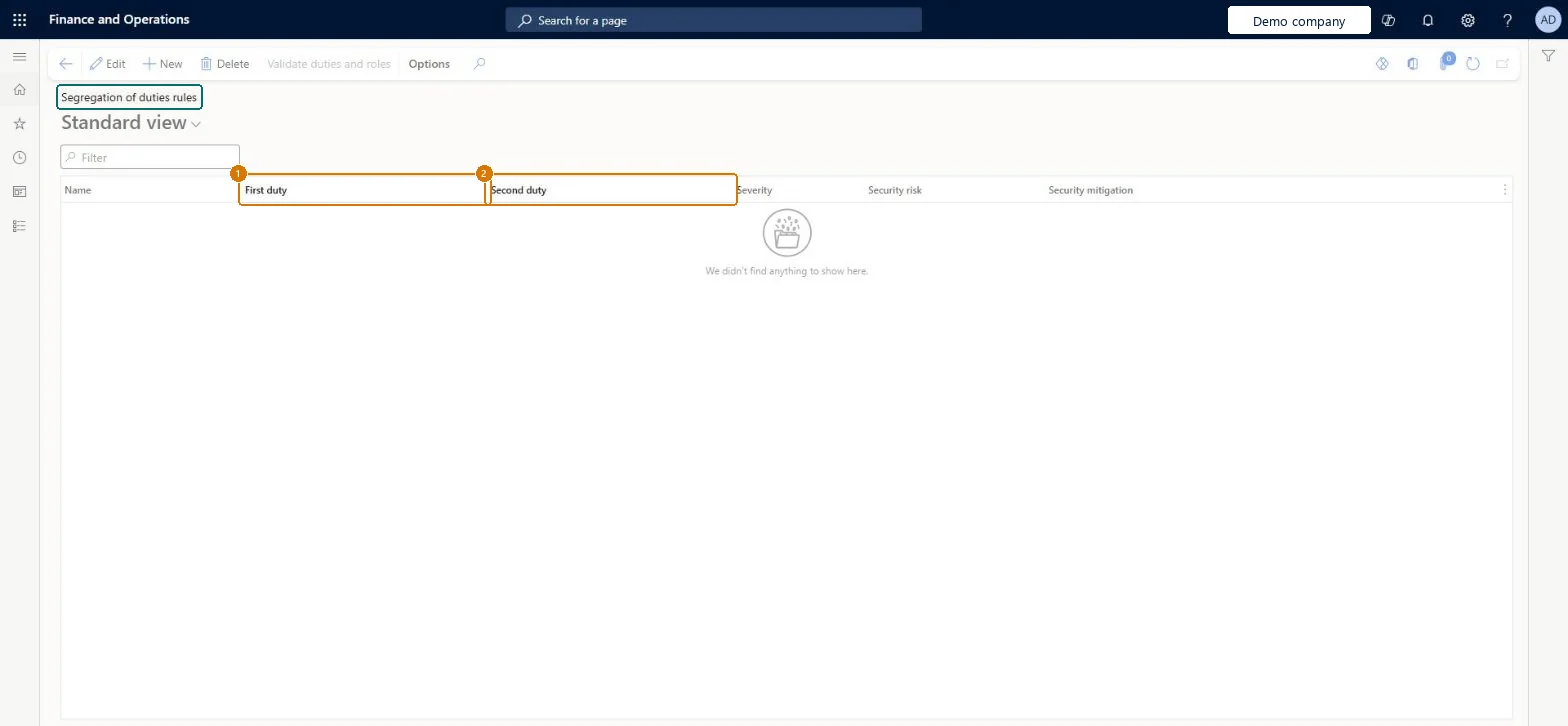
Choose the first duty and the second duty that should not be combined
Set the severity, and describe the security risk and how you reduce it
Select Save, and then select Validate duties and roles
Run Verify compliance of user-role assignments to find existing assignments that break the rule
Show the full screen page title tab to open what to set or check
Steps from Microsoft
Go to System administration > Security > Segregation of duties > Segregation of duties rules.
Select New.
In the Name field, enter a name for the rule.
In the First duty field, select the first duty the rule controls.
In the Second duty field, select the second duty.
In the Severity field, select how serious the risk is.
Describe the risk in the Security risk field and how you reduce it in the Security mitigation field.
Select Save, and then select Validate duties and roles.
One rule per pair of duties that must stay apart (for example receiving goods and paying the vendor), with Severity, Security risk and Security mitigation filled in, followed by a compliance checkSegregation of duties reduces fraud risk and helps detect errors. Recording the risk and the mitigation on the rule documents the internal control for auditors.
Which duty pairs get a rule?Assuming that saving a rule checks existing roles and users. Compliance isn't verified when a rule is created or changed, so existing roles and assignments can already conflict.Test: A new rule finds a conflict
Feature management and licence
Licence or add-in
On this system the page opens for Security administrator. No Feature management feature needs to be turned on for this page.
Shared: rules apply to every role and user in the environment. Microsoft Learn
Can it be undone
Reversible: Rules can be changed or removed at any time; each change must be followed by a compliance check.
If you change it later
A new or changed rule isn't checked against existing roles and user assignments when you save it, so you need to validate compliance afterwards. Microsoft Learn
Technical architect
6Technical
Menu item
SysSecSegregationOfDutiesRuleChecked in Dynamics 365
Form
SysSecSegregationOfDutiesRuleChecked in Dynamics 365
Table
SecuritySegregationOfDutiesRuleShown as “Segregation of duties rule” in Record infoChecked in Dynamics 365
Data entities
SystemSegregationOfDutiesRuleEntitySecurity segregation of duties rule
Who can open it
PrivilegesMaintain the segregation of duties rules SysSecSegregationOfDutiesMaintainDutiesMaintain security settings SysSecSecurityMaintain1 security roleSecurity administrator SysSecSecurityAdministratorChecked in Dynamics 365
Roles to set it up and use it
To set it up or change itSecurity administrator SysSecSecurityAdministratorGive people one of these roles. On this system, 1 role can open this page.Checked in Dynamics 365
Actions on the page
Options: Personalize, Page options, ShareChecked in Dynamics 365
SystemSegregationOfDutiesRuleEntity (Security segregation of duties rule): shared by all companies; not in Microsoft's default templates.Load order: Load the rules after the duties they name exist (standard duties, plus custom ones from Security configuration), then run Validate duties and roles and Verify compliance of user-role assignments.Load first: Security dutiesChecked in Dynamics 365
Checked in a working Dynamics 365 system, version 10.0.49: the menu item, form, table and security, the page, the demo records and the values in the screenshots.
To cite this step: SA-SEC-040, Set up Segregation of duties rules. Beyond ERP Atlas Hub, 2026-11-11. https://www.beyonderp.cloud/atlas/step/SA-SEC-040