SETUP GUIDEHow to set it up8 sections. Choose a role to highlight what matters to you.
Everyone
1What it is and why
What it is
A periodic job that deletes old batch job records, such as abandoned or one-time jobs, from the batch job table.
What you do here
Use this periodic task to stop the batch job table from growing and slowing down other jobs.
Example
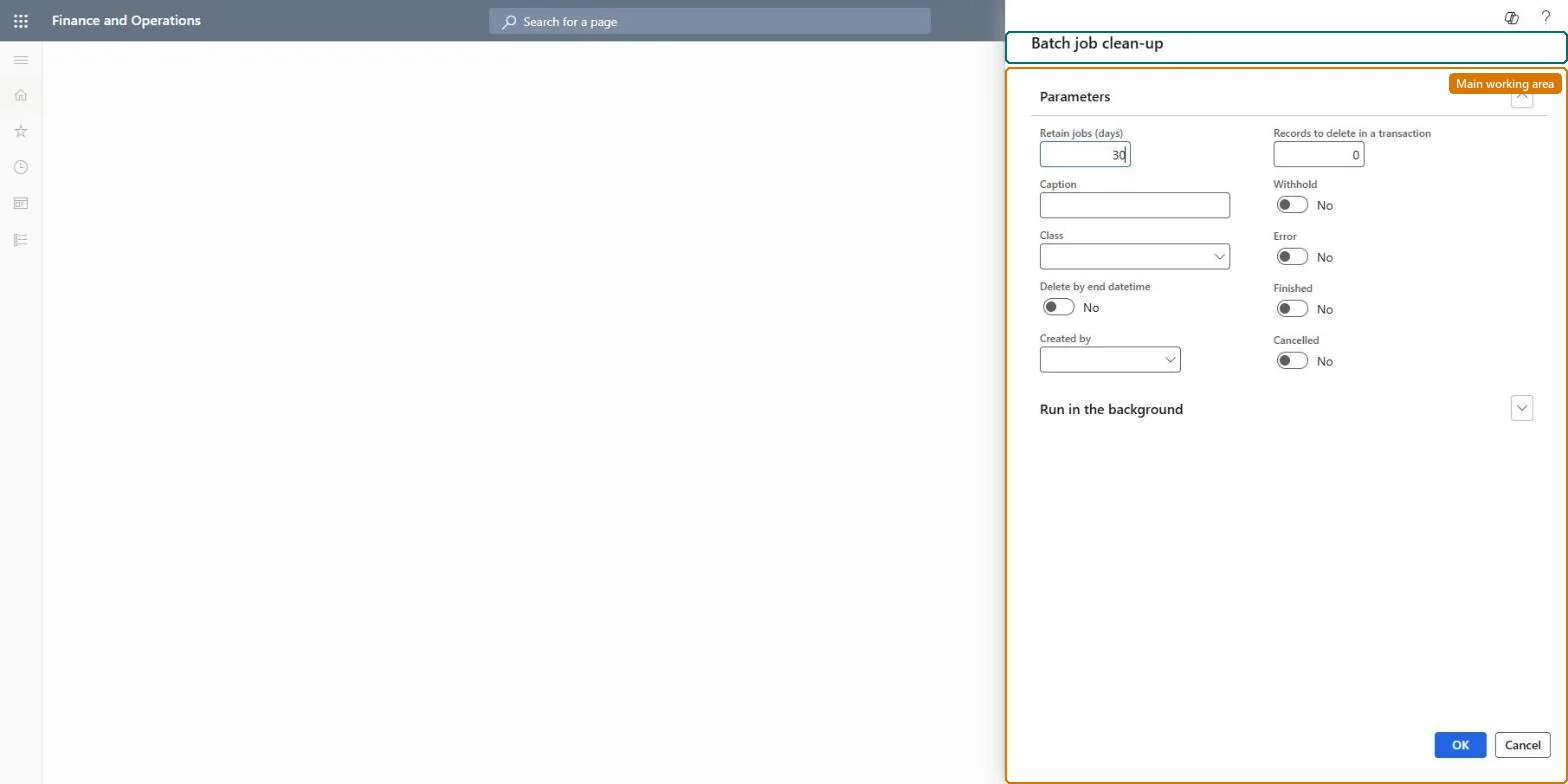
For example, BEAT keeps 90 days of batch jobs: a nightly Batch job clean-up deletes Finished and Canceled jobs older than 90 days, 100 records per transaction, while Withhold stays cleared so held recurring jobs survive.
The page in Dynamics 365. page title tab to open what to set or check
About the examples: Examples and screenshots in this guide use BEAT, a demo company in a Dynamics 365 test environment. Use your own company's codes and values instead of copying them.
When to run it
When to run it
When abandoned, one-time or recreated batch jobs pile up in the batch job table and slow down other jobs.
How often
Regularly, outside business hours, as Microsoft recommends.
Batch settings
Schedule it as a recurring batch job at night, one cleanup at a time.
What the output shows
Batch job records older than the retention period with the selected statuses are deleted. Unlike the history cleanups, this removes the jobs themselves. A recurring job that disappeared usually means a status such as Withhold was included by mistake.
A recurring night run that deletes Finished and Canceled jobs older than the agreed retention, and Error jobs only after they are reviewedLearn: clean the batch job table regularly, outside business hours, one run at a time; at least one terminal status must be selected.
Shared: the batch job table has no company key, so the run removes matching jobs from every company unless Caption, Class or Created by narrows it. Microsoft data model
Can it be undone
No: Deleted batch jobs can't be restored; you would have to create them again.
If you change it later
Run cleanups one at a time and outside business hours, because parallel runs can cause deadlocks. Microsoft Learn
Load order: Batch job clean-up has no data entity in Data management, so it can't be loaded from a file or a configuration template. It is a periodic job; schedule it again in each environment.Checked in Dynamics 365