| What it is | A setup page where you list the types of activities, each with a name and a description. |
|---|---|
| What you do here | Use this page to define the activity types, such as the service activities that are added to service orders. |
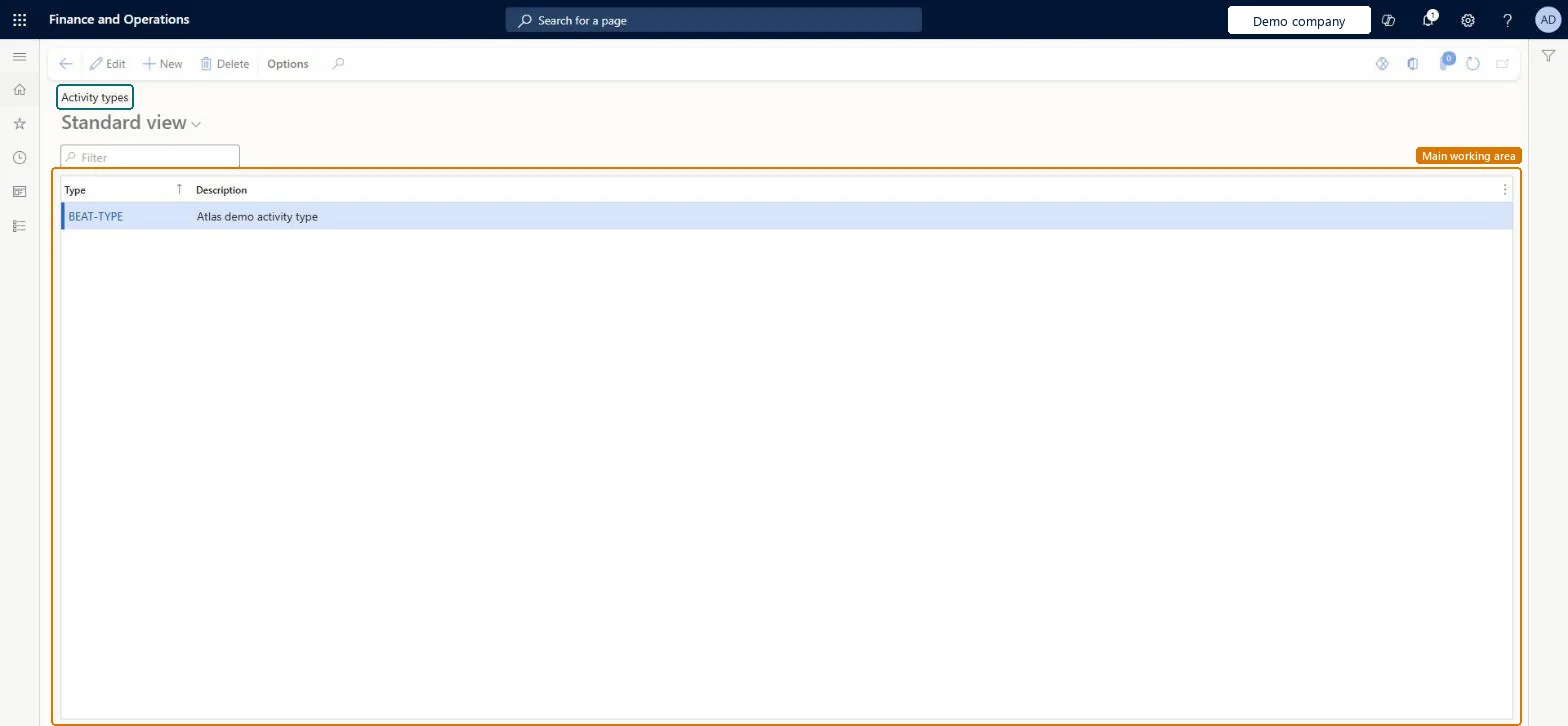
Setup step on the Activity types page · Organization administration
Use this page to define the activity types, such as the service activities that are added to service orders.
smmActivityTypeGroupsmmActivityTypeGroup| What it is | A setup page where you list the types of activities, each with a name and a description. |
|---|---|
| What you do here | Use this page to define the activity types, such as the service activities that are added to service orders. |
| Business process | Administer system features |
|---|---|
| Menu path | Organization administration › Setup › Activities › Activity types |
| Used next by | Service orders Microsoft Learn Dispatch board Microsoft Learn |
| In this process | Set up Entity Store · Set up PowerBI.com configuration |
About the examples: Examples and screenshots in this guide use BEAT, a demo company in a Dynamics 365 test environment. Use your own company's codes and values instead of copying them.
Use this page to define the activity types, such as the service activities that are added to service orders.
Screen 1
Go to Organization administration > Setup > Activities > Activity types
| 1Type | BEAT-TYPE |
|---|---|
| Description | Activity type |
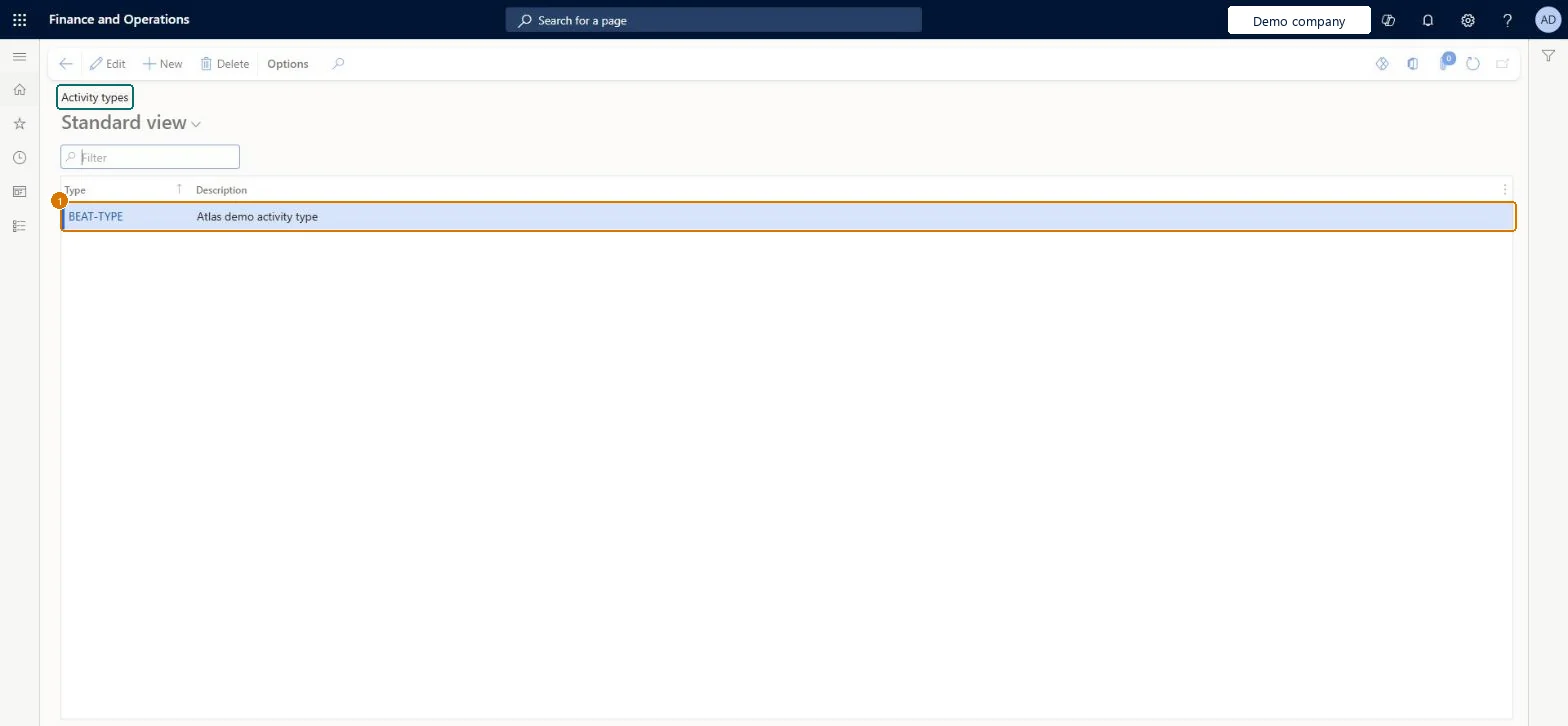
Source: Microsoft Learn
| Field | What it means | Example | Table column |
|---|---|---|---|
| Type | The name of the activity type.Microsoft Learn | CALL | TypeId |
| Description | Text that describes the activity type.Microsoft Learn | Activity type | Description |
| Menu item | smmActivityTypeGroup Checked in Dynamics 365 |
|---|---|
| Form | smmActivityTypeGroup Checked in Dynamics 365 |
| Table | smmActivityTypeGroupShown as “Activity type” in Record infoChecked in Dynamics 365 |
| Roles to set it up and use it | To set it up or change itInformation technology manager SysServerITManagerSales manager TradeSalesManagerCustomer service manager TradeCustomerServiceManagerMarketing manager CRMMarketingManagerTo use itCollections manager CollectionLetterCollectionsManagerGive people one of these roles. On this system, 5 roles can open this page.Checked in Dynamics 365 |
| Actions on the page | Options: Personalize, Page options, ShareChecked in Dynamics 365 |
| Open it by URL | https://<your-environment>/?mi=smmActivityTypeGroup |
|---|
To cite this step: OA-SETUP-080, Set up Activity types. Beyond ERP Atlas Hub, 2026-11-11. https://www.beyonderp.cloud/atlas/step/OA-SETUP-080