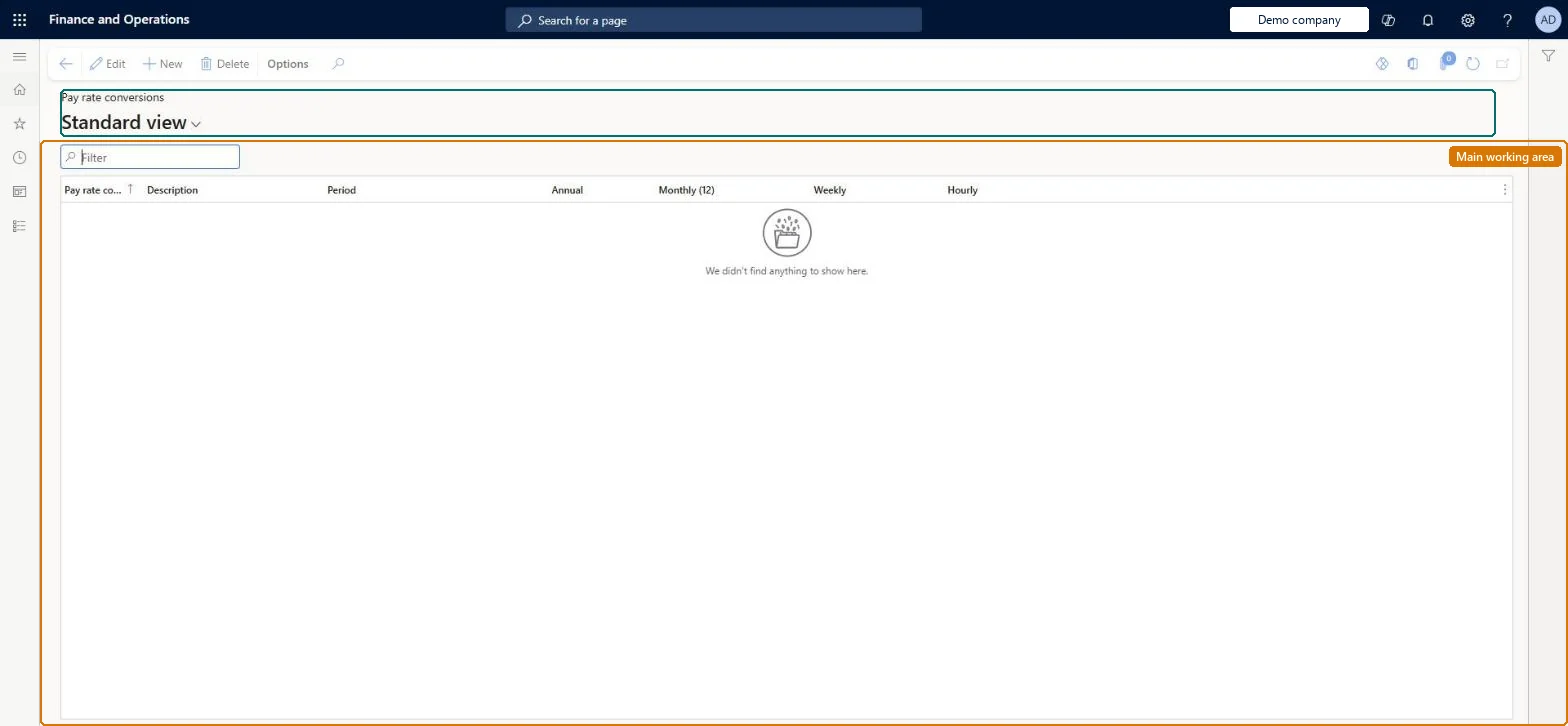
Setup step on the Pay rate conversions page · Human resources
Set up Pay rate conversions
Use this page to set up the conversion factors that calculate the different pay rates shown on an employee's fixed compensation record; the conversion is then selected on the fixed compensation plan.
Compensation and benefits manager, Human resource manager, Payroll administrator and 1 more role
Business process
Develop people strategy
Menu item
HRMCompPayFrequency
Main table
HRMCompPayFrequency
Data entity
HcmPayRateConversionEntity
Setup steps
1 on this page
Show what matters for
SETUP GUIDEHow to set it up8 sections. Choose a role to highlight what matters to you.
Everyone
1What it is and why
What it is
A setup page where you define pay frequencies, that is, how a wage or salary is stated and the conversion factors between hourly, weekly, monthly and annual rates.
What you do here
Use this page to set up the conversion factors that calculate the different pay rates shown on an employee's fixed compensation record; the conversion is then selected on the fixed compensation plan.
Example
For example, BEAT's warehouse works a 38-hour week, so the pay frequency HOURLY38 has Period Hourly with factors hourly 1, weekly 38, monthly 164.6666666667 and annual 1,976; a worker on 20 EUR an hour shows 39,520 EUR a year on the fixed compensation record.
The page in Dynamics 365. page title tab to open what to set or check
About the examples: Examples and screenshots in this guide use BEAT, a demo company in a Dynamics 365 test environment. Use your own company's codes and values instead of copying them.
Setup steps on this page
Set up Pay rate conversions
Use this page to set up the conversion factors that calculate the different pay rates shown on an employee's fixed compensation record; the conversion is then selected on the fixed compensation plan.
Steps from Microsoft
Go to Human resources > Compensation > Fixed compensation > Pay rate conversions.
Select New.
In the Pay rate field, enter an identifier and add a Description.
In the Period field, select the period the pay is stated in, such as Annual or Weekly.
Enter the conversion values for Annual, Monthly (12), Weekly and Hourly.
The annual rate on a fixed compensation record doesn't match the hours worked
The factors of the plan's pay frequency don't match the working week. Correct the factors, for example 38 and 1,976 for a 38-hour week. Microsoft Learn
Test checklist
Create a pay frequency with your hourly, weekly, monthly and annual factors.
Select it on a fixed compensation plan.
Give an employee an hourly rate on that plan and check the annual rate equals the hourly rate times the annual factor.
Factors that match the company's standard working week. For a 38-hour week Learn's example is hourly 1, weekly 38, monthly 164.6666666667 and annual 1,976.These conversions calculate the different pay rates shown on an employee's fixed compensation record.
Compensation and benefits managers set up and run compensation; Human resource managers and payroll roles can view it. No Feature management feature is needed for this page.
Per company: pay rate conversions belong to the legal entity you are signed in to. Data management lists the HcmPayRateConversionEntity entity as not shared, so each company keeps its own. Checked in Dynamics 365
Can it be undone
Reversible: The factors can be corrected; they drive the converted rates shown for plans that use the pay frequency.
If you change it later
The conversions calculate the hourly, weekly, monthly and annual rates shown on employees' fixed compensation records for plans that use the pay frequency, so a changed factor changes those displayed rates. Microsoft Learn
Technical architect
6Technical
Menu item
HRMCompPayFrequencyChecked in Dynamics 365
Form
HRMCompPayFrequencyChecked in Dynamics 365
Table
HRMCompPayFrequencyShown as “COMPENSATION PAY FREQUENCY” in Record infoChecked in Dynamics 365
Data entities
HcmPayRateConversionEntityCompensation pay frequency Checked in Dynamics 365
Who can open it
PrivilegesMaintain pay frequencies HRMCompPayFrequencyMaintainView pay frequencies HRMCompPayFrequencyViewDutiesInquire into compensation process HcmCompensationInquireEnable compensation process HcmCompensationProcessEnable4 security rolesCompensation and benefits manager HcmCompensationAndBenefitsManagerHuman resource manager HcmHumanResourceManagerPayroll administrator HcmPayrollAdministratorPayroll manager HcmPayrollManagerChecked in Dynamics 365
Roles to set it up and use it
To set it up or change itCompensation and benefits manager HcmCompensationAndBenefitsManagerTo use itHuman resource manager HcmHumanResourceManagerPayroll administrator HcmPayrollAdministratorPayroll manager HcmPayrollManagerGive people one of these roles. On this system, 4 roles can open this page.Checked in Dynamics 365
HcmPayRateConversionEntity data entity Checked in Dynamics 365
Data migration
HcmPayRateConversionEntity Compensation pay frequency. Loaded for each company.Load order: Load with the Compensation management template, before the fixed compensation plans that select the pay frequency.Microsoft Learn