SETUP GUIDEHow to set it up8 sections. Choose a role to highlight what matters to you.
Everyone
1What it is and why
What it is
An inquiry page (Russian localization) that lists reports stored in the report archive, where you can view them and download them in Excel format.
What you do here
Use this page to open a stored report, print it again, export it to Excel, or generate a new report with the same parameters.
Example
For example, a Russian legal entity's accountant generates the turnover balance statement for Q3 2026, which is stored in the report archive. In November they open the stored report, export it to Excel, and generate a new report with the same parameters after a late correction.
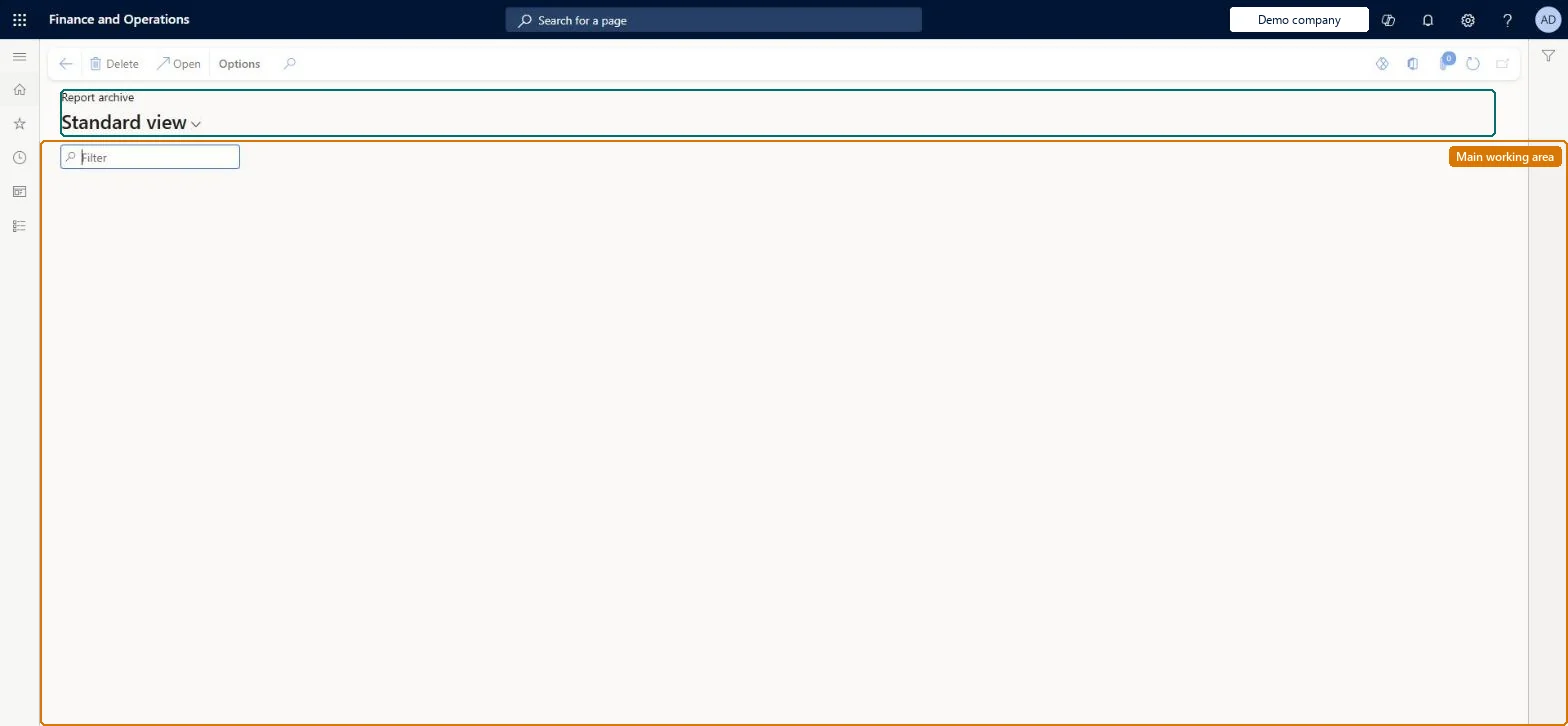
The page in Dynamics 365. page title tab to open what to set or check
About the examples: Examples and screenshots in this guide use BEAT, a demo company in a Dynamics 365 test environment. Use your own company's codes and values instead of copying them.
Setup steps on this page
Reuse stored reports
Open stored reports and regenerate them with the same parameters.
Steps from Microsoft
Go to Common > Inquiries > Report archive.
Select the Report type to list.
Select the stored report and select Open to view it, or export it to Excel.
Generate a new report with the same parameters when the data has changed.
Generate a new report with the same parameters after any late posting instead of reusing the stored oneA stored report keeps the figures of the day it was generated.
Reversible: Opening and regenerating reports change no data.
If you change it later
Stored reports keep the figures of the day they were generated; generate a new report to include later postings. Microsoft Learn
Technical architect
6Technical
Menu item
ReportArchiveUser_RUChecked in Dynamics 365
Form
ReportArchive_RUChecked in Dynamics 365
Table
ReportArchive_RUShown as “REPORT ARCHIVE” in Record infoChecked in Dynamics 365
Who can open it
PrivilegesMaintain report archive for current users ReportArchiveUserMaintainDutiesUse basic functionality SysServerAXBasicMaintain6 security rolesAifTestSecRoleEventTestRoleRetail service RetailServiceRetail store IT RetailStoreITSystem user SystemUserTestEssentialsRoleChecked in Dynamics 365
Roles to set it up and use it
To set it up or change itSystem user SystemUserTestEssentialsRole Retail store IT RetailStoreITRetail service RetailServiceGive people one of these roles. On this system, 4 roles can open this page.Checked in Dynamics 365
Actions on the page
(Action Pane without tabs): OpenChecked in Dynamics 365
Load order: Report archive has no data entity in Data management. Stored reports are output; keep them in the old system or export them to Excel.Checked in Dynamics 365