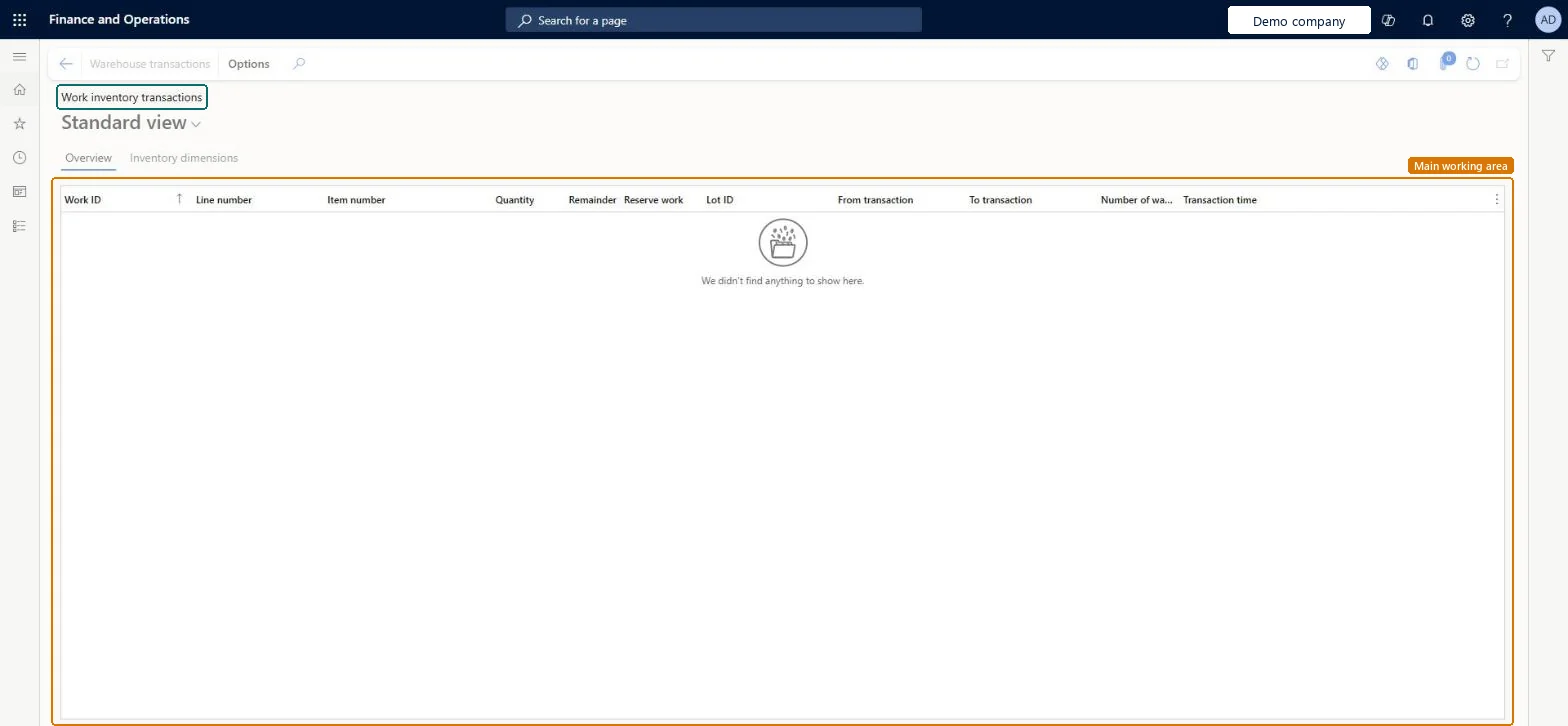
An inquiry page that shows the inventory transactions that belong to warehouse work, with the work ID, line number, item, quantity and remainder of each transaction.
PAGE GUIDEWhat the page does and how to use it7 sections. Choose a role to highlight what matters to you.
Everyone
1What it is and why
What it is
An inquiry page that shows the inventory transactions that belong to warehouse work, with the work ID, line number, item, quantity and remainder of each transaction.
What you do here
Use this page to review the inventory transactions behind warehouse work.
The page in Dynamics 365. page title tab to open what to set or check
About the examples: Examples and screenshots in this guide use BEAT, a demo company in a Dynamics 365 test environment. Use your own company's codes and values instead of copying them.
How to use it
Go to Warehouse management > Work > Work inventory transactions.
On the Overview tab, review the work ID, line number, item number, quantity, remainder, reserve work, lot ID, from transaction, to transaction and transaction time.
Select the Inventory dimensions tab to see the dimensions of each transaction.
WHSWorkInventTransShown as “WORK INVENTORY TRANSACTIONS” in Record infoKey field: WorkId, ItemId, InventTransIdParent, InventDimIdFromChecked in Dynamics 365
Who can open it
PrivilegesView inventory transactions related to work WHSWorkInventTransViewDutiesMaintain warehouse planning WHSWarehousePlanningMaintain1 security roleWarehouse planner WHSWarehousePlannerChecked in Dynamics 365
Roles to set it up and use it
To use itWarehouse planner WHSWarehousePlannerGive people one of these roles. On this system, 1 role can open this page.Checked in Dynamics 365
Actions on the page
(Action Pane without tabs): Warehouse transactionsChecked in Dynamics 365