About the examples: Examples and screenshots in this guide use BEAT, a demo company in a Dynamics 365 test environment. Use your own company's codes and values instead of copying them.
Steps from Microsoft
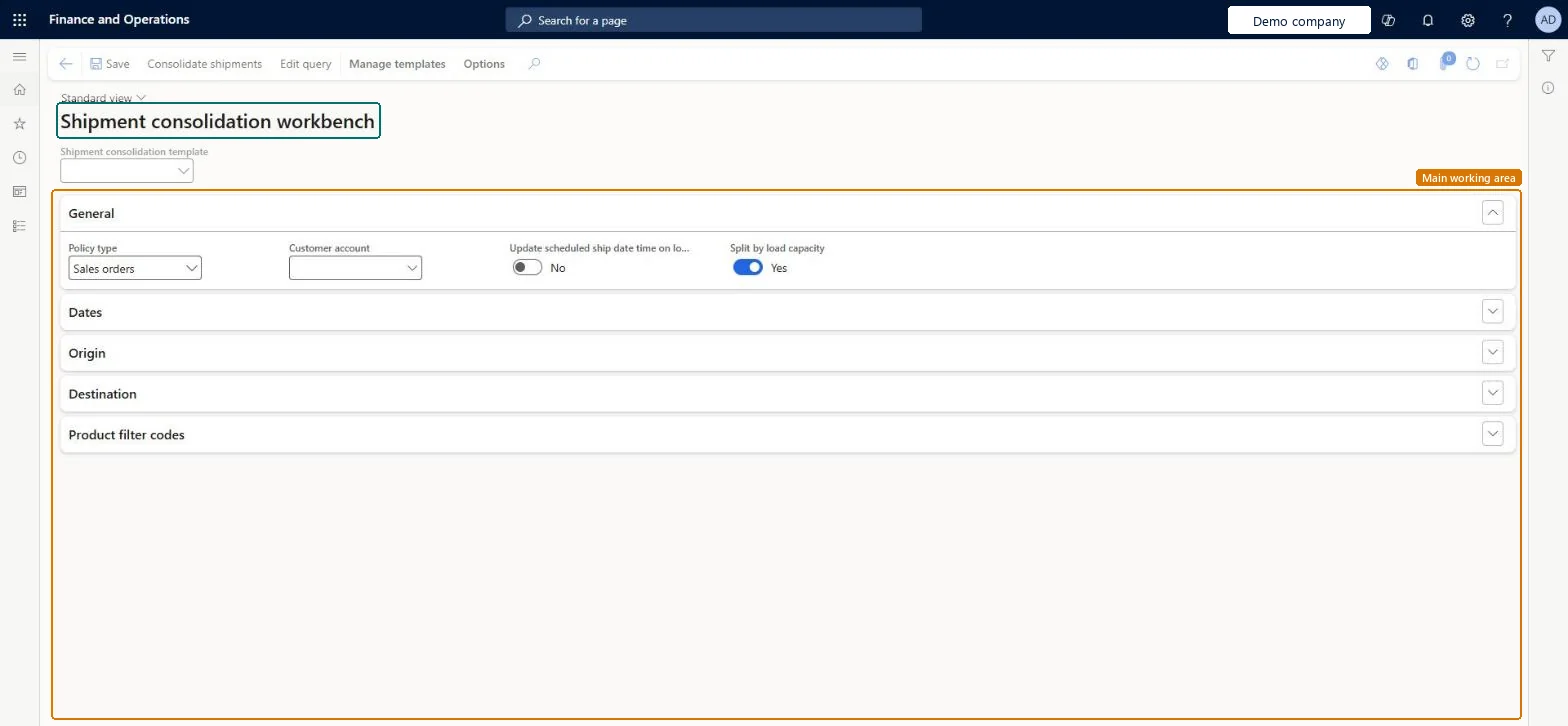
Go to Warehouse management > Release to warehouse > Shipment consolidation workbench.
On the Action Pane, select Edit query to choose which shipments to include.
In the query dialog, on the Range tab, add the criteria you need, and then select OK.
On the Action Pane, select Consolidate shipments.
Select the shipments, and then, on the Action Pane, select Consolidate.
To set it up or change itWarehouse planner WHSWarehousePlannerGive people one of these roles. On this system, 1 role can open this page.Checked in Dynamics 365
Actions on the page
Manage templates(Action Pane without tabs): Consolidate shipments, Edit queryChecked in Dynamics 365