About the examples: Examples and screenshots in this guide use BEAT, a demo company in a Dynamics 365 test environment. Use your own company's codes and values instead of copying them.
When to run it
When to run it
When many on-hand records must move to another inventory status, for example after a quality decision on a batch of goods.
How often
On demand, or on a recurring interval for regular status changes.
Batch settings
Run it as a batch job; add a recurrence only if the same change must happen regularly.
What the output shows
On-hand records updated to the chosen inventory status. Records at locations with open warehouse work are not changed; complete or cancel that work first.
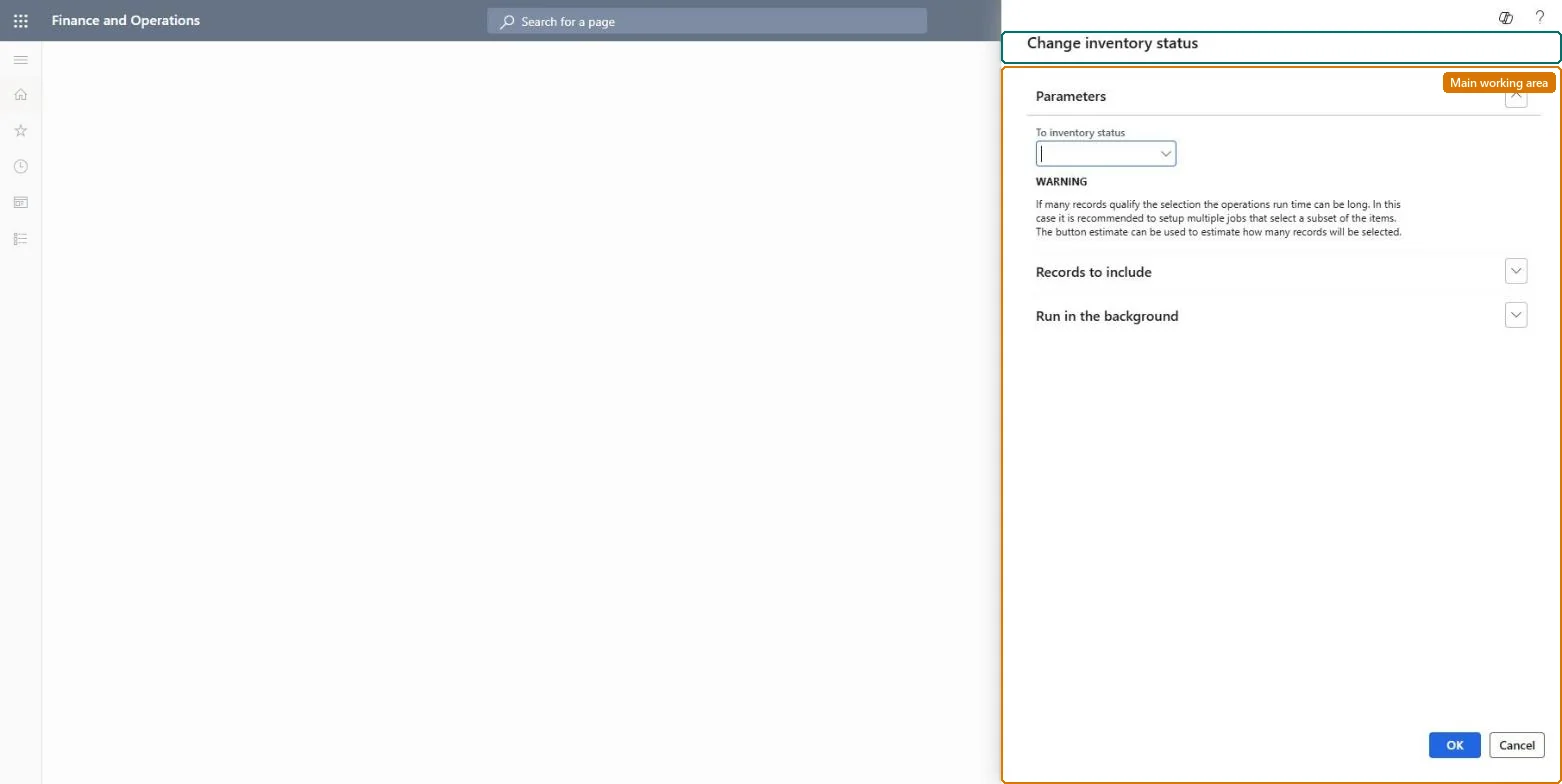
Go to Warehouse management > Periodic tasks > Warehouse management inventory status change.
On the Parameters FastTab, set To inventory status to the status that the selected on-hand records should get, for example a blocking status for damaged goods.
Set up the query so it selects exactly the on-hand records to change, for example one item and location.
Make it a batch job, and give it a recurring interval if the same change must be made regularly.
Afterwards, open On-hand by location and confirm the new status; records at locations with open work keep their old status.
To use itWarehouse manager WMSWarehouseManagerMaterials manager InventMaterialsManagerQuality control clerk InventQualityControlClerkGive people one of these roles. On this system, 3 roles can run this page.Checked in Dynamics 365