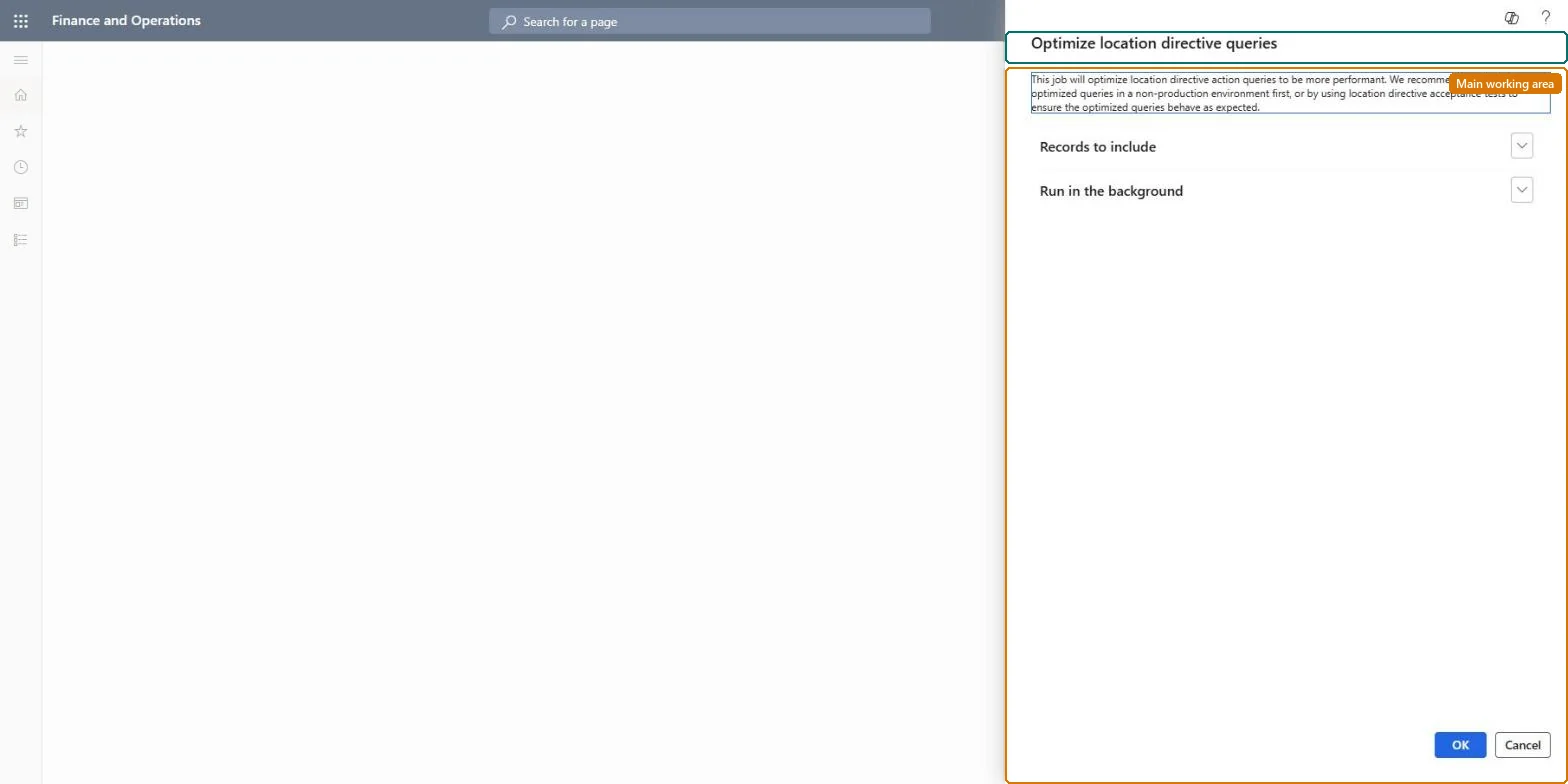
A periodic task that finds location directive queries that use an older query pattern and converts them to the faster pattern that the current on-hand data model supports.
PAGE GUIDEWhat the page does and how to use it7 sections. Choose a role to highlight what matters to you.
Everyone
1What it is and why
What it is
A periodic task that finds location directive queries that use an older query pattern and converts them to the faster pattern that the current on-hand data model supports.
What you do here
Use this task to speed up location directive queries, preferably as a one-off run outside peak hours.
The page in Dynamics 365. page title tab to open what to set or check
About the examples: Examples and screenshots in this guide use BEAT, a demo company in a Dynamics 365 test environment. Use your own company's codes and values instead of copying them.
When to run it
When to run it
When you run Supply Chain Management 10.0.35 or later and the optimization advisor reports that location directive queries can be optimized.
How often
Once, and again only when new location directives are created with the older query pattern; Microsoft recommends running it as needed rather than on a recurring schedule.
Batch settings
One-time batch job at an off-peak time. Waving and work creation run slower while it runs, because the directives are locked and flushed from all application object servers.
What the output shows
Location directive queries that joined InventSum and InventDim are rewritten so all ranges sit on InventSum and the join is removed. Directive queries typically run 30 to 50 percent faster. A directive that now picks different locations points to a range that didn't convert as expected.
Go to Warehouse management > Periodic tasks > Clean up > Optimize location directive queries.
Run the tool on a user acceptance testing environment first, and run your location directive acceptance tests there before you touch production.
To convert only some directives, on Records to include select Filter and limit the query to those location directives.
Schedule it as a one-time batch job at an off-peak time, for example Sunday evening, instead of a recurring schedule. The tool locks the location directives while it runs.
After it finishes, run a test wave and check that work is still created at the expected pick locations.
No: The tool rewrites the location directive queries in place. Test it in a UAT environment first, and keep a copy of the original queries if you might need to rebuild them. Microsoft Learn
If you change it later
Running the tool locks the location directives and flushes them from all application object servers, so wave processing and work creation run more slowly while it runs. Avoid peak hours. Microsoft Learn
Technical architect
5Technical
Menu item
action:WHSLocDirActionQueryConverter
Roles to set it up and use it
To use itWarehouse manager WMSWarehouseManagerProcess engineer RouteProcessEngineerGive people one of these roles. On this system, 2 roles can run this page.Checked in Dynamics 365