About the examples: Examples and screenshots in this guide use BEAT, a demo company in a Dynamics 365 test environment. Use your own company's codes and values instead of copying them.
When to run it
When to run it
When waves are created but not processed automatically by the wave template, and you want them processed in the background instead of one by one.
How often
Recurring, timed against the automation settings of your wave templates. There is no fixed interval.
Batch settings
Run it as a recurring batch job in the wave processing batch group. Parallel allocation also requires Process waves in batch set to Yes.
What the output shows
Processed waves with loads and work created for them. A wave that fails often could not get a lock within Wait for lock (ms) because another wave was allocating the same item; process it again.
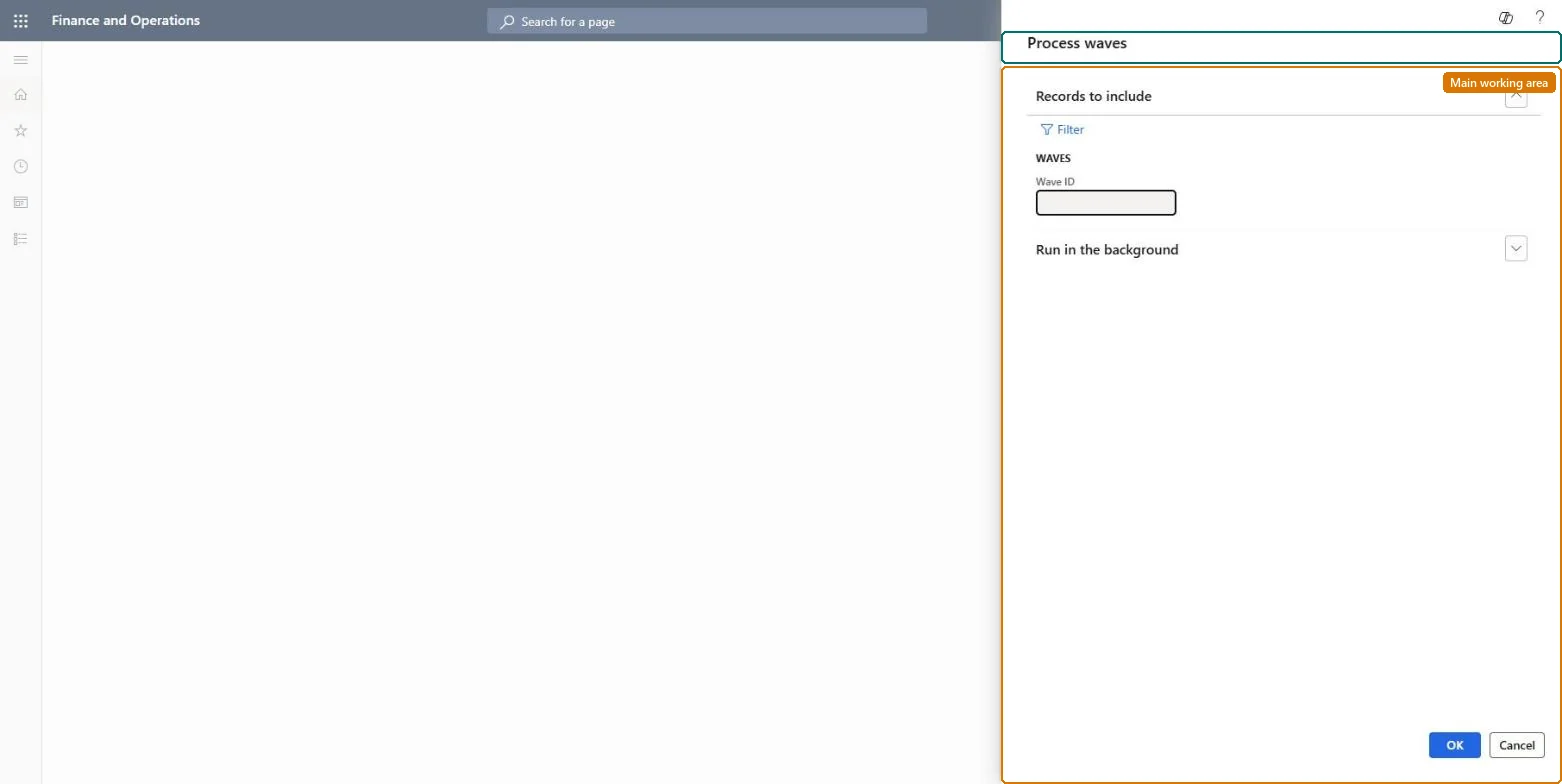
Go to Warehouse management > Outbound waves > Process waves.
In Warehouse management parameters, on the Wave processing FastTab, set Process waves in batch to Yes; otherwise the job has nothing to pick up.
Choose the Wave processing batch group there, which decides the batch server that processes the waves.
Coordinate the schedule with the wave template options Process wave at release to warehouse and Process wave automatically at threshold, so the job and the templates don't process the same waves at different moments.
Set up the batch job on this dialog and let it repeat.
On All waves, select a processed wave and open Wave batch job details to read the batch tasks and log, especially for waves that failed.