Warehouse managementInquiries and reportsPhysical inventory reconciliation
WHSExternalInventoryAdjustment
Used by
Warehouse system integration operator
Business process
Adjust inventory levels
Menu item
WHSExternalInventoryAdjustment
Main table
WHSExternalInventoryAdju
Data entity
WHSExternalInventoryAdjustmentEntity
Show what matters for
PAGE GUIDEWhat the page does and how to use it6 sections. Choose a role to highlight what matters to you.
Everyone
1What it is and why
What it is
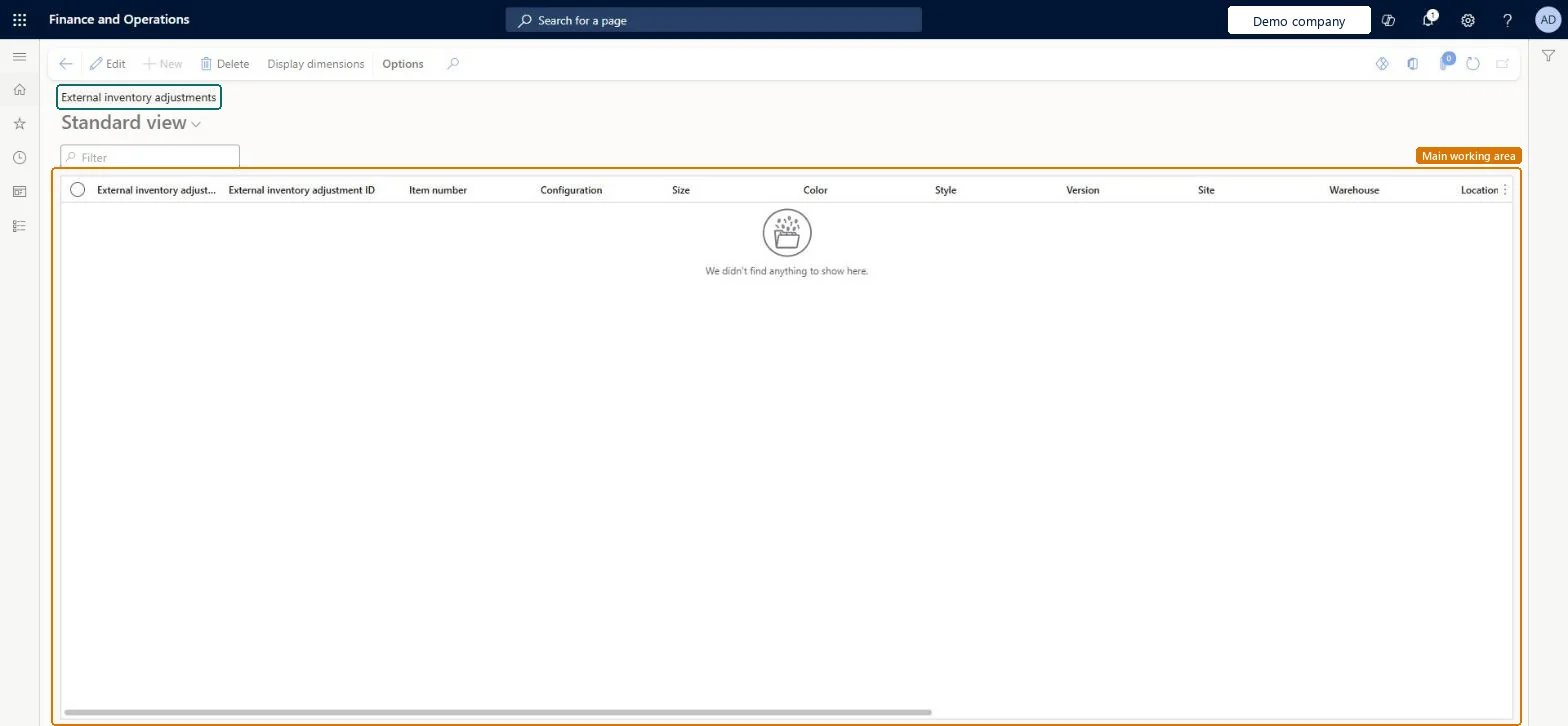
A list page that shows external inventory adjustments by item number, inventory dimensions, site, warehouse and location.
What you do here
Use this page to review the external inventory adjustments that keep on-hand inventory synchronised between legal entities in Warehouse management only mode.
The page in Dynamics 365. page title tab to open what to set or check
About the examples: Examples and screenshots in this guide use BEAT, a demo company in a Dynamics 365 test environment. Use your own company's codes and values instead of copying them.
Steps from Microsoft
Go to Warehouse management > Inquiries and reports > Physical inventory reconciliation > External inventory adjustments.
Each row is an external inventory adjustment created from the warehouse inventory update log, to keep on-hand inventory the same between legal entities in Warehouse management only mode.
Filter on item number, site, warehouse or location to find the adjustments for one item or place.
Select Display dimensions to choose which inventory dimension columns are shown, for example the owner dimension.
To turn the adjustments into on-hand updates, run Create external inventory adjustment journals and then Post external inventory adjustment journals under Warehouse management > Periodic tasks.
If an expected adjustment is missing, open Warehouse inventory update log under Physical inventory reconciliation to see whether the inventory change was logged.
WHSExternalInventoryAdjustmentChecked in Dynamics 365
Form
WHSExternalInventoryAdjustmentChecked in Dynamics 365
Table
WHSExternalInventoryAdjuShown as “EXTERNAL INVENTORY ADJUSTMENTS” in Record infoKey field: ExternalSystemId, InventoryAdjustmentIdChecked in Dynamics 365
Data entities
WHSExternalInventoryAdjustmentEntityExternal inventory adjustments Checked in Dynamics 365
Who can open it
PrivilegesMaintain external inventory adjustments WHSExternalInventoryAdjustmentMaintainView external inventory adjustments WHSExternalInventoryAdjustmentViewDutiesInquire into external inventory adjustments WHSExternalInventoryAdjustmentInquireMaintain external inventory adjustments WHSExternalInventoryAdjustmentMaintain1 security roleWarehouse system integration operator WHSWarehouseSystemIntegrationOperatorChecked in Dynamics 365
Roles to set it up and use it
To set it up or change itWarehouse system integration operator WHSWarehouseSystemIntegrationOperatorGive people one of these roles. On this system, 1 role can open this page.Checked in Dynamics 365
Actions on the page
(Action Pane without tabs): Display dimensionsChecked in Dynamics 365