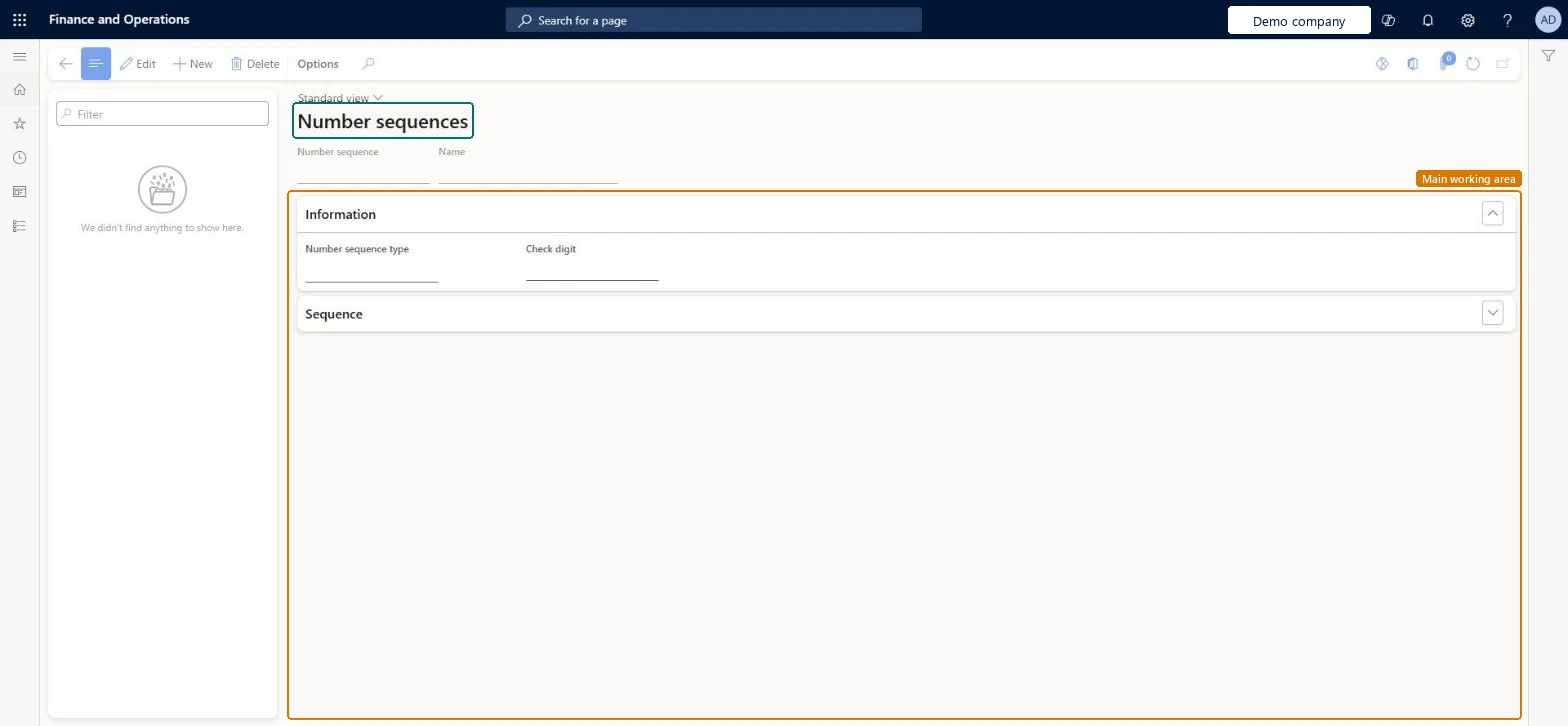
A setup page where you set up number sequences for Transportation management, such as the pro numbers that carriers use to organise and track the progress of each shipment.
PAGE GUIDEWhat the page does and how to use it8 sections. Choose a role to highlight what matters to you.
Everyone
1What it is and why
What it is
A setup page where you set up number sequences for Transportation management, such as the pro numbers that carriers use to organise and track the progress of each shipment.
What you do here
Use this page to create the pro number sequences that can then be linked to shipping carriers.
The page in Dynamics 365. page title tab to open what to set or check
About the examples: Examples and screenshots in this guide use BEAT, a demo company in a Dynamics 365 test environment. Use your own company's codes and values instead of copying them.
Setup steps on this page
Set up Number sequences
Use this page to create the pro number sequences that can then be linked to shipping carriers.
Steps from Microsoft
Go to Transportation management > Setup > Carriers > Number sequences.
Select New to create a new number sequence.
Enter a unique ID and a descriptive name for the number sequence.
In the Number sequence type field, select Pro number.
In the Check digit field, select Check digit, which is set up as a generic engine.
On the Sequence FastTab, enter the information about the sequence.
Number sequence type Pro number with Check digit selected, linked to each carrier in the Pro number sequence field on Shipping carriersThis is the setup Learn describes for pro numbers, which carriers use to organise and track each shipment.
Creating the sequence but not linking it on the shipping carrier, so no pro numbers are assigned for that carrier.
Reversible: You can change the sequence or the carrier's Pro number sequence at any time; only new pro numbers follow the change. Microsoft Learn
Technical architect
6Technical
Menu item
TMSNumberSequenceChecked in Dynamics 365
Form
TMSNumberSequenceChecked in Dynamics 365
Table
TMSNumberSequenceShown as “NUMBER SEQUENCES” in Record infoKey field: NumberSequenceCodeChecked in Dynamics 365
Data entities
TMSShippingCarrierNumberSequenceEntityShipping carrier number sequences Microsoft data model
Roles to set it up and use it
To set it up or change itLogistics manager TMSLogisticsManagerTo use itTransportation coordinator TMSTransportationCoordinatorGive people one of these roles. On this system, 2 roles can open this page.Checked in Dynamics 365
TMSShippingCarrierNumberSequenceEntity (Shipping carrier number sequences): loaded for each company, in Microsoft's default template 405 - Transportation management.Load order: Microsoft's default template 405 - Transportation management loads Shipping carrier number sequences at execution unit 1, level 40, sequence 10. Lower levels load first, and entities at the same level load in sequence order.Load first: Transportation generic engines, the default templates at lower levels (System setup to dependency bands 30 to 90)Microsoft Learn