Time and attendanceInquiries and reportsIndirect activities
JmgIpcLedgerJournal
Used by
Production manager
Business process
Record employee time
Menu item
JmgIpcLedgerJournal
Main table
JmgIpcLedgerJournal
Setup steps
1 on this page
Show what matters for
PAGE GUIDEWhat the page does and how to use it8 sections. Choose a role to highlight what matters to you.
Everyone
1What it is and why
What it is
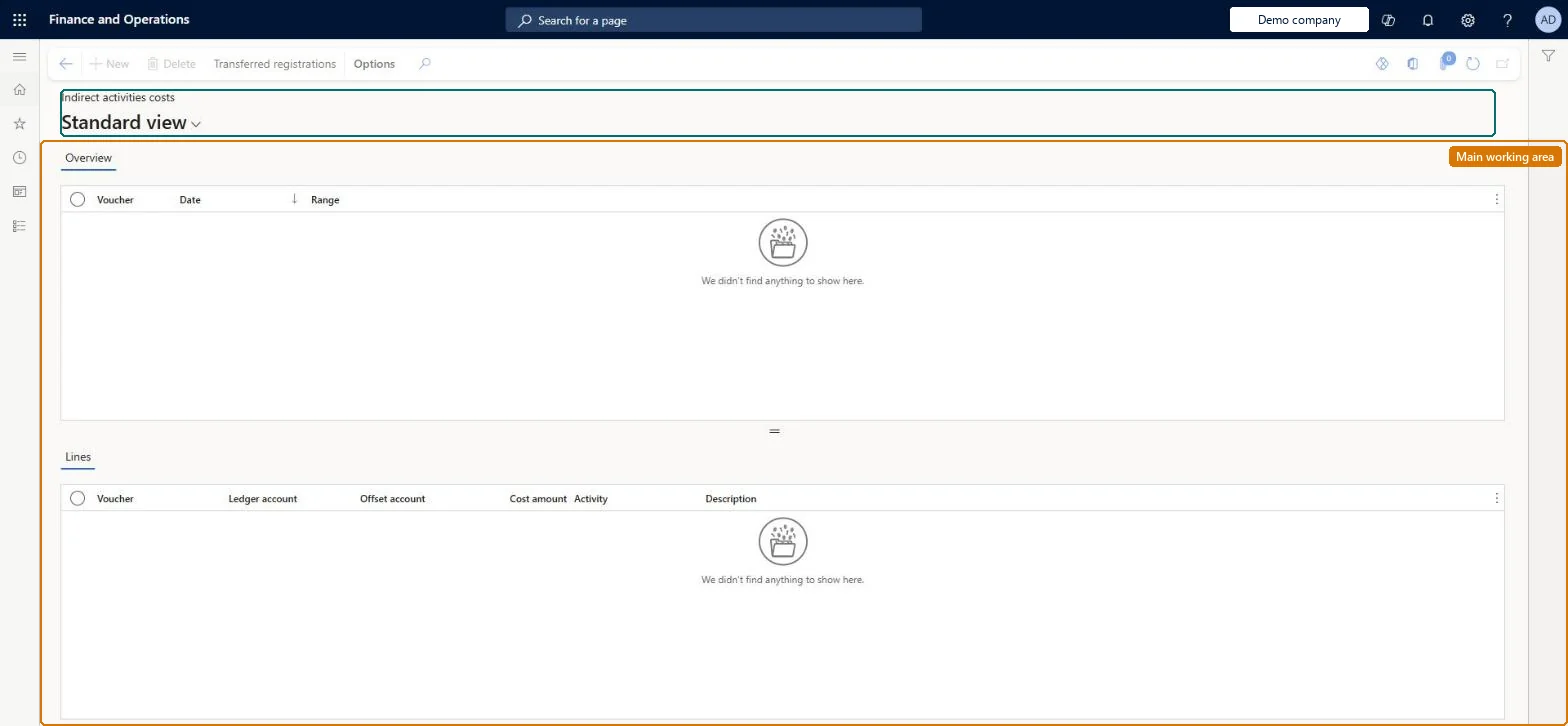
An inquiry page that shows the general ledger vouchers and voucher lines created for indirect activities costs.
What you do here
Use this page to review indirect activities costs after they are posted to the general ledger, and to open the registrations behind a voucher.
Example
For example, after Post indirect activities costs runs for October, the voucher shows the meeting cost on the ledger account and offset account, and Transferred registrations lists the meeting registrations behind it.
The page in Dynamics 365. page title tab to open what to set or check
About the examples: Examples and screenshots in this guide use BEAT, a demo company in a Dynamics 365 test environment. Use your own company's codes and values instead of copying them.
Setup steps on this page
Trace posted indirect costs
Read the page to answer one question about registrations or pay.
How to use it
Go to Time and attendance > Inquiries and reports > Indirect activities > Indirect activities costs.
On the Overview tab, select a voucher and review its Date and Range.
On the Lines tab, review Ledger account, Offset account, Cost amount, Activity and Description.
Select Transferred registrations to see the registrations behind the selected voucher.
Opens the registrations for the selected voucher.Microsoft Learn
Common errors and fixes
Message
What to do
Missing specification of ledger journal in parameter dialog box
Go to Time and attendance > Setup > Time and attendance parameters and set the ledger journal name for indirect activities, then run the job again. Checked in Dynamics 365
Test checklist
Post indirect costs for one month.
Open the voucher here.
Compare the cost amount with the Indirect activities costs statistics report.
Select the voucher for the period and open Transferred registrations behind it.Each voucher holds the period's posted indirect cost; the registrations show where it came from.
Time and attendance roles come from the security read in the Technical section. On this system the page is opened with roles such as Production manager. The Microsoft Learn article for this page names no Feature management feature to turn on.
Load order: An indirect activities cost voucher has no data entity in Data management, so it can't be loaded from a file or a configuration template. Posted costs belong to the ledger; nothing is moved.Checked in Dynamics 365