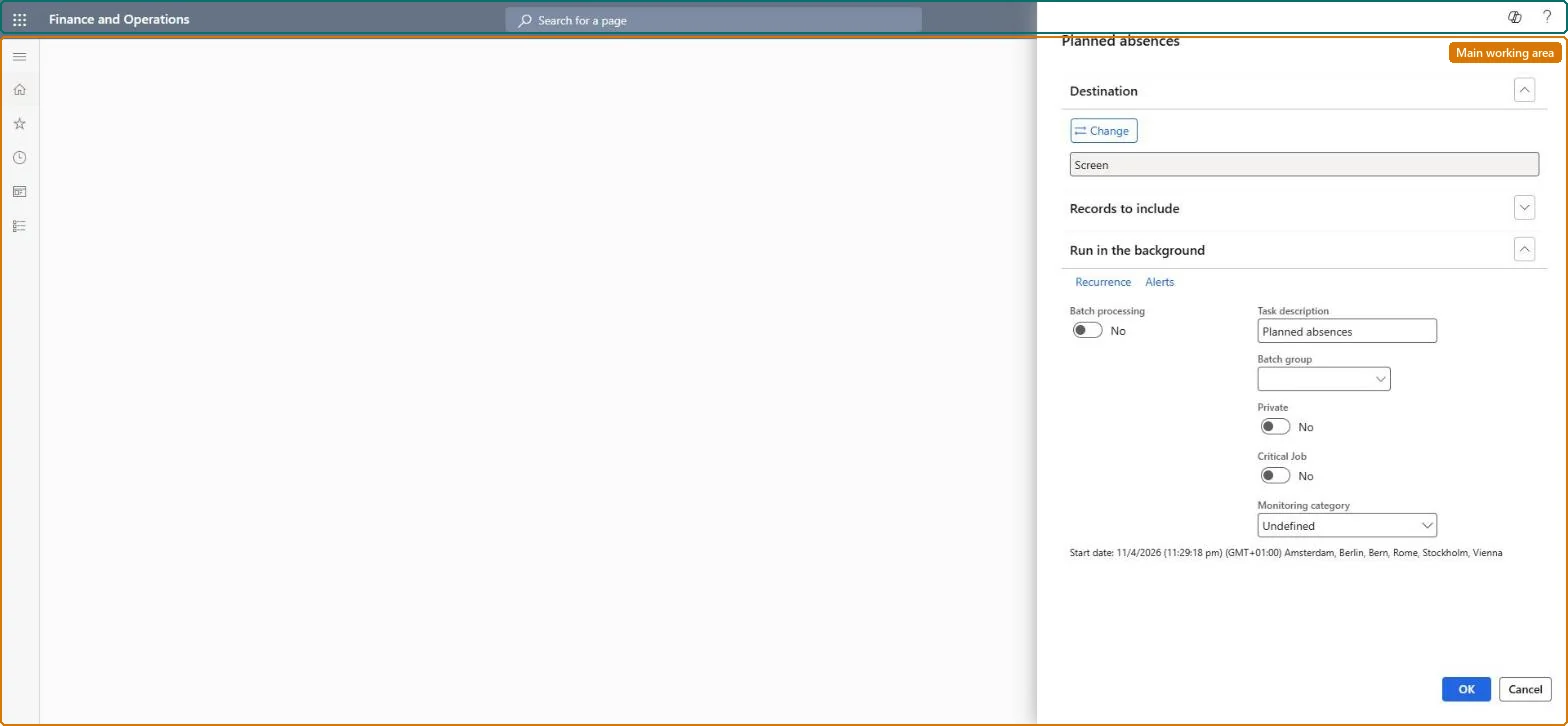
About the examples: Examples and screenshots in this guide use BEAT, a demo company in a Dynamics 365 test environment. Use your own company's codes and values instead of copying them.
When to run it
When to run it
After planned absences have been created, and before the planned period is calculated.
How often
On demand, when planned absences change.
What the output shows
An overview of planned absences per worker with the absence job and the start and end of each period. A missing worker usually was outside the Create planned absence query.
The worker isn't set up as a time registration worker, isn't active, or falls outside the query. Check the worker on Time registration workers and the query of the dialog. Microsoft Learn
A planned absence isn't marked Interrupted when the worker comes in
Interrupt reacts only to a clock-in at the shop floor terminal or device, not to lines added on the Calculate or Approve pages or the electronic timecard. Microsoft Learn
Time and attendance roles come from the security read in the Technical section. On this system access comes from duties such as Production supervisor, Shop supervisor, Manufacturing execution workload shop supervisor. The Microsoft Learn article for this page names no Feature management feature to turn on.
Per company: Time and attendance data is kept per legal entity (every Time and attendance entity in Data management is per company), so the job or report works on the registrations of the company it is run in. Microsoft Learn
Can it be undone
Nothing to undo: The overview only reads planned absence registrations; it changes nothing. Microsoft Learn
If you change it later
The report changes no data; planned absence stops calculation from asking for an absence code in the period. Microsoft Learn
Technical architect
6Technical
Menu item
JmgAbsenceCalendarChecked in Dynamics 365
Form
SysOperationTemplateFormChecked in Dynamics 365
Data entities
JmgPlannedTimeAndAttendanceAbsenceRegistrationEntityPlanned time and attendance absence registrations (the planned absence registrations the report prints; the report has no entity) Checked in Dynamics 365
Roles to set it up and use it
To set it up or change itProduction supervisor ProdProductionSupervisorShop supervisor JmgShopSupervisorManufacturing execution workload shop supervisor JmgManufacturingExecutionWorkloadSupervisorTo use itManager HcmManagerGive people one of these roles. On this system, 4 roles can open this page.Checked in Dynamics 365
Developer
7Developer
Open it by URL
https://<your-environment>/?mi=JmgAbsenceCalendar
Data migration
Load order: The Planned absences report has no data entity in Data management, so it can't be loaded from a file or a configuration template. It only prints data; set up its batch printing again if it is scheduled.Checked in Dynamics 365