About the examples: Examples and screenshots in this guide use BEAT, a demo company in a Dynamics 365 test environment. Use your own company's codes and values instead of copying them.
When to run it
When to run it
In environments that run cloud or edge scale units.
How often
As a recurring background job.
Batch settings
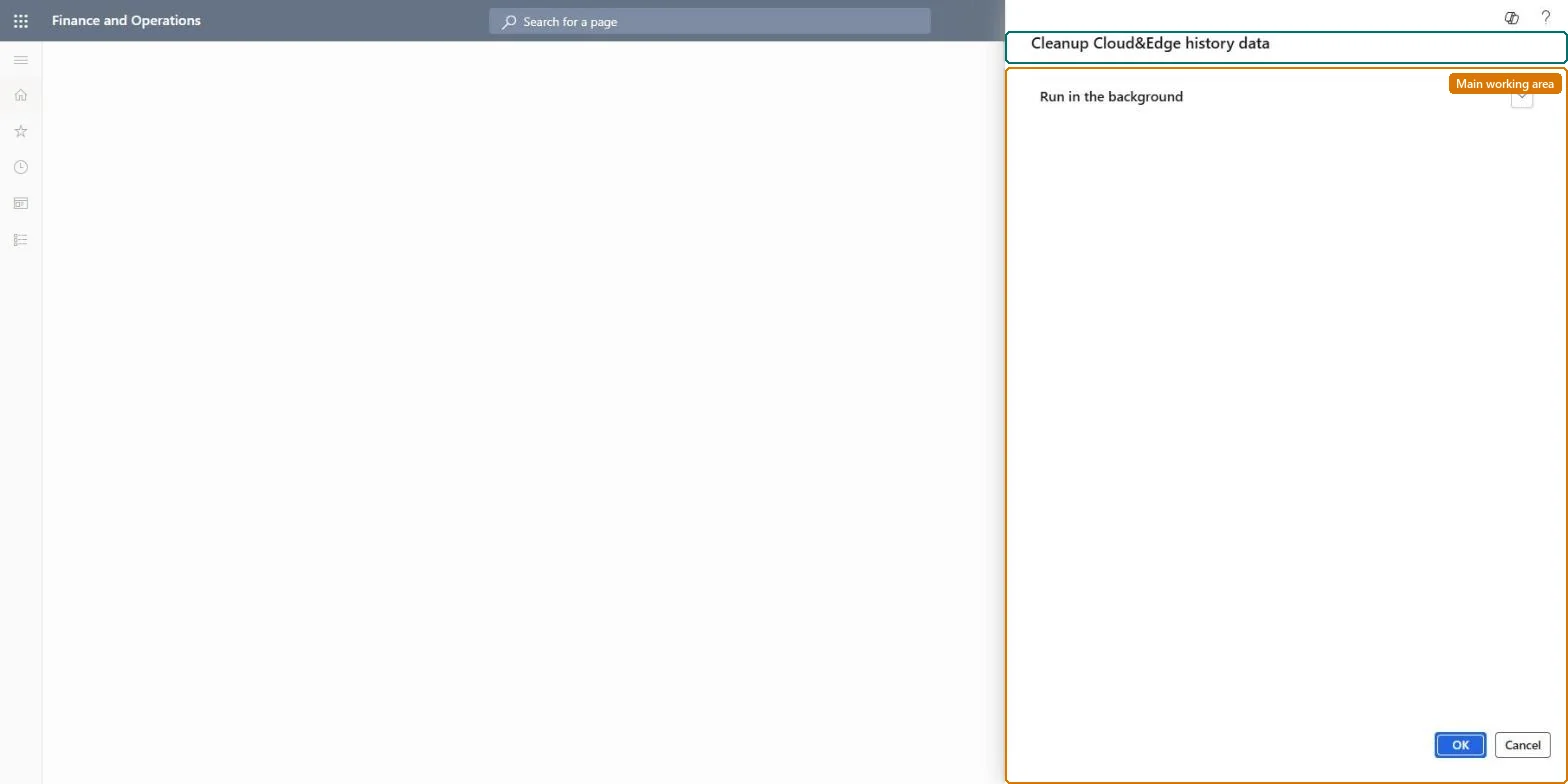
Run in the background is the only section on the dialog.
What the output shows
A batch job run that you check on Batch jobs.
Source: Checked in Dynamics 365
Setup steps on this page
Schedule the scale unit history clean-up
Run the workload history clean-up of cloud and edge scale units in the background.
How to use it
Go to System administration > Periodic tasks > Workload history data cleanup. The Cleanup Cloud&Edge history data dialog opens.
Expand Run in the background to run the clean-up as a batch job and set its recurrence.
Select OK.
Open Inquiries > Batch jobs and check that the job ended without errors.
Source: Checked in Dynamics 365
Fields on the page
Field
What it means
Run in the background
The only section on the dialog: batch processing and recurrence for the clean-up.Checked in Dynamics 365
Run it only in environments with scale units, as a background job, after testing it in a test environmentLearn: cleanup routines should be run only after the business confirms the data is no longer required, and tested in a test environment first.
On this system the page opens for Scale unit administrator and Hub scale unit admin. No Feature management feature needs to be turned on for this page.
Applies only where scale units are used: the dialog belongs to cloud and edge scale units, and on this system only Scale unit administrator and Hub scale unit admin can run it. Microsoft Learn
Can it be undone
No: Treat it like other cleanup routines: run it only after you confirm the data is no longer required, and test it first. Microsoft Learn
If you change it later
Microsoft advises running cleanup routines only after the business confirms the data is no longer required, and testing each one in a test environment before production. Microsoft Learn
Technical architect
6Technical
Menu item
action:SysWorkloadHistoryDataCleanupChecked in Dynamics 365
Roles to set it up and use it
To use itScale unit administrator ScaleUnitRuntimeAdminHub scale unit admin Give people one of these roles. On this system, 2 roles can run this page.Checked in Dynamics 365
Load order: Workload history data cleanup has no data entity in Data management, so it can't be loaded from a file or a configuration template. It is a periodic job; schedule it again in each environment that runs scale units.Checked in Dynamics 365