PAGE GUIDEWhat the page does and how to use it8 sections. Choose a role to highlight what matters to you.
Everyone
1What it is and why
What it is
A report that shows all the duties contained in each security role.
What you do here
Use this report to check that segregation of duties is kept between roles.
Example
For example, before adding a segregation of duties rule between maintaining vendors and approving vendor payments, the administrator runs this report for the purchasing roles to check that no single role holds both duties.
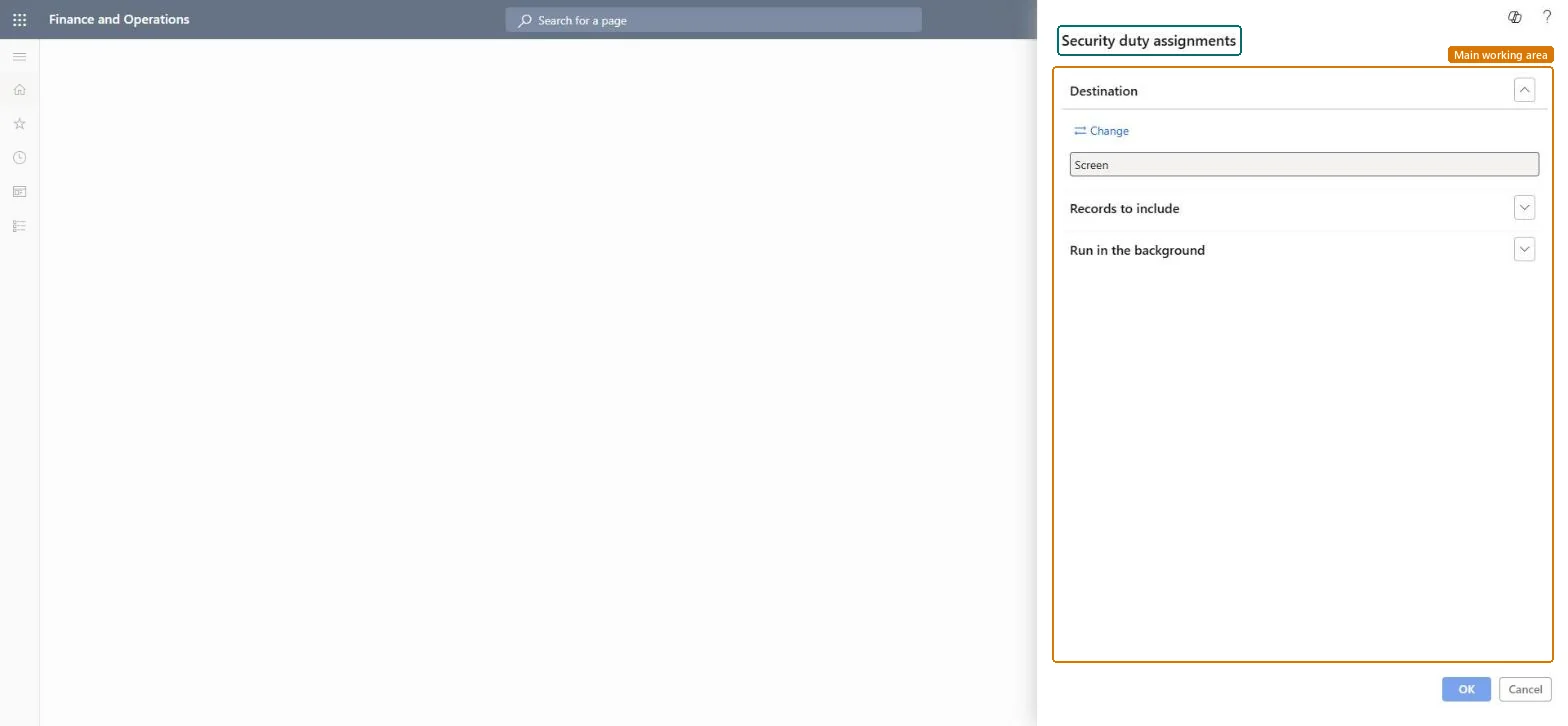
The page in Dynamics 365. page title tab to open what to set or check
About the examples: Examples and screenshots in this guide use BEAT, a demo company in a Dynamics 365 test environment. Use your own company's codes and values instead of copying them.
When to run it
When to run it
When you design or review roles, and before you add segregation of duties rules.
How often
On demand, after role design changes and at segregation of duties reviews.
Batch settings
Run it in the background when you include all roles.
What the output shows
Each role with the duties it contains and the details of each duty. Two conflicting duties inside one role mean the role itself breaks segregation of duties, which no user assignment check can fix.
Limits the report to the users or roles you add as filters; by default all are included.Microsoft Learn
Batch processing
Under Run in the background, Yes runs the report as a batch task with a job name and batch group; the task creates the report when it runs.Microsoft Learn
Yes
Common errors and fixes
Message
What to do
The report runs for a long time or blocks the session
Limit the report under Records to include, or set Batch processing to Yes so a batch task creates it. Microsoft Learn
Test checklist
Pick two duties that must be separated.
Run Security duty assignments for the roles that hold either duty.
Run it for the roles in scope of each segregation of duties rule before you add the ruleThe report shows all duties contained in each role, so two conflicting duties inside one role are found before any user is assigned.
System-wide: the report covers users and roles of the whole system, with any restriction of a role to a legal entity or organization shown under it. Microsoft Learn
Can it be undone
Nothing to undo: The report only reads role definitions; it changes nothing. Microsoft Learn
If you change it later
The report reads role definitions; it changes nothing. Changes to roles show only after they are published. Microsoft Learn
Technical architect
6Technical
Menu item
output:SysRoleDutyAssignmentsReportChecked in Dynamics 365
Load order: Security duty assignments has no data entity in Data management, so it can't be loaded from a file or a configuration template. The report reads security data live, so there is nothing to move.Checked in Dynamics 365