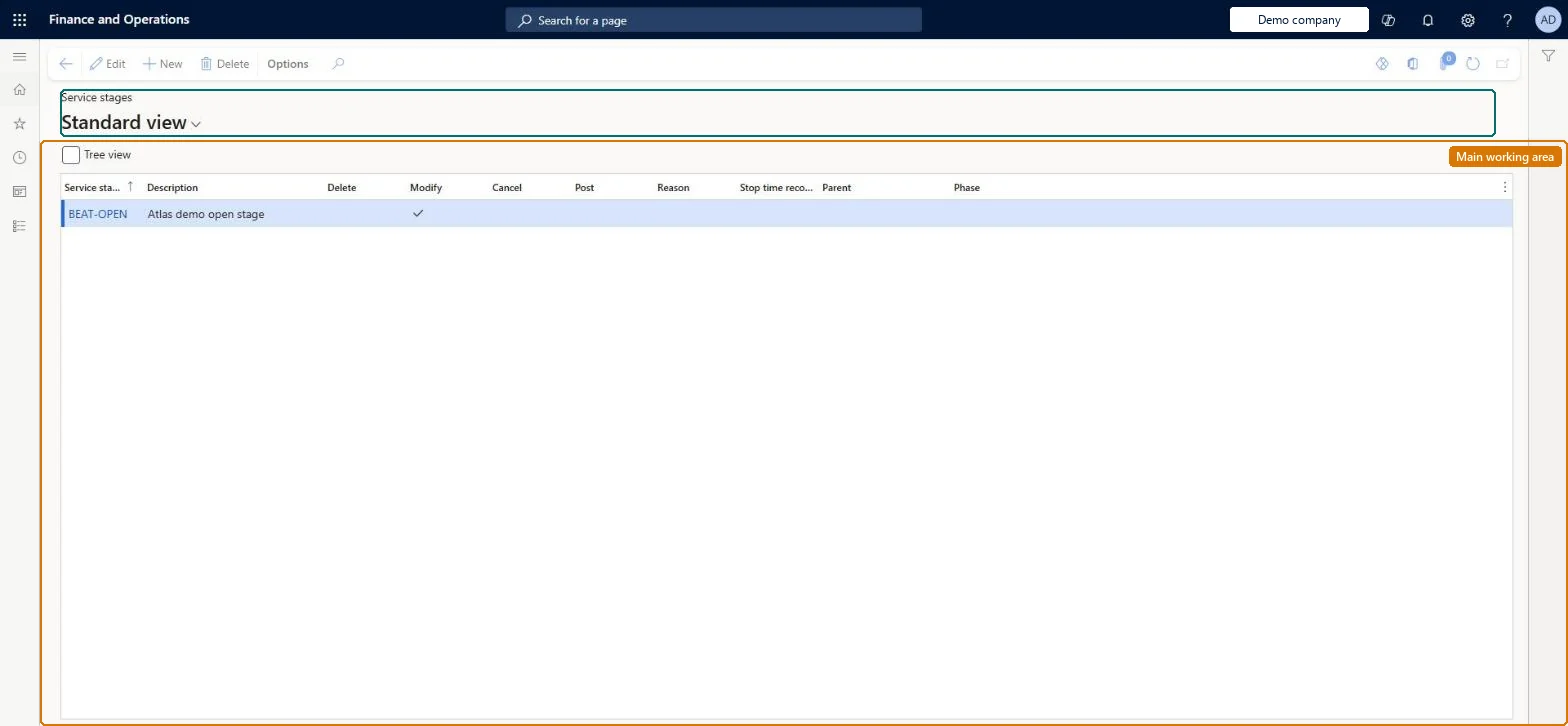
A setup page where you define the stages a service order passes through, their parent-child sequence starting from a single initial stage, and the actions (such as posting or requiring a reason code) allowed at each stage.
PAGE GUIDEWhat the page does and how to use it8 sections. Choose a role to highlight what matters to you.
Everyone
1What it is and why
What it is
A setup page where you define the stages a service order passes through, their parent-child sequence starting from a single initial stage, and the actions (such as posting or requiring a reason code) allowed at each stage.
What you do here
Use this page to control the flow of a service order through the tasks that different people in the service organisation perform, and to prevent actions such as posting until the right stage is reached.
Example
For example, set Planning as the initial stage with two branches, In process and Cancel, so that after planning the order can either be worked on or canceled.
The page in Dynamics 365. page title tab to open what to set or check
About the examples: Examples and screenshots in this guide use BEAT, a demo company in a Dynamics 365 test environment. Use your own company's codes and values instead of copying them.
Setup steps on this page
Set up Service stages
Use this page to control the flow of a service order through the tasks that different people in the service organisation perform, and to prevent actions such as posting until the right stage is reached.
Steps from Microsoft
Go to Service management > Setup > Service orders > Service stages.
Select New to create a new record.
In the Service stage and Description fields, specify a service stage ID and description.
Select the appropriate parameters for the stage.
Select the parent stage, or leave the Parent field blank if this is the initial stage.
One initial stage with a blank Parent, branches for alternatives (for example In process and Cancel), and Post selected only on the final stageClearing Post on every stage except the final one prevents service orders from being posted before they have gone through the full sequence.
Saving a stage with the wrong Parent. Parent can't be modified after save; you must delete and recreate the stage, and only one stage may have a blank Parent.Test: Orders can't be posted before the final stage
Solution architect
5Design impact
Can it be undone
Hard to reverse: Post and Reason can be changed, but the Parent of a stage can't be changed after it is saved. To change the sequence you delete the stage and create it again with the new Parent. Microsoft Learn
If you change it later
The Parent of a stage cannot be changed after it is saved; to re-sequence stages you must delete and recreate the record, and only one stage may have a blank parent. Microsoft Learn
Technical architect
6Technical
Menu item
SMAStageTableChecked in Dynamics 365
Form
SMAStageTableChecked in Dynamics 365
Table
SMAStageTableShown as “SERVICE STAGES” in Record infoChecked in Dynamics 365
PrivilegesMaintain service stages SMAStageTableMaintainView service stages SMAStageTableViewDutiesInquire into service order policies SMAServiceOrderPoliciesInquireEnable service order process SMAServiceOrderProcessEnable1 security roleService delivery manager SMAServiceDeliveryManagerChecked in Dynamics 365
Roles to set it up and use it
To set it up or change itService delivery manager SMAServiceDeliveryManagerGive people one of these roles. On this system, 1 role can open this page.Checked in Dynamics 365