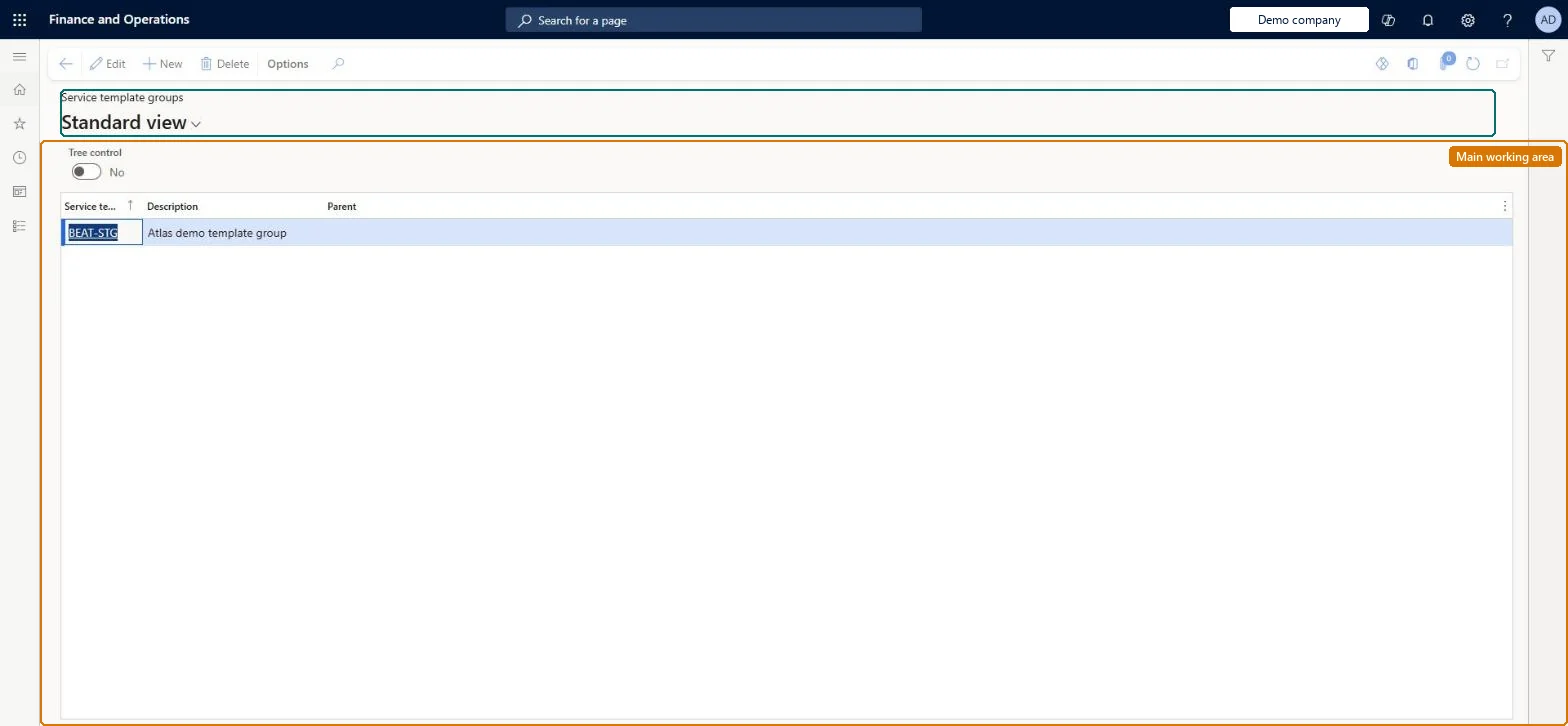
A setup page where you create a hierarchy of groups (ID, description and optional parent) used to sort and filter service templates, which are service agreements marked as templates.
PAGE GUIDEWhat the page does and how to use it8 sections. Choose a role to highlight what matters to you.
Everyone
1What it is and why
What it is
A setup page where you create a hierarchy of groups (ID, description and optional parent) used to sort and filter service templates, which are service agreements marked as templates.
What you do here
Use this page to organise service templates under meaningful group names so that users can find and copy template lines into service agreements and service orders from a tree view.
Example
For example, a customer has identical elevators at five sites, so you keep one template agreement in a group named for that elevator type and copy its lines into five agreements.
The page in Dynamics 365. page title tab to open what to set or check
About the examples: Examples and screenshots in this guide use BEAT, a demo company in a Dynamics 365 test environment. Use your own company's codes and values instead of copying them.
Setup steps on this page
Set up Service template groups
Use this page to organise service templates under meaningful group names so that users can find and copy template lines into service agreements and service orders from a tree view.
Steps from Microsoft
Go to Service management > Setup > Service agreements > Service template groups.
Create a new service template group.
Enter the group ID, a description, and a parent service template group, if there is one.
Save the service template group.
Set the Tree control slider to Yes to view the groups as a hierarchy.
Group names that reflect how the templates are used (for example by equipment type), with a Parent where a hierarchy helpsTemplate groups appear as an expandable tree when lines are copied, and Learn notes it is easier to find the right template lines when groups are named after their use.
Generic group names. Users copying template lines then can't tell templates apart in the tree.
Solution architect
5Design impact
Can it be undone
Reversible: Groups only sort and filter templates; renaming or regrouping changes the tree users see when they copy template lines. Microsoft Learn
If you change it later
Group names drive how easily users find template lines to copy, so renaming or restructuring groups affects the tree users see when copying template lines. Microsoft Learn
Technical architect
6Technical
Menu item
SMATemplateGroupChecked in Dynamics 365
Form
SMATemplateGroupChecked in Dynamics 365
Table
SMATemplateGroupShown as “SERVICE TEMPLATE GROUPS” in Record infoChecked in Dynamics 365
PrivilegesMaintain service template groups SMATemplateGroupMaintainView service template groups SMATemplateGroupViewDutiesEnable service agreement process SMAServiceAgreementProcessEnableInquire into service agreement reference data SMAServiceAgreementReferenceDataInquire1 security roleService delivery manager SMAServiceDeliveryManagerChecked in Dynamics 365
Roles to set it up and use it
To set it up or change itService delivery manager SMAServiceDeliveryManagerGive people one of these roles. On this system, 1 role can open this page.Checked in Dynamics 365