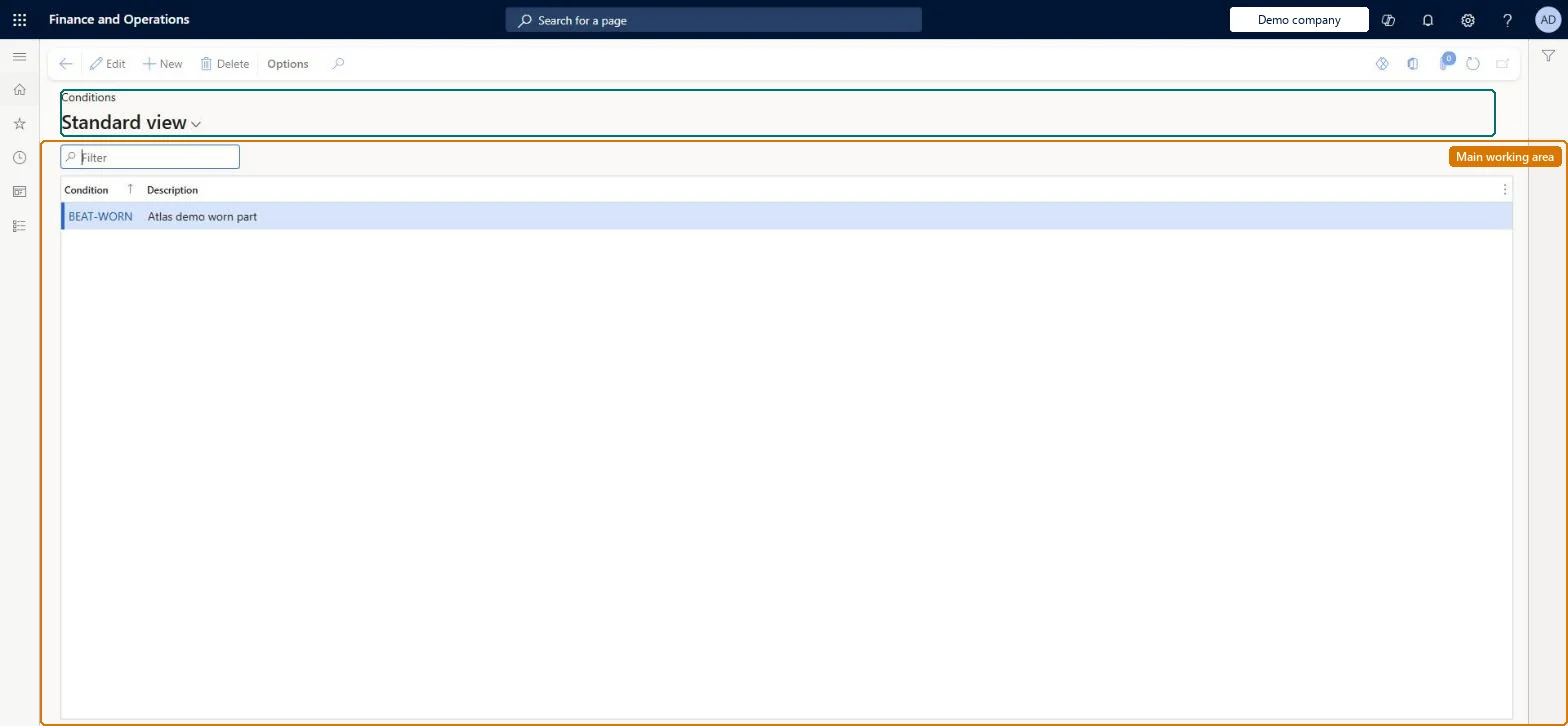
A setup page where you create condition codes (ID and description) that describe the situation or environment in which a reported problem occurs, for use on repair lines.
PAGE GUIDEWhat the page does and how to use it8 sections. Choose a role to highlight what matters to you.
Everyone
1What it is and why
What it is
A setup page where you create condition codes (ID and description) that describe the situation or environment in which a reported problem occurs, for use on repair lines.
What you do here
Use this page to build the list of conditions that technicians select on a repair line, alongside symptom areas and codes, so that similar problems can be grouped and past solutions suggested.
Example
For example, a computer's hard drive fails after extended use, so the condition recorded is that the hard drive fails after extended use.
The page in Dynamics 365. page title tab to open what to set or check
About the examples: Examples and screenshots in this guide use BEAT, a demo company in a Dynamics 365 test environment. Use your own company's codes and values instead of copying them.
Setup steps on this page
Set up Conditions
Use this page to build the list of conditions that technicians select on a repair line, alongside symptom areas and codes, so that similar problems can be grouped and past solutions suggested.
How to use it
Go to Service management > Setup > Repair > Conditions.
Use the Filter box to find a record.
Select New and enter the Condition code and its Description.
Select Edit to change a selected record, or Delete to remove it.
Conditions that describe the situation when the fault occurs (for example 'fails after extended use'), kept separate from symptom codesLearn defines the condition as the situation or environment present when the problem occurs, alongside the symptom area and code, so repairs can be grouped and past solutions suggested.
Using conditions to describe the fault itself, which belongs in symptom codes; similar problems then can't be grouped consistently.
Solution architect
5Design impact
Can it be undone
Reversible: Conditions are a lookup list selected on repair lines; you can add or reword them at any time. Rewording changes how past repair lines read in reports. Microsoft Learn
Technical architect
6Technical
Menu item
SMAConditionTableChecked in Dynamics 365
Form
SMAConditionTableChecked in Dynamics 365
Table
SMAConditionTableShown as “SERVICE REPAIR CONDITIONS” in Record infoChecked in Dynamics 365
PrivilegesMaintain conditions SMAConditionTableMaintainView conditions SMAConditionTableViewDutiesEnable service order process SMAServiceOrderProcessEnableInquire into service order reference data SMAServiceOrderReferenceDataInquire2 security rolesService dispatcher SMADispatcherService delivery manager SMAServiceDeliveryManagerChecked in Dynamics 365
Roles to set it up and use it
To set it up or change itService delivery manager SMAServiceDeliveryManagerTo use itService dispatcher SMADispatcherGive people one of these roles. On this system, 2 roles can open this page.Checked in Dynamics 365