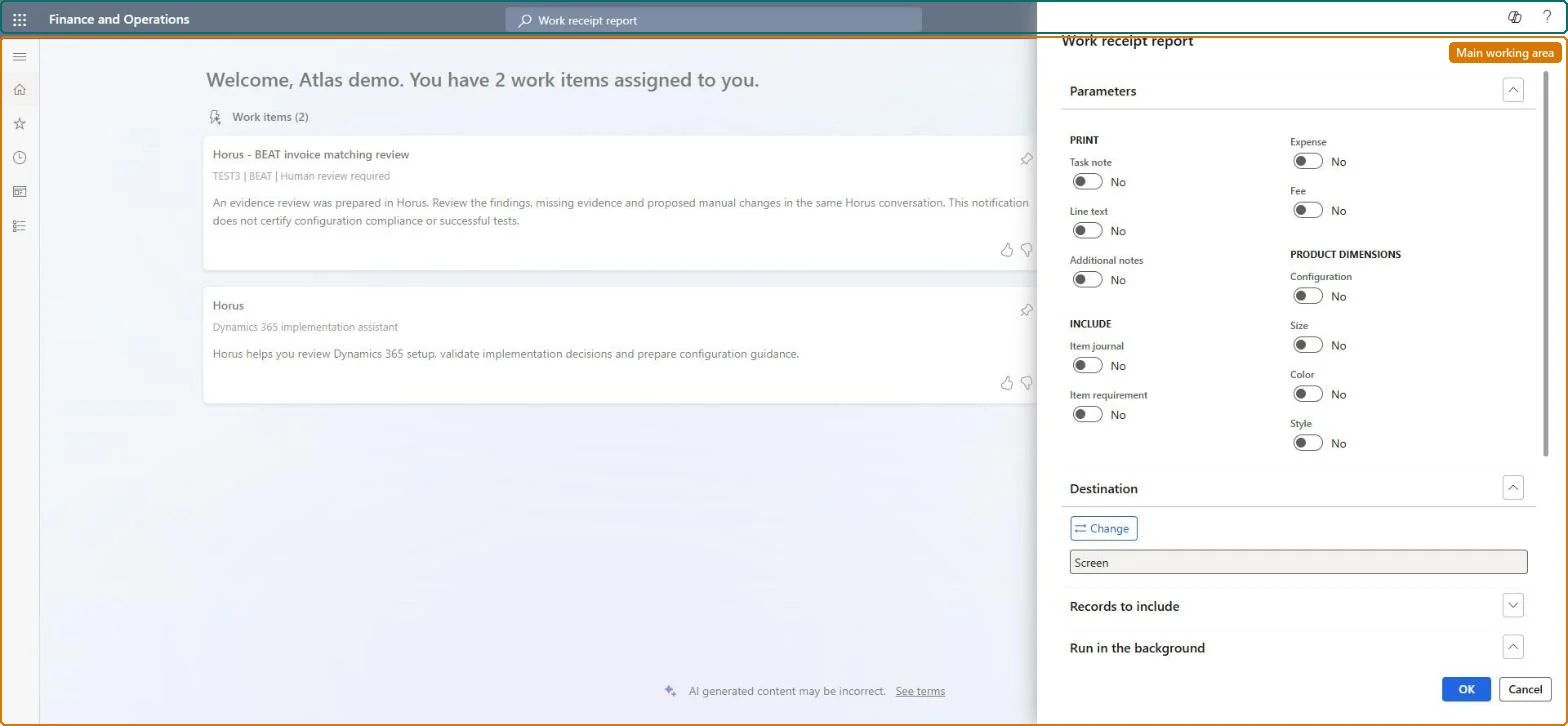
A report dialog that prints the Work receipt report, a document handed to the customer confirming the service work that was performed on a service order.
PAGE GUIDEWhat the page does and how to use it6 sections. Choose a role to highlight what matters to you.
Everyone
1What it is and why
What it is
A report dialog that prints the Work receipt report, a document handed to the customer confirming the service work that was performed on a service order.
What you do here
Use this page to print work receipts for service orders to give to the customer after the service visit.
The page in Dynamics 365. page title tab to open what to set or check
About the examples: Examples and screenshots in this guide use BEAT, a demo company in a Dynamics 365 test environment. Use your own company's codes and values instead of copying them.
When to run it
When to run it
After the service visit, when the work on the service order is done and the customer needs confirmation of it.
How often
On demand, after each completed service visit.
What the output shows
A work receipt per service order that confirms to the customer the service work that was performed, with the notes, item lines and product dimensions you chose. Unlike the Work description report, it is the document for the customer after the visit. Work that is missing usually means the service order lines were not updated after the visit.
Go to Service management > Inquiries and reports > Work receipt report.
Under Parameters > Print, set Task note, Line text and Additional notes to Yes if the customer's copy should show what was noted about the work performed.
Under Include, set Item journal and Item requirement to Yes so the receipt also confirms the parts used on the visit.
Under Product dimensions, set Configuration, Size, Color and Style to Yes when the customer needs to see which variant of an item was used.
Expand Records to include and select Filter to choose the completed service orders, select OK, and check that each receipt matches the work that was actually done before you hand it to the customer.