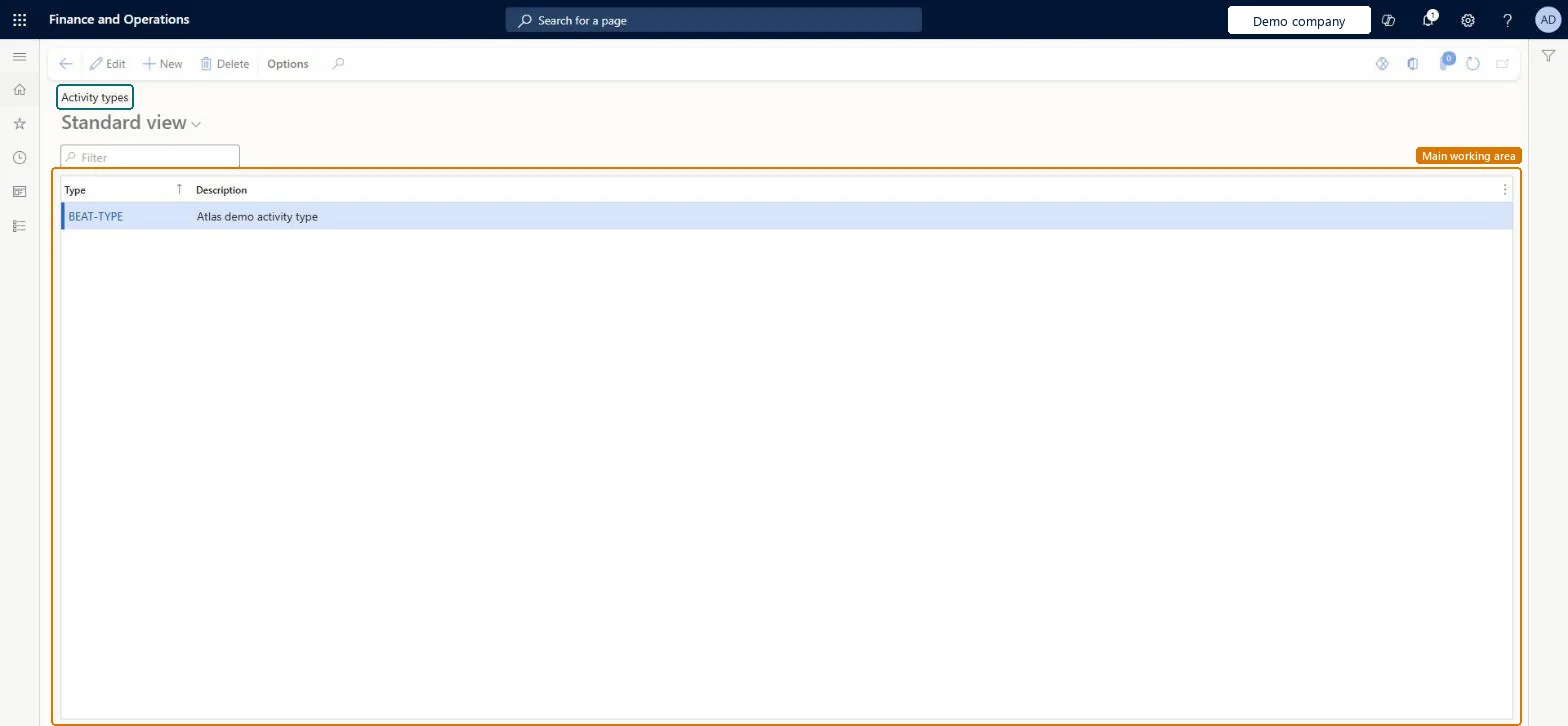
A setup page where you list the activity types, each with a name and a description, used for sales activities, activities created from cases and service activities.
PAGE GUIDEWhat the page does and how to use it8 sections. Choose a role to highlight what matters to you.
Everyone
1What it is and why
What it is
A setup page where you list the activity types, each with a name and a description, used for sales activities, activities created from cases and service activities.
What you do here
Use this page to define the activity types, such as the service activities that are added to service orders and the activity type that a case category creates.
Example
For example, BEAT creates the types CALL, VISIT and INSTALL: sales staff log CALL activities on leads, and the INSTALL type is added as a service activity on service orders and shown on the dispatch board for 3 technicians.
The page in Dynamics 365. page title tab to open what to set or check
About the examples: Examples and screenshots in this guide use BEAT, a demo company in a Dynamics 365 test environment. Use your own company's codes and values instead of copying them.
Step by step, with screenshots
Set up Activity types1 screen
Use this page to define the activity types, such as the service activities that are added to service orders.
Screen 1
Create an activity type
Go to Organization administration > Setup > Activities > Activity types
Select New
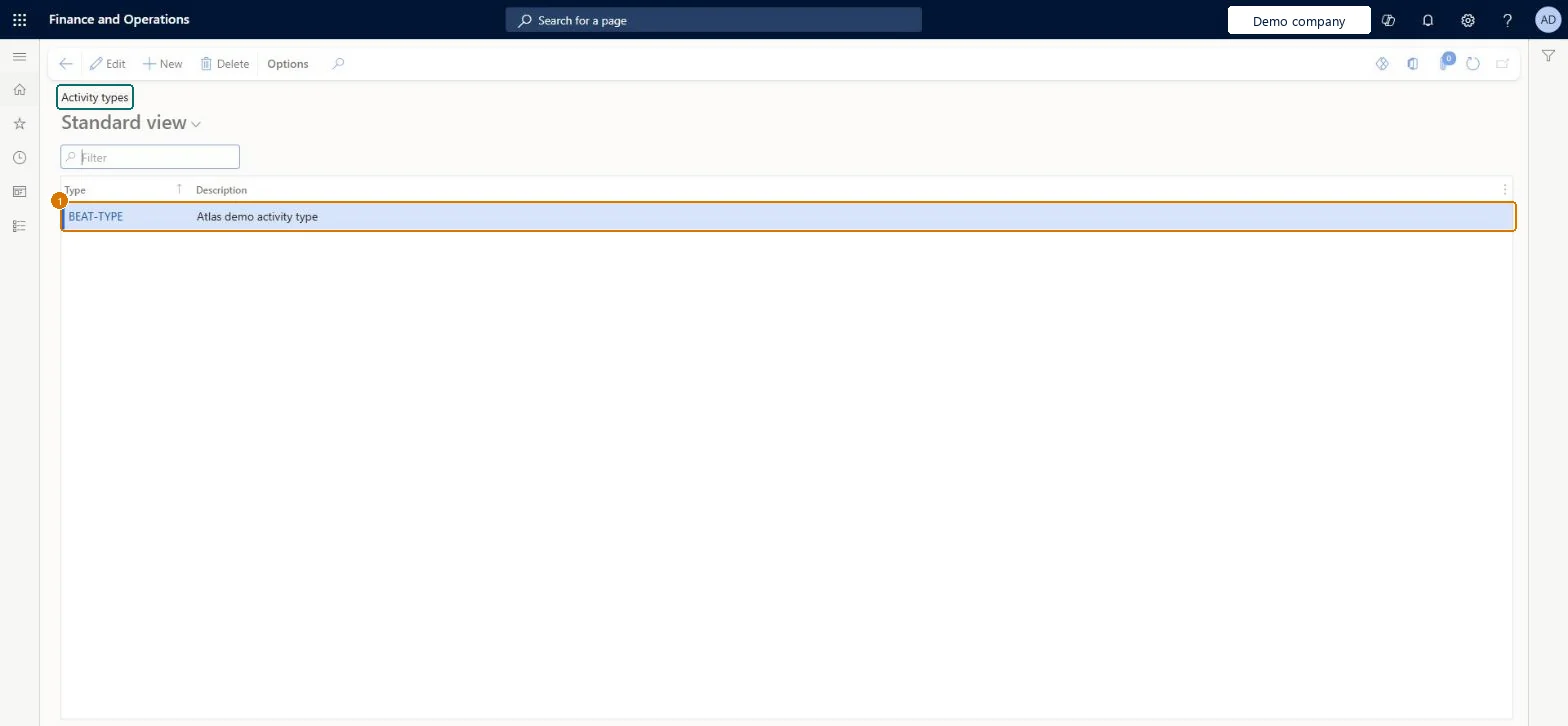
Enter the type and its description
Select Save
1Type
BEAT-TYPE
Description
Activity type
Show the full screen page title tab to open what to set or check
Set up activity types
Use this page to define the activity types used for sales activities, case activities and service activities.
Steps from Microsoft
Go to Sales and marketing > Setup > Activities > Activity types.
Add a new activity type line.
In the Type field, enter a name, and describe it in the Description field.
Close the page to save your changes.
Add the type to a service order as a service activity, or select it as the activity type of a case category.
A new activity type doesn't appear for service orders.
Service activities are defined on this Activity types page; add the type here, then add it to the service order manually or through the service agreement. Microsoft Learn
Test checklist
Add activity type INSTALL with a Description.
Check that the same type appears under Organization administration > Setup > Activities > Activity types.
Add a service activity of type INSTALL to a service order and check it is listed on the Dispatch board.
One shared list of activity types for sales, case and service work, named by what the worker does (call, visit, install).Service activities are defined on this page and the same list is shown in Organization administration; case categories also pick their activity type from it.
On the live system, Sales manager, Marketing manager, Information technology manager and Customer service manager can maintain this page, and Collections manager can use it.
Checked in Dynamics 365
Solution architect
5Design impact
Shared or per company
One list opened from two menus: Sales and marketing and Organization administration show the same activity types, and Service management uses them for service activities. Microsoft Learn
Can it be undone
Reversible: You can edit or delete activity types; activities already created keep the type they were given. Microsoft Learn
If you change it later
Service activities can be added to service orders automatically from the service agreement, so a type used there appears on new service orders and on the dispatch board. Microsoft Learn
Technical architect
6Technical
Menu item
smmActivityTypeGroupChecked in Dynamics 365
Form
smmActivityTypeGroupChecked in Dynamics 365
Table
smmActivityTypeGroupShown as “Activity type” in Record infoChecked in Dynamics 365
Roles to set it up and use it
To set it up or change itSales manager TradeSalesManagerMarketing manager CRMMarketingManagerInformation technology manager SysServerITManagerCustomer service manager TradeCustomerServiceManagerTo use itCollections manager CollectionLetterCollectionsManagerGive people one of these roles. On this system, 5 roles can open this page.Checked in Dynamics 365
Actions on the page
Options: Personalize, Page options, ShareChecked in Dynamics 365
Checked in a working Dynamics 365 system, version 10.0.49: the menu item, form, table and security, the page, the demo records and the values in the screenshots.