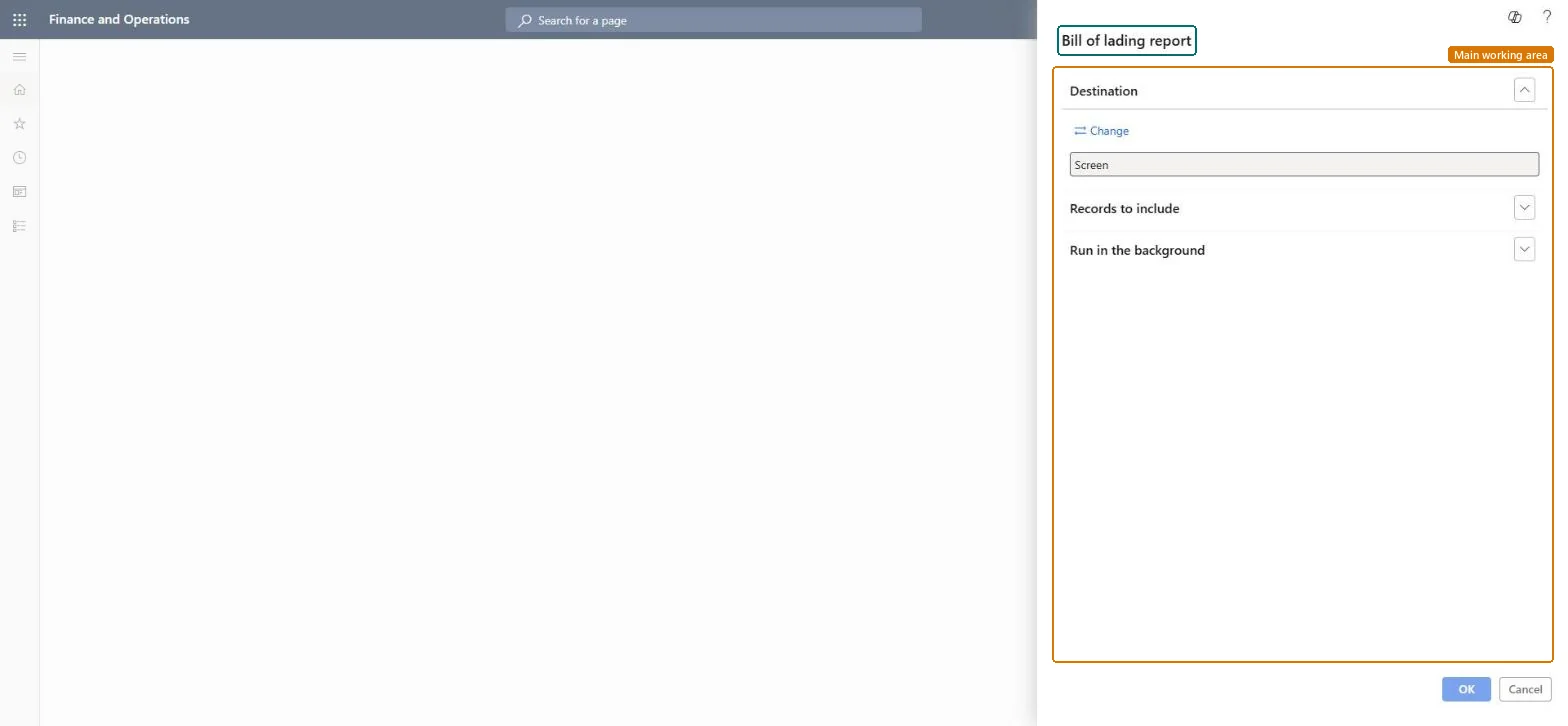
About the examples: Examples and screenshots in this guide use BEAT, a demo company in a Dynamics 365 test environment. Use your own company's codes and values instead of copying them.
When to run it
When to run it
When goods are handed to the carrier and the bill of lading must accompany the shipment.
How often
Per shipment, whenever a load leaves the warehouse.
What the output shows
The printed bill of lading for each number you selected: the legal document between shipper and carrier that serves as receipt when the goods are delivered.
Go to Sales and marketing > Sales orders > Order shipping > Bill of lading report.
Filter on Bill of lading in Records to include to print one or more bills of lading by number.
Create the bill of lading first on the Bill of lading page, or from the load planning workbench when the load is Shipped; this report only prints existing ones.
If a load has several shipments, decide whether you need each shipment's bill of lading or the master bill of lading.
Run the report and hand the document to the carrier with the goods.
No master bill of lading is printed for a load with several shipments.
Set Create a master bill of lading when there's more than one shipment on a load to Yes in Transportation management parameters and generate the bills of lading again before printing. Microsoft Learn
On the live system, Shipping clerk, Warehouse manager and Materials manager use this page.
Checked in Dynamics 365
Solution architect
5Design impact
Shared or per company
Per company: prints the bills of lading of the current legal entity. Microsoft Learn
Can it be undone
Nothing to undo: Printing only reads the bill of lading; it changes nothing. Microsoft Learn
If you change it later
Printing changes nothing; edit the bill of lading on the Bill of lading page first. Microsoft Learn
Technical architect
6Technical
Menu item
output:WMSBillOfLadingChecked in Dynamics 365
Form
SysOperationTemplateFormChecked in Dynamics 365
Roles to set it up and use it
To use itShipping clerk InventShippingClerkWarehouse manager WMSWarehouseManagerMaterials manager InventMaterialsManagerQuality control manager InventQualityControlManagerGive people one of these roles. On this system, 4 roles can run this page.Checked in Dynamics 365