About the examples: Examples and screenshots in this guide use BEAT, a demo company in a Dynamics 365 test environment. Use your own company's codes and values instead of copying them.
Setup steps on this page
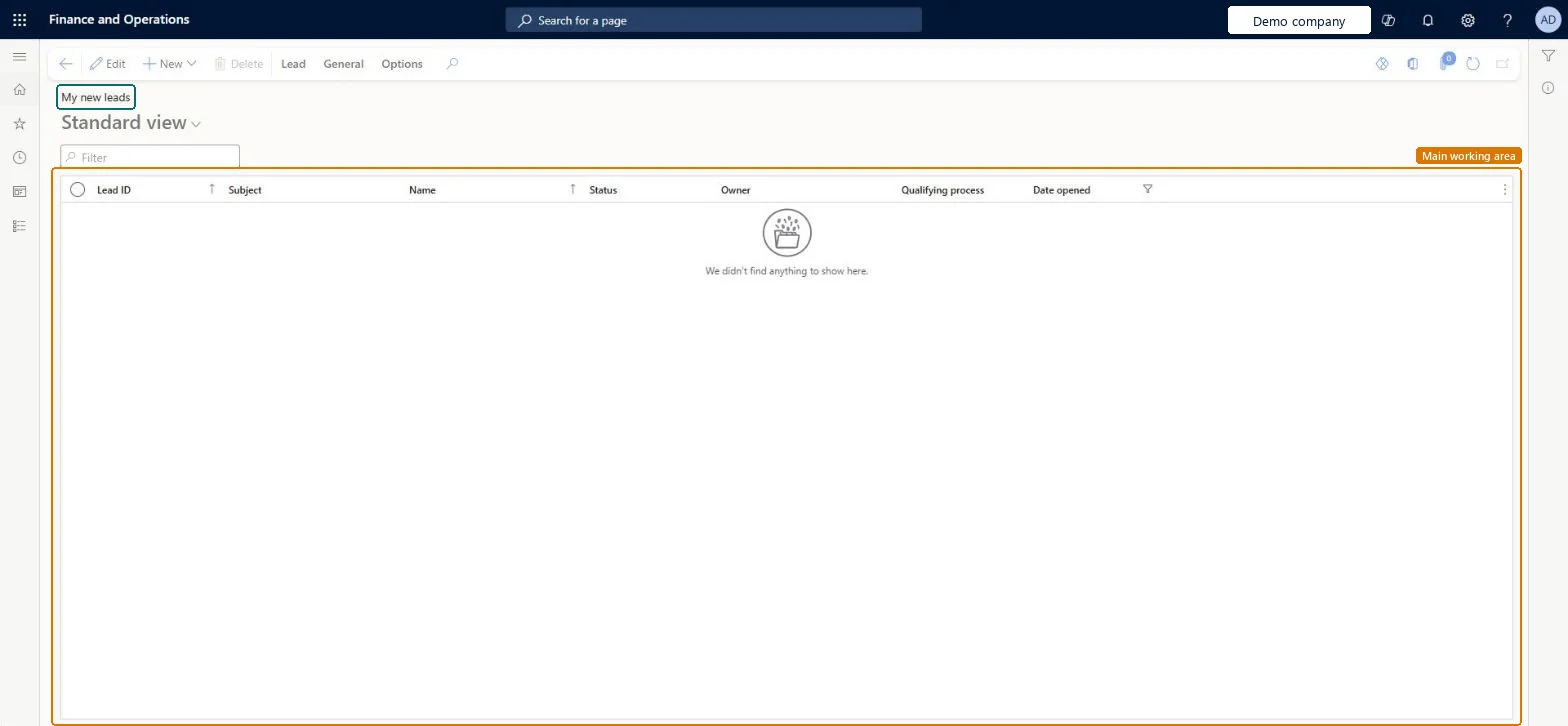
Use My new leads for lead follow-up
Use this page to see the new leads that are yours and make first contact with each of them.
Steps from Microsoft
Go to Sales and marketing > Relationships > Leads > My new leads.
Open each lead and read Subject, Source type and the Contacts tab.
Create an activity for the first call on the General tab.
Change the lead's status once first contact is made, so it moves on from your new leads.
How important it is to your organization that the lead is converted to a customer.Microsoft Learn
HIGH
Priority
Rating
How likely the lead is to become an opportunity or a customer, from the rating values set up for leads.Microsoft Learn
HOT
Rating
Common errors and fixes
Message
What to do
Qualifying a lead doesn't open a new opportunity or customer.
Automatic creation from qualified leads is set in Sales and marketing parameters. Without it, create the opportunity or customer from the lead yourself after you qualify it. Microsoft Learn
Test checklist
Create a new lead with yourself as Owner.
Check it shows in My new leads.
Change its status and check it moves out of My new leads.
Open My new leads at the start of each day and create the first-contact activity for every lead on it.These are leads that are yours but not yet worked; a quick first contact keeps them warm.
New records on this page take their Lead ID from the smmLeadId reference; BEAT uses number sequence Sale_127. Checked in Dynamics 365
Feature management and licence
Licence or add-in
On the live system, the roles that use this page include Sales manager, Sales representative, Marketing manager, Marketing coordinator, Customer service representative and Rental manager. The prospect-to-cash integration with Dynamics 365 Sales integrates prospects, not leads.
Per company: each legal entity has its own leads and lead number sequence. Microsoft data model
Can it be undone
Reversible with effort: Status changes can be changed again and postponed leads reactivated; a deleted lead can't be restored. Microsoft Learn
If you change it later
A filtered view on the same lead records as All leads. Qualifying from here can create an opportunity or customer; deleting can also delete the lead's activities, responsibilities, campaigns and contacts. Microsoft Learn
Technical architect
6Technical
Menu item
smmLeadsListPage_MyNewLeadsChecked in Dynamics 365
Form
smmLeadTableChecked in Dynamics 365
Table
smmLeadTableShown as “Leads” in Record infoKey field: LeadIdChecked in Dynamics 365
PrivilegesMaintain my new leads smmLeadsListPage_MyNewLeadsMaintainView my new leads smmLeadsListPage_MyNewLeadsViewDutiesInquire into leads and opportunities RentalsmmLeadsAndOpportunitiesInquireInquire into leads and opportunities smmLeadsAndOpportunitiesInquireMaintain leads and opportunities smmLeadsAndOpportunititiesMaintain8 security rolesMarketing coordinator CRMMarketingCoordinatorMarketing manager CRMMarketingManagerRental coordinator agent RentalCoordinatorAgentRental manager RentalManagerRental representative RentalRepresentativeCustomer service representative TradeCustomerServiceRepresentativeSales manager TradeSalesManagerSales representative TradeSalesRepresentativeChecked in Dynamics 365
Roles to set it up and use it
To set it up or change itSales manager TradeSalesManagerSales representative TradeSalesRepresentativeMarketing coordinator CRMMarketingCoordinatorTo use itRental manager RentalManagerRental coordinator agent RentalCoordinatorAgentMarketing manager CRMMarketingManagerCustomer service representative TradeCustomerServiceRepresentativeRental representative RentalRepresentativeGive people one of these roles. On this system, 8 roles can open this page.Checked in Dynamics 365
Actions on the page
LeadGeneral: Set up, Generate, Related information, ActivitiesOptions: Personalize, Page options, ShareChecked in Dynamics 365
smmLeadEntity (Leads): loaded for each company; the same entity as All leads.Load order: Microsoft's default template 330 - Sales and marketing loads Leads at execution unit 1, level 330, sequence 20. Lower levels load first, and entities at the same level load in sequence order.Load first: the default templates at lower levels (System setup to Procurement)Microsoft Learn