About the examples: Examples and screenshots in this guide use BEAT, a demo company in a Dynamics 365 test environment. Use your own company's codes and values instead of copying them.
When to run it
When to run it
After you change tier rules in a loyalty program and want them applied to loyalty cards that are already issued.
How often
Only when tier rules change; Microsoft advises against running it more often for large customer bases.
Batch settings
Run it in batch off-peak; for large deployments limit it to specific cards or programs and keep it apart from financial posting and statement processing.
What the output shows
Loyalty cards with tiers recalculated against the current tier rules. A tier that didn't change usually means the points earned since the last tier grant date don't reach the new threshold.
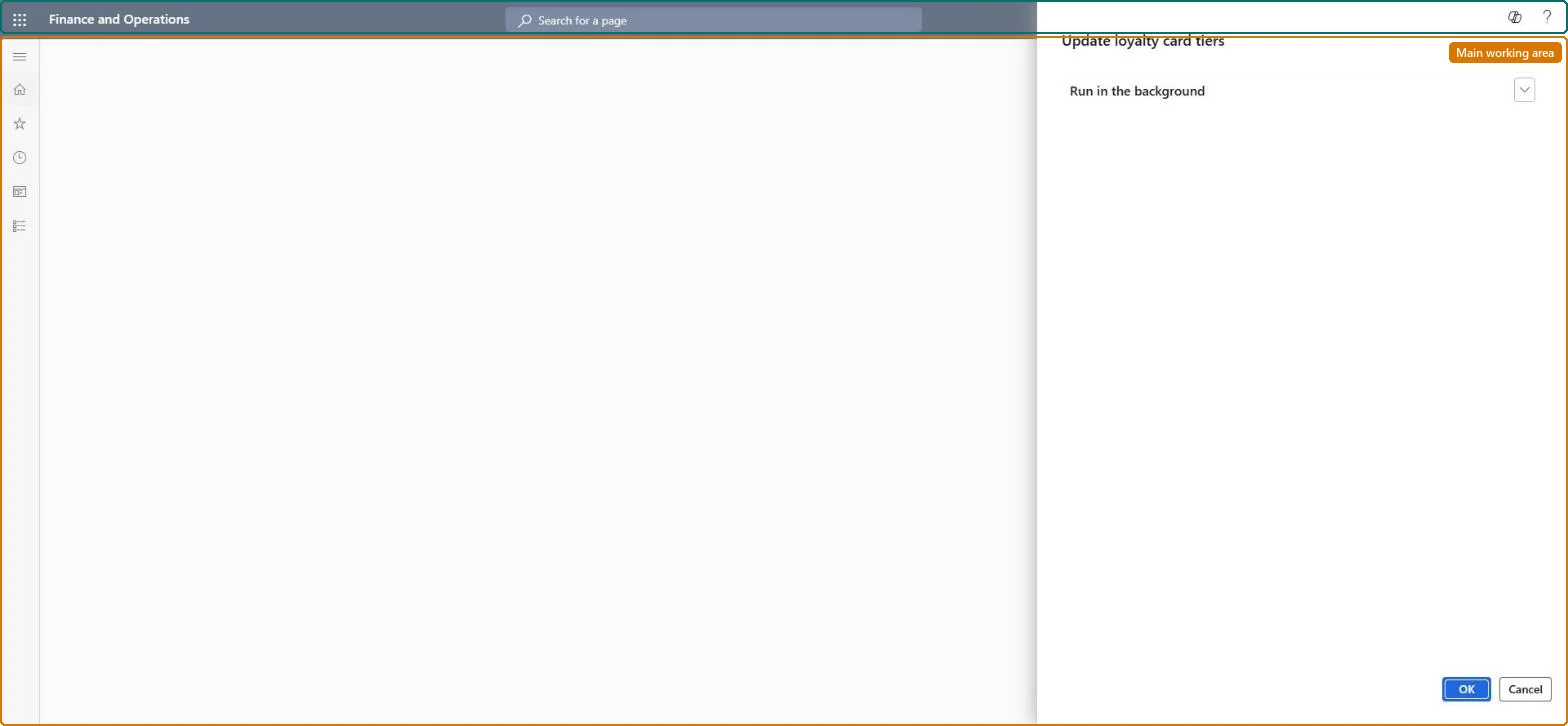
Go to Retail and Commerce > Retail and Commerce IT > Loyalty > Update loyalty card tiers.
Run it only after you change the tier rules of a loyalty program and want them applied to cards that are already issued; earn, return and adjustment transactions already recalculate the tier of the card involved.
Where possible, run it for specific loyalty cards or programs instead of the whole card population.
In large deployments, schedule it off-peak, outside store close, financial posting and e-commerce peaks, and not at the same time as statement posting or other heavy jobs.
Open a few loyalty cards and check the loyalty tier and its start and end dates in the Loyalty program grid.
No: Recalculated tiers stay on the cards. Change a tier by hand on the loyalty card if needed. Microsoft Learn
If you change it later
In large deployments the job is resource-intensive, so schedule it off-peak and not alongside statement or financial posting. Microsoft Learn
Technical architect
5Technical
Menu item
RetailUpdateLoyaltyCardTiersJobSchedulerChecked in Dynamics 365
Form
DialogChecked in Dynamics 365
Roles to set it up and use it
To use itRetail service RetailServiceRetail operations manager RetailOperationsManagerGive people one of these roles. On this system, 2 roles can run this page.Checked in Dynamics 365