About the examples: Examples and screenshots in this guide use BEAT, a demo company in a Dynamics 365 test environment. Use your own company's codes and values instead of copying them.
When to run it
When to run it
After you change loyalty configuration data such as loyalty schemes, loyalty programs or reward points, including affiliation and excluded-affiliation rules.
How often
Every time loyalty configuration changes, or as a regular batch process.
Batch settings
A batch process followed by the 1050 distribution schedule job.
What the output shows
Loyalty schemes linked to the channels they are assigned to. If a store still applies the old rule, the 1050 job hasn't run after this job, or the scheme isn't assigned to that channel.
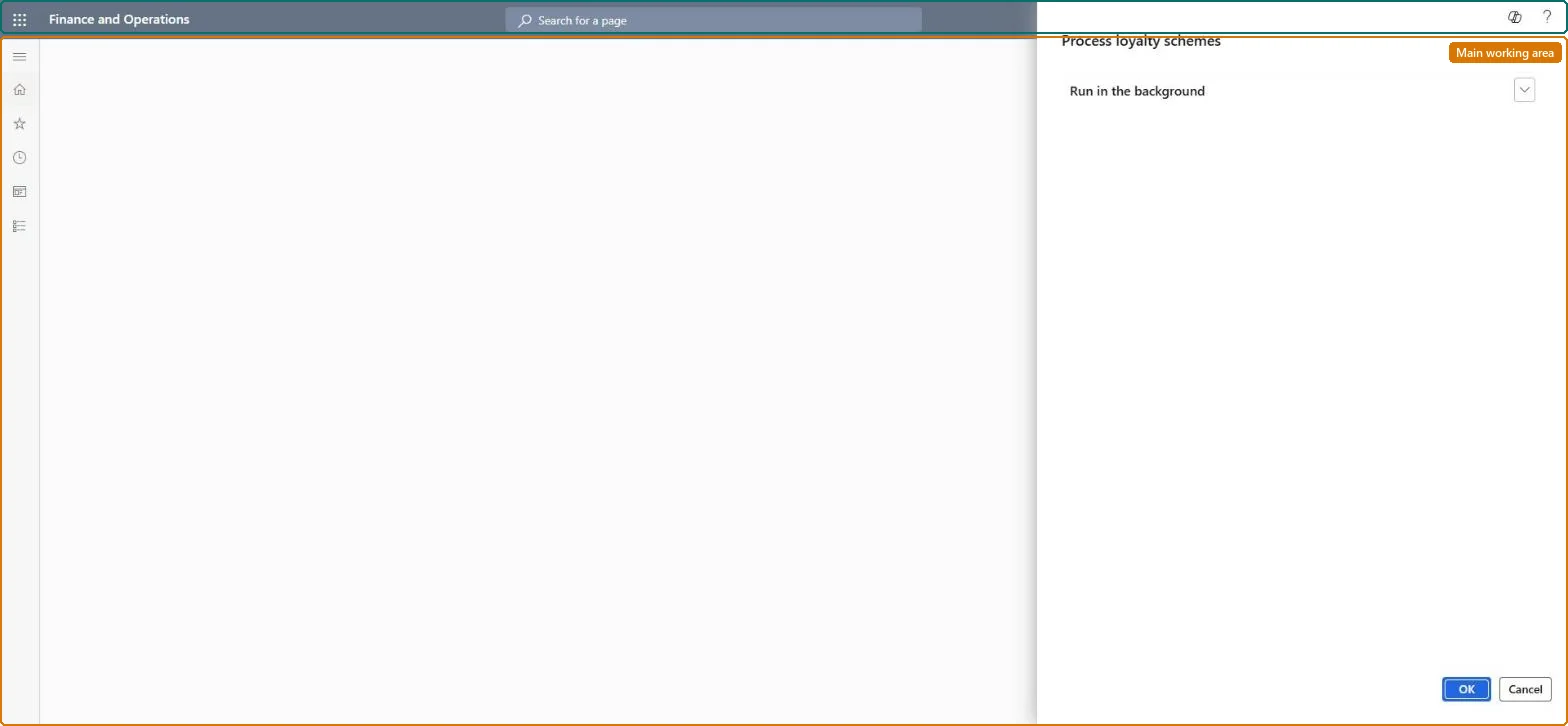
Go to Retail and Commerce > Retail and Commerce IT > Loyalty > Process loyalty schemes.
Finish your changes to loyalty schemes, loyalty programs or loyalty reward points first; the job associates each loyalty scheme with the channels it is assigned to.
Schedule it as a batch process, as Microsoft recommends, or run it right after a configuration change.
When it finishes, run the 1050 (loyalty information) distribution schedule job so the changed loyalty data reaches the stores.
Make a test sale in a store of the scheme and check that the new earning or redemption rule applies.
Yes, by rerunning: Change the loyalty scheme back and run the job and the 1050 job again. Microsoft Learn
If you change it later
Updates which loyalty schemes apply in each channel. Microsoft Learn
Technical architect
5Technical
Menu item
RetailLoyaltySchemeExploderJobSchedulerChecked in Dynamics 365
Form
DialogChecked in Dynamics 365
Roles to set it up and use it
To use itRetail service RetailServiceRetail operations manager RetailOperationsManagerGive people one of these roles. On this system, 2 roles can run this page.Checked in Dynamics 365