About the examples: Examples and screenshots in this guide use BEAT, a demo company in a Dynamics 365 test environment. Use your own company's codes and values instead of copying them.
When to run it
When to run it
After other-activity lines have been imported (through the data entity or OData) and reviewed, to award points for non-sales engagement in one run.
How often
After each import and review of other-activity lines.
Batch settings
Run it in batch after the review, so all unposted lines are posted together.
What the output shows
All unposted lines in Loyalty lines for other activities are posted, and customers get points by the earning rules. A customer without points usually had no earning rule for that activity type or the line was deleted.
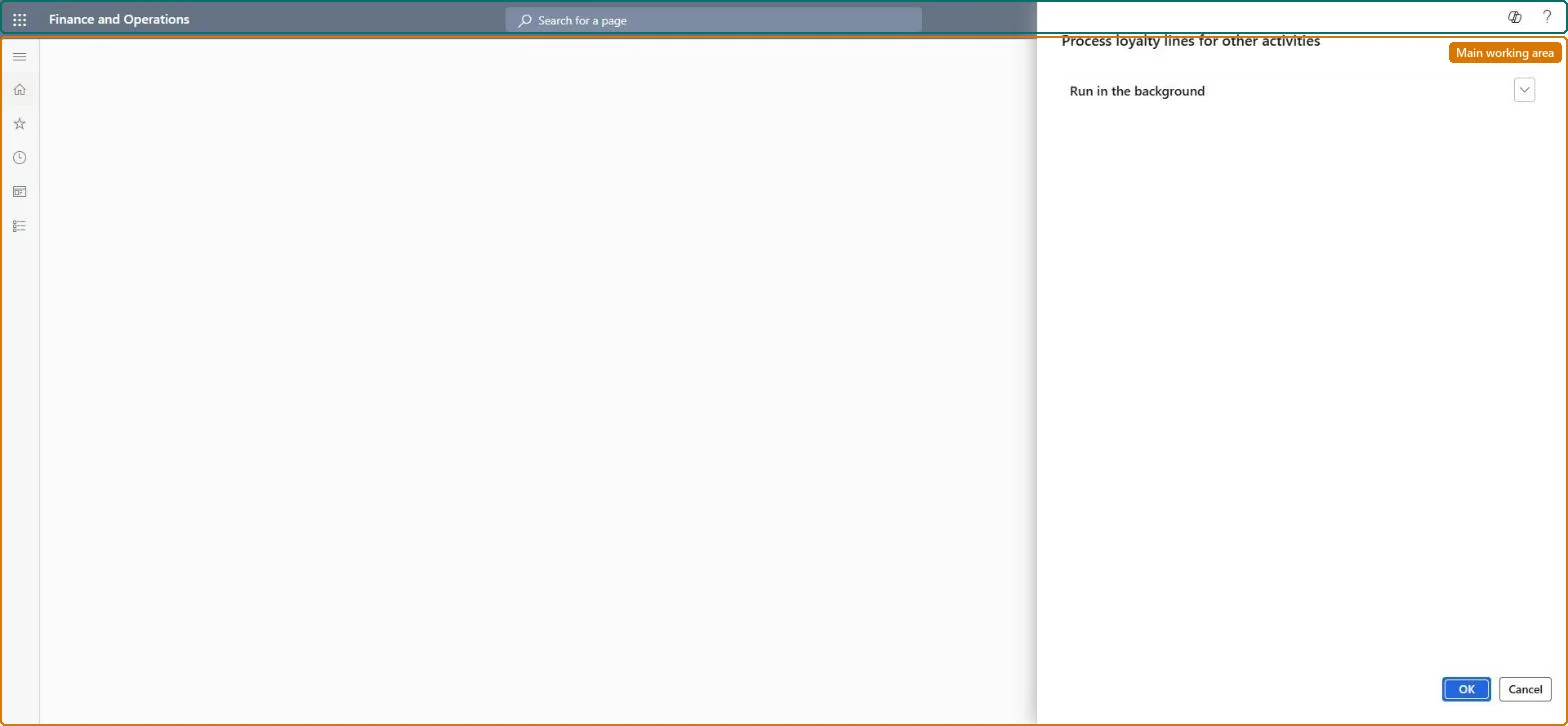
Go to Retail and Commerce > Retail and Commerce IT > Loyalty > Process loyalty lines for other activities.
Review the Loyalty lines for other activities journal first, and delete the lines of customers who shouldn't earn points, for example people who signed up for an event but didn't attend.
Run the job to post all unposted activity lines and award points according to the earning rules of each other activity type.
Check the loyalty card transactions of a few customers for the awarded points.
No: Posted lines and awarded points stay. Delete unwanted lines before you run the job. Microsoft Learn
If you change it later
Posts the unposted other-activity loyalty lines and adds reward points to the customers' loyalty cards. Microsoft Learn
Technical architect
5Technical
Menu item
RetailLoyaltyProcessNonTransactionalChecked in Dynamics 365
Form
DialogChecked in Dynamics 365
Roles to set it up and use it
To use itRetail service RetailServiceRetail operations manager RetailOperationsManagerGive people one of these roles. On this system, 2 roles can run this page.Checked in Dynamics 365