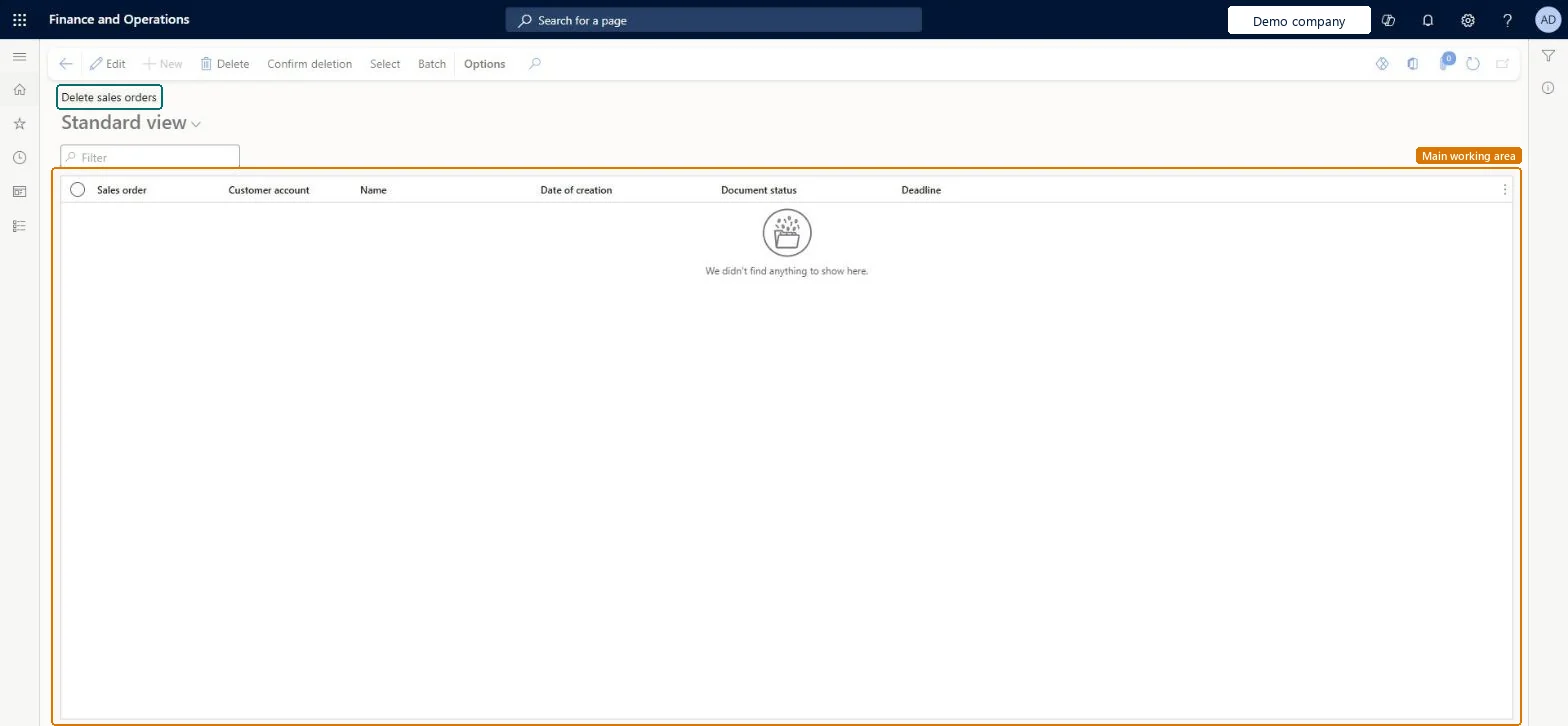
About the examples: Examples and screenshots in this guide use BEAT, a demo company in a Dynamics 365 test environment. Use your own company's codes and values instead of copying them.
When to run it
When to run it
When sales orders are no longer needed, or orphaned sales order records must be cleaned up, after the business has confirmed the data isn't required.
How often
On demand, when there are sales orders or orphaned sales order records to remove.
What the output shows
The selected sales orders are removed from the current legal entity. If an invoiced order was deleted by mistake, you can still find its details from the customer's transactions through Original document > View details.
No: Deleted sales orders can't be restored. For an invoiced order, its details stay available under Customer account > Transactions > Original document > View details. Microsoft Learn
If you change it later
Deletes the selected sales orders, including orphaned sales order records, in the current legal entity. Microsoft Learn
Technical architect
5Technical
Menu item
SalesDeleteChecked in Dynamics 365
Form
SalesDeleteOrderChecked in Dynamics 365
Table
SalesParmTableShown as “Sales order - update table” in Record infoKey field: SalesIdChecked in Dynamics 365
To use itRetail service RetailServiceSales clerk TradeSalesClerkRental manager RentalManagerRental coordinator agent RentalCoordinatorAgentRental sales manager RentalSalesManagerGive people one of these roles. On this system, 10 roles can run this page.Checked in Dynamics 365
Actions on the page
Options: Personalize, Page options, ShareChecked in Dynamics 365