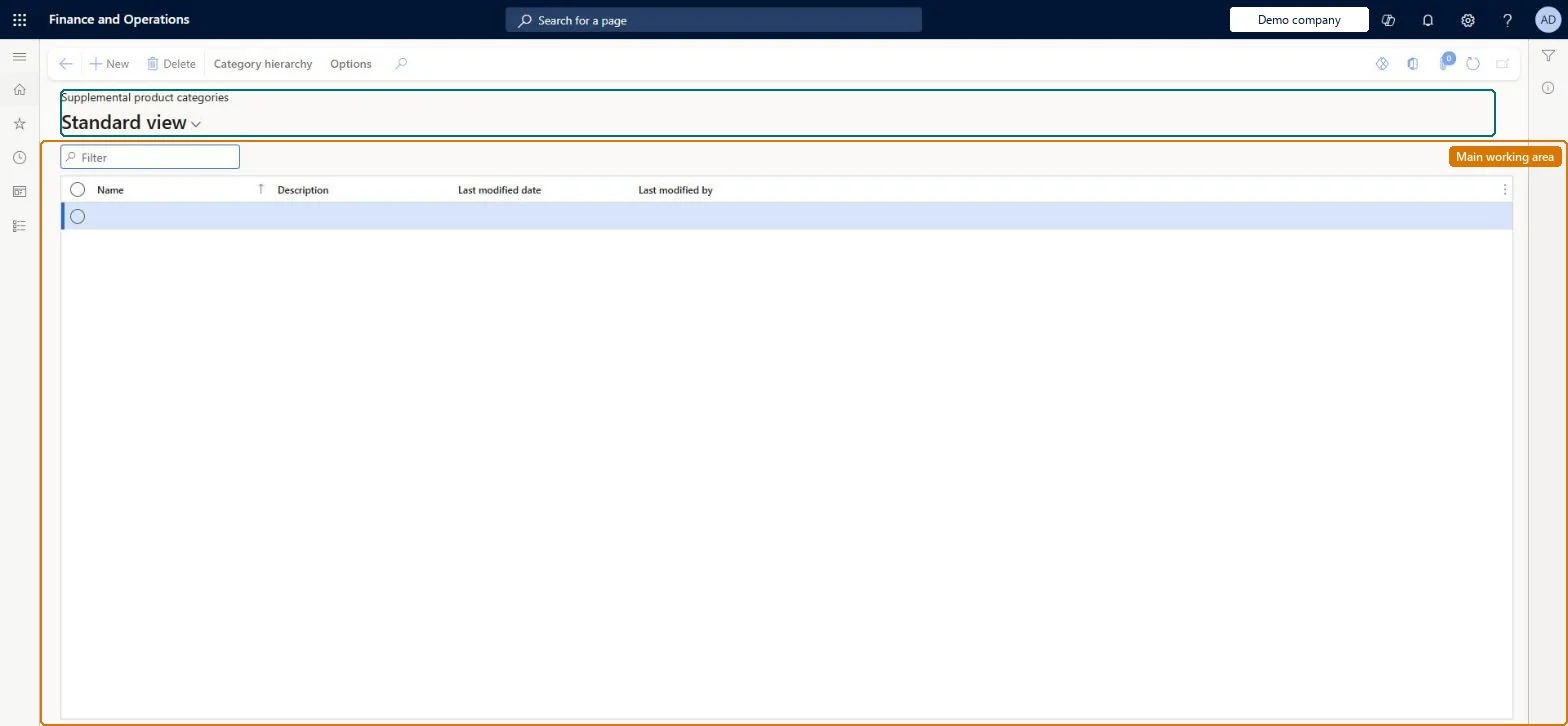
A list page of the additional (supplemental) category hierarchies that group products for special purposes alongside the main Commerce product hierarchy.
PAGE GUIDEWhat the page does and how to use it8 sections. Choose a role to highlight what matters to you.
Everyone
1What it is and why
What it is
A list page of the additional (supplemental) category hierarchies that group products for special purposes alongside the main Commerce product hierarchy.
What you do here
Use this page to create and maintain extra category hierarchies, for example for a promotion or a seasonal range, and add products to their categories; a product can appear in more than one supplemental hierarchy.
Example
For example, in spring put your swimwear products into a separate category hierarchy and apply promotional pricing to its categories.
The page in Dynamics 365. page title tab to open what to set or check
About the examples: Examples and screenshots in this guide use BEAT, a demo company in a Dynamics 365 test environment. Use your own company's codes and values instead of copying them.
Setup steps on this page
Set up Supplemental product categories
Use this page to create and maintain extra category hierarchies, for example for a promotion or a seasonal range, and add products to their categories; a product can appear in more than one supplemental hierarchy.
Steps from Microsoft
Go to Retail and Commerce > Products and categories > Supplemental product categories.
Select New (Category hierarchy) to create a hierarchy, or open an existing one from the list.
Select Edit category hierarchy to change the structure of categories.
Select a category in the tree and, on the Products FastTab, select Add or Add products to add products or variants.
On the Map vendor categories FastTab, map vendor product categories to the supplemental categories if needed.
On the Category attribute values FastTab, review the category attribute values.
Use supplemental hierarchies only for special-purpose groupings, such as a seasonal promotion, and keep the main structure in the product hierarchyMicrosoft describes the supplemental type for additional hierarchies, for example a spring swimwear promotion with its own promotional pricing, while the product hierarchy type is used once for the overall structure.
Expecting supplemental categories to drive browsing online or in POS. Only hierarchies of the navigation hierarchy type are used when customers browse by category.
Reversible: Supplemental categories and their products can be added, changed or removed. Promotions or pricing linked to those categories follow the new membership. Microsoft Learn
If you change it later
If a supplemental category is referenced by an active assortment, adding products to the category automatically adds them to that assortment's definition. Microsoft Learn
Technical architect
6Technical
Menu item
RetailCategorySpecialManagementChecked in Dynamics 365
Form
EcoResCategoryHierarchyListPageChecked in Dynamics 365
Table
EcoResCategoryHierarchyShown as “CATEGORY HIERARCHIES” in Record infoKey field: NameChecked in Dynamics 365
PrivilegesRetailCategoryAndProductWorkspaceMaintainMaintain retail item supplemental hierarchies RetailItemSpecialHierarchiesMaintainMaintain category and product workspace for retail trial. RetailTrialCategoryAndProductWorkspaceMaintainDutiesRetailCategoryAndProductWorkspaceMaintainMaintain retail product reference data RetailProductReferenceDataMaintainMaintain category and product workspace for retail trial. RetailTrialCategoryAndProductWorkspaceMaintain2 security rolesRetail merchandising manager RetailMerchandisingManagerRetail service RetailServiceChecked in Dynamics 365
Roles to set it up and use it
To set it up or change itRetail service RetailServiceRetail merchandising manager RetailMerchandisingManagerGive people one of these roles. On this system, 2 roles can open this page.Checked in Dynamics 365
Actions on the page
Category hierarchy: Maintain, Set up, LanguagesChecked in Dynamics 365
EcoResProductCategoryHierarchyEntity (Product category hierarchies): shared by all companies, in Microsoft's default template 120 - Accounts payable.Load order: Microsoft's default template 120 - Accounts payable loads Product category hierarchies at execution unit 1, level 30, sequence 10. Lower levels load first, and entities at the same level load in sequence order.Load first: the default templates at lower levels (System setup to General ledger)Microsoft Learn