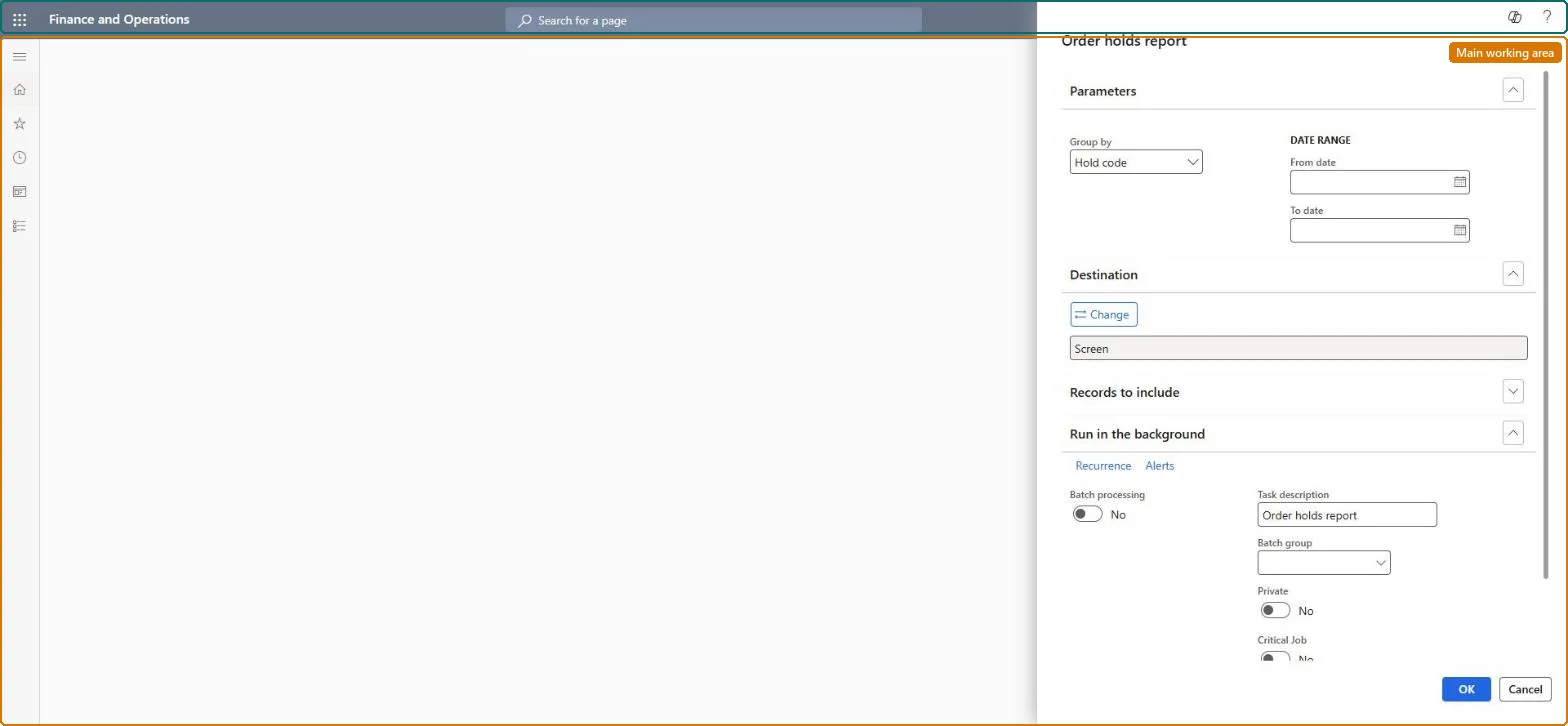
About the examples: Examples and screenshots in this guide use BEAT, a demo company in a Dynamics 365 test environment. Use your own company's codes and values instead of copying them.
When to run it
When to run it
When you review the queue of call center orders that are on manual or fraud hold.
How often
On demand, for example daily or weekly for the team that works the hold queue.
Batch settings
Schedule it in the background if supervisors want the hold list each morning.
What the output shows
Call center orders on hold within the date range, grouped by hold code or the grouping you chose. A hold code with far more orders than usual often points to a fraud rule or a payment setting that is stopping orders.
Nothing to undo: The report only lists holds; orders stay on hold until someone clears them. Microsoft Learn
Technical architect
5Technical
Menu item
RetailOrderHoldReportChecked in Dynamics 365
Form
SysOperationTemplateFormChecked in Dynamics 365
Roles to set it up and use it
To use itSales manager TradeSalesManagerSales clerk TradeSalesClerkSales representative TradeSalesRepresentativeCustomer service representative TradeCustomerServiceRepresentativeCustomer service manager TradeCustomerServiceManagerGive people one of these roles. On this system, 7 roles can run this page.Checked in Dynamics 365