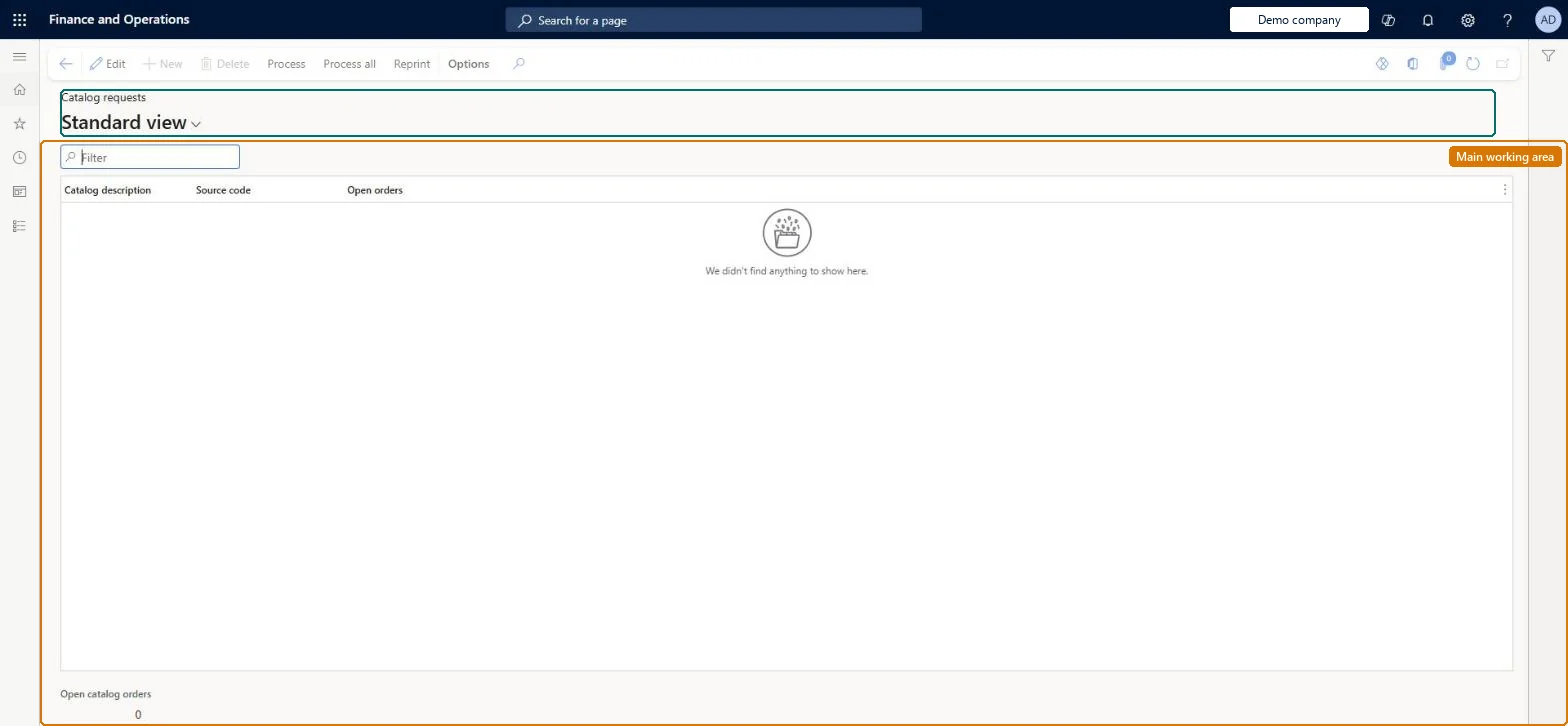
About the examples: Examples and screenshots in this guide use BEAT, a demo company in a Dynamics 365 test environment. Use your own company's codes and values instead of copying them.
How to use it
Go to Retail and Commerce > Inquiries and reports > Call center reports > Catalog requests report.
Use the Filter box to find a row.
Review the Catalog description, Source code and Open orders columns.
Select Process or Process all to print the requested catalogs; the Open catalog orders total shows below the grid.
Source: Checked in Dynamics 365
Technical architect
4Technical
Menu item
RetailCatalogProcessingChecked in Dynamics 365
Form
MCRCatalogProcessingChecked in Dynamics 365
Table
TmpMCRCatalogProcessingShown as “CATALOG PROCESSING” in Record infoChecked in Dynamics 365
Who can open it
PrivilegesMaintain catalog processing MCRCatalogProcessingMaintainDutiesMaintain source code and catalog offers MCRSourceOfferMaintain1 security roleMarketing manager CRMMarketingManagerChecked in Dynamics 365
Roles to set it up and use it
To set it up or change itMarketing manager CRMMarketingManagerGive people one of these roles. On this system, 1 role can open this page.Checked in Dynamics 365
Actions on the page
(Action Pane without tabs): Process, Process all, ReprintChecked in Dynamics 365