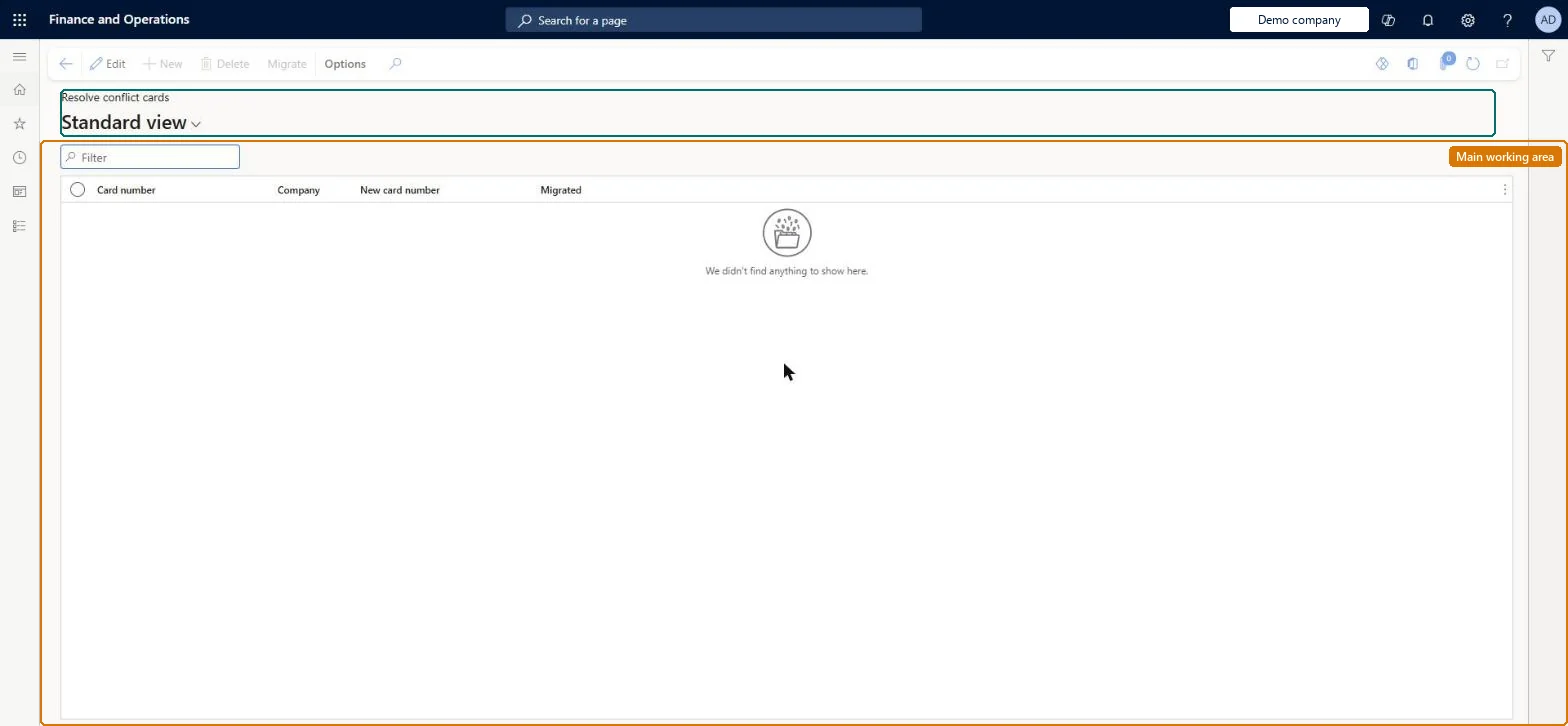
A migration page, carried over from the AX 2012 R3 upgrade, that lists loyalty cards whose numbers duplicate cards in other legal entities and lets you give each a new unique number and migrate it.
PAGE GUIDEWhat the page does and how to use it7 sections. Choose a role to highlight what matters to you.
Everyone
1What it is and why
What it is
A migration page, carried over from the AX 2012 R3 upgrade, that lists loyalty cards whose numbers duplicate cards in other legal entities and lets you give each a new unique number and migrate it.
What you do here
Use this page only after upgrading from an earlier version to assign unique numbers to conflicting loyalty cards and migrate them into the Loyalty cards table.
Example
For example, two companies each issued a card numbered Card1; you keep Card1 for one company, enter Card2 for the other and select Migrate.
The page in Dynamics 365. page title tab to open what to set or check
About the examples: Examples and screenshots in this guide use BEAT, a demo company in a Dynamics 365 test environment. Use your own company's codes and values instead of copying them.
Steps from Microsoft
Go to Retail and Commerce > Customers > Loyalty > Resolve conflict cards.
In the New card number field, enter a new unique number for each conflicting card (one card may keep the existing number).
Select the rows that are ready to migrate.
Select Migrate.
Check that IsMIgrated is selected for the migrated rows and view the cards on the Loyalty cards page.
The unique replacement number for the conflicting card.Microsoft Learn
NewCardNumber
IsMIgrated
Check box set once the card row has been migrated.Microsoft Learn
Solution architect
4Design impact
If you change it later
Selected rows are migrated only if every selected conflict is resolved; Microsoft recommends resolving conflicts before processing any loyalty transactions. Microsoft Learn
Technical architect
5Technical
Menu item
RetailLoyaltyConflictCardChecked in Dynamics 365
Form
RetailLoyaltyConflictCardChecked in Dynamics 365
Table
RetailLoyaltyConflictCardShown as “LOYALTY CARD” in Record infoChecked in Dynamics 365
Who can open it
PrivilegesMaintain retail loyalty cards RetailLoyaltyCardsMaintainDutiesMaintain retail labels RetailLabelsMaintain2 security rolesRetail operations manager RetailOperationsManagerRetail service RetailServiceChecked in Dynamics 365
Roles to set it up and use it
To set it up or change itRetail service RetailServiceRetail operations manager RetailOperationsManagerGive people one of these roles. On this system, 2 roles can open this page.Checked in Dynamics 365
Actions on the page
(Action Pane without tabs): MigrateChecked in Dynamics 365