A setup page where you define non-transactional customer engagement activities (such as completing a survey or attending a store event) that can earn loyalty points through earning rules.
PAGE GUIDEWhat the page does and how to use it7 sections. Choose a role to highlight what matters to you.
Everyone
1What it is and why
What it is
A setup page where you define non-transactional customer engagement activities (such as completing a survey or attending a store event) that can earn loyalty points through earning rules.
What you do here
Use this page to create the activity types that loyalty scheme earning rules, the PostNonTransactionalActivityLoyaltyPoints API and the Retail loyalty other activity type lines entity refer to when awarding points for engagement.
Example
For example, a retailer defines a store workshop activity type, records attendees through the Retail loyalty other activity type lines entity and posts the lines to award points to those who attended.
The page in Dynamics 365. page title tab to open what to set or check
Retail loyalty other activity type lines (data entity) Microsoft Learn
End user · Functional consultant
3How to do it
About the examples: Examples and screenshots in this guide use BEAT, a demo company in a Dynamics 365 test environment. Use your own company's codes and values instead of copying them.
How to use it
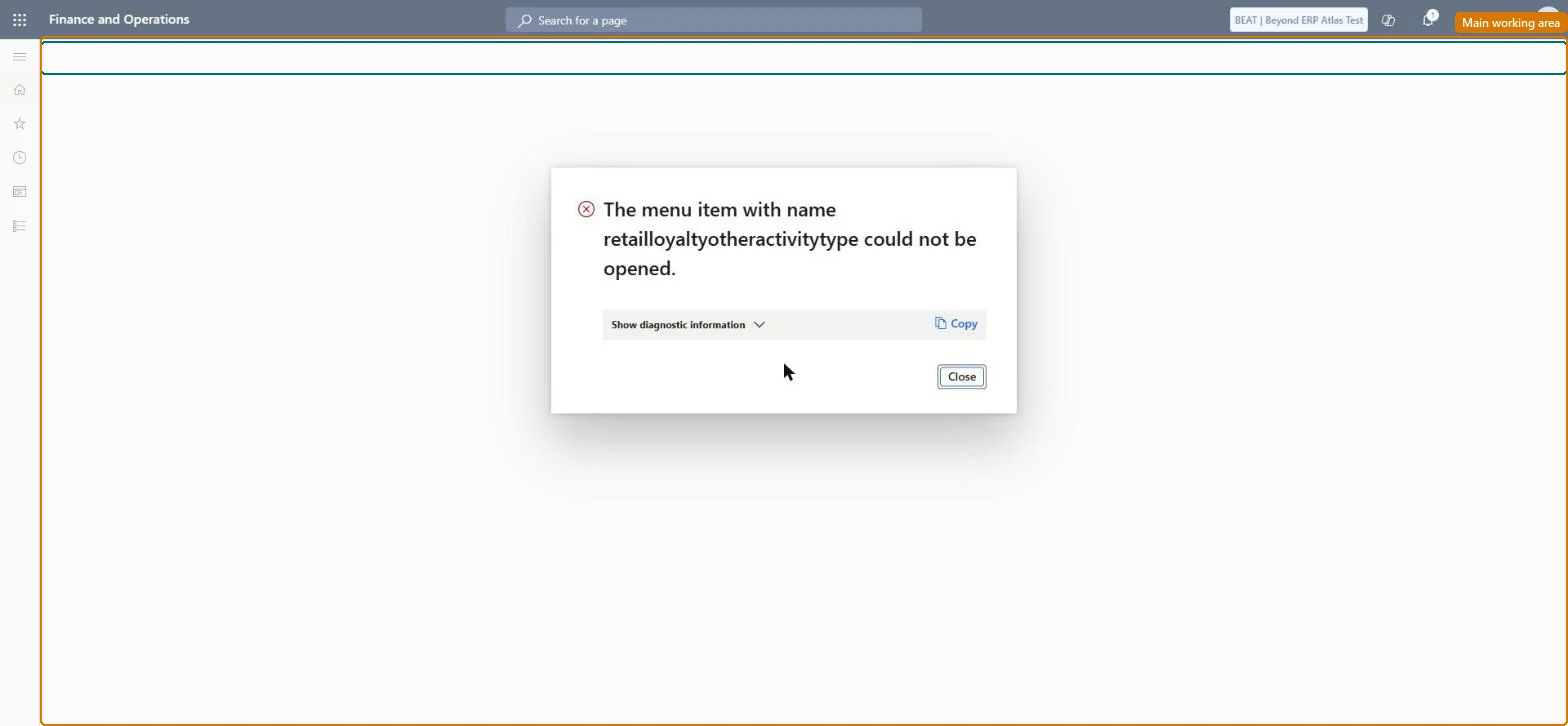
Go to Retail and Commerce > Customers > Loyalty > Other activity type; the page opens only after a number sequence is set for Other loyalty activity type ID on the Number sequences tab of Retail and Commerce > Headquarters setup > Parameters > Commerce parameters.
Select New and enter the activity type and its description, then Save.
Source: Checked in Dynamics 365
Fields on the page
Field
What it means
Other Activity Type ID
Identifier of the activity type, passed to the API or data entity to find the matching earning rule.Microsoft Learn
Test checklist
Set a number sequence for Loyalty other activity type ID on Commerce shared parameters.
Create an activity type and add an earning rule for it on a loyalty scheme.
Import an activity line through the Retail loyalty other activity type lines entity, then post it or run Process other activity type for loyalty lines.
Check the card's transactions show the awarded points.
Reversible: Activity types are loyalty configuration that earning rules refer to; after a change, run Process loyalty schemes and 1050 so channels get it. Microsoft Learn
Technical architect
5Technical
Menu item
RetailLoyaltyOtherActivityTypeChecked in Dynamics 365
Data entities
RetailLoyaltyOtherActivityTypeEntityOther activity type Checked in Dynamics 365
Roles to set it up and use it
To set it up or change itRetail service RetailServiceRetail operations manager RetailOperationsManagerGive people one of these roles. On this system, 2 roles can open this page.Checked in Dynamics 365