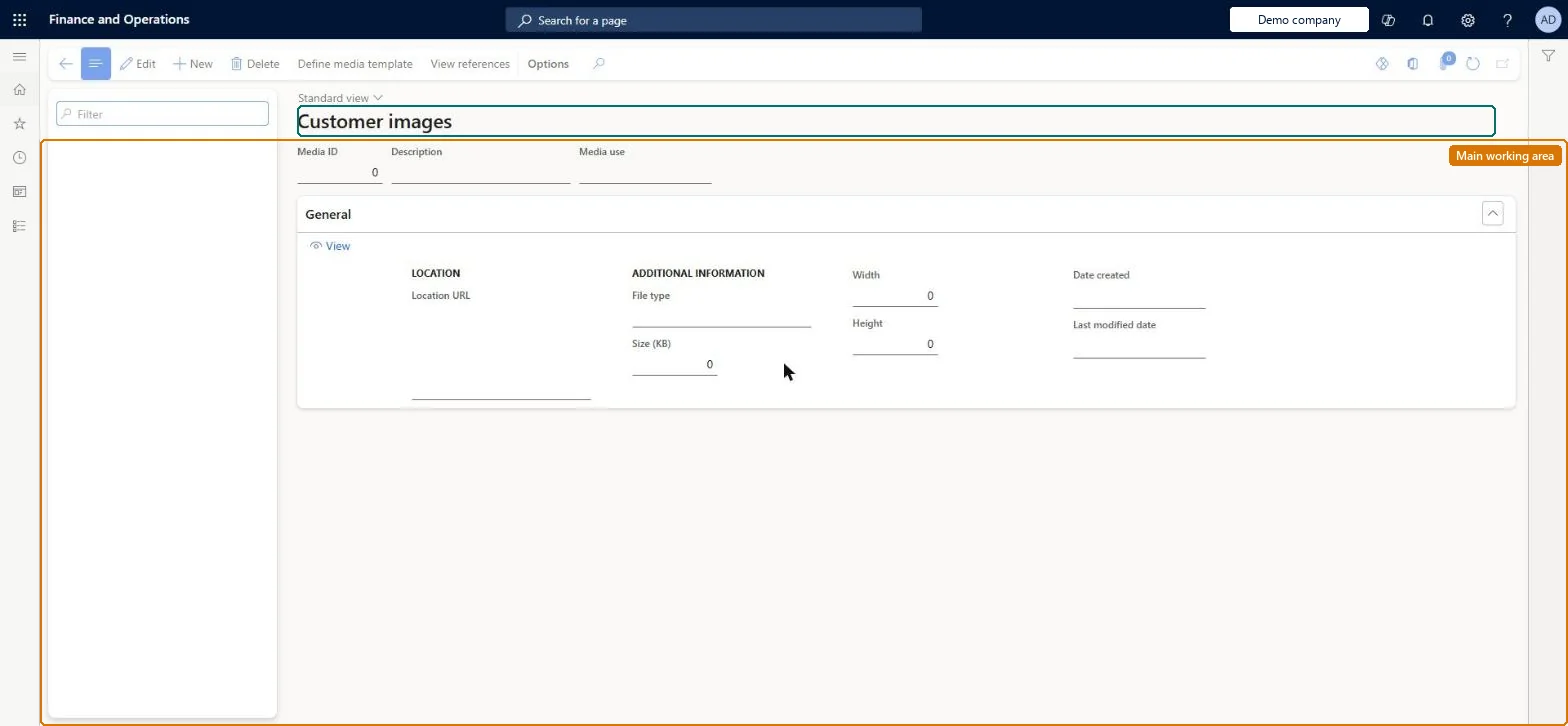
A setup page where you define the media template (URL path and file extension) that Store Commerce uses to fetch externally hosted images of customers.
Retail catalog manager, Retail merchandising manager, Retail store manager
Business process
Create B2C eCommerce sales channel in Dynamics 365 Commerce
Menu item
RetailCustomerImage
Main table
RetailImageResource
Show what matters for
PAGE GUIDEWhat the page does and how to use it7 sections. Choose a role to highlight what matters to you.
Everyone
1What it is and why
What it is
A setup page where you define the media template (URL path and file extension) that Store Commerce uses to fetch externally hosted images of customers.
What you do here
Use this page to open Define media template for the Customer entity so that customer photos stored on your media server or CDN appear in Store Commerce.
Example
For example, a retailer that keeps customer photos on an external media server defines the customer image template so that Store Commerce can retrieve and display them.
The page in Dynamics 365. page title tab to open what to set or check
About the examples: Examples and screenshots in this guide use BEAT, a demo company in a Dynamics 365 test environment. Use your own company's codes and values instead of copying them.
Steps from Microsoft
Go to Retail and Commerce > Customers > Customer images.
On the Action Pane, select Define media template.
On the Media path FastTab, enter the remaining path of the image location under the media base URL.
In the File Extension field, select the expected file name extension.
Select OK.
Run Catalog job 1150 from Retail and Commerce IT > Distribution schedule.
Reversible: The media template can be edited any time, but Store Commerce sees the change only after the Catalog job (1150) runs. The LanguageID token isn't supported for the Customer entity. Microsoft Learn
If you change it later
A changed customer media template reaches the stores only after the Catalog job (1150) runs; the LanguageID token is not supported for the Customer entity. Microsoft Learn
Technical architect
5Technical
Menu item
RetailCustomerImageChecked in Dynamics 365
Form
RetailMediaGalleryChecked in Dynamics 365
Table
RetailImageResourceShown as “RETAILIMAGERESOURCE” in Record infoChecked in Dynamics 365
Who can open it
PrivilegesMaintain media management security. RetailMediaMaintainDutiesMaintain media management security. RetailMediaMaintain3 security rolesRetail catalog manager RetailCatalogManagerRetail merchandising manager RetailMerchandisingManagerRetail store manager RetailStoreManagerChecked in Dynamics 365
Roles to set it up and use it
To set it up or change itRetail store manager RetailStoreManagerRetail merchandising manager RetailMerchandisingManagerRetail catalog manager RetailCatalogManagerGive people one of these roles. On this system, 3 roles can open this page.Checked in Dynamics 365
Actions on the page
(Action Pane without tabs): Define media template, View referencesChecked in Dynamics 365