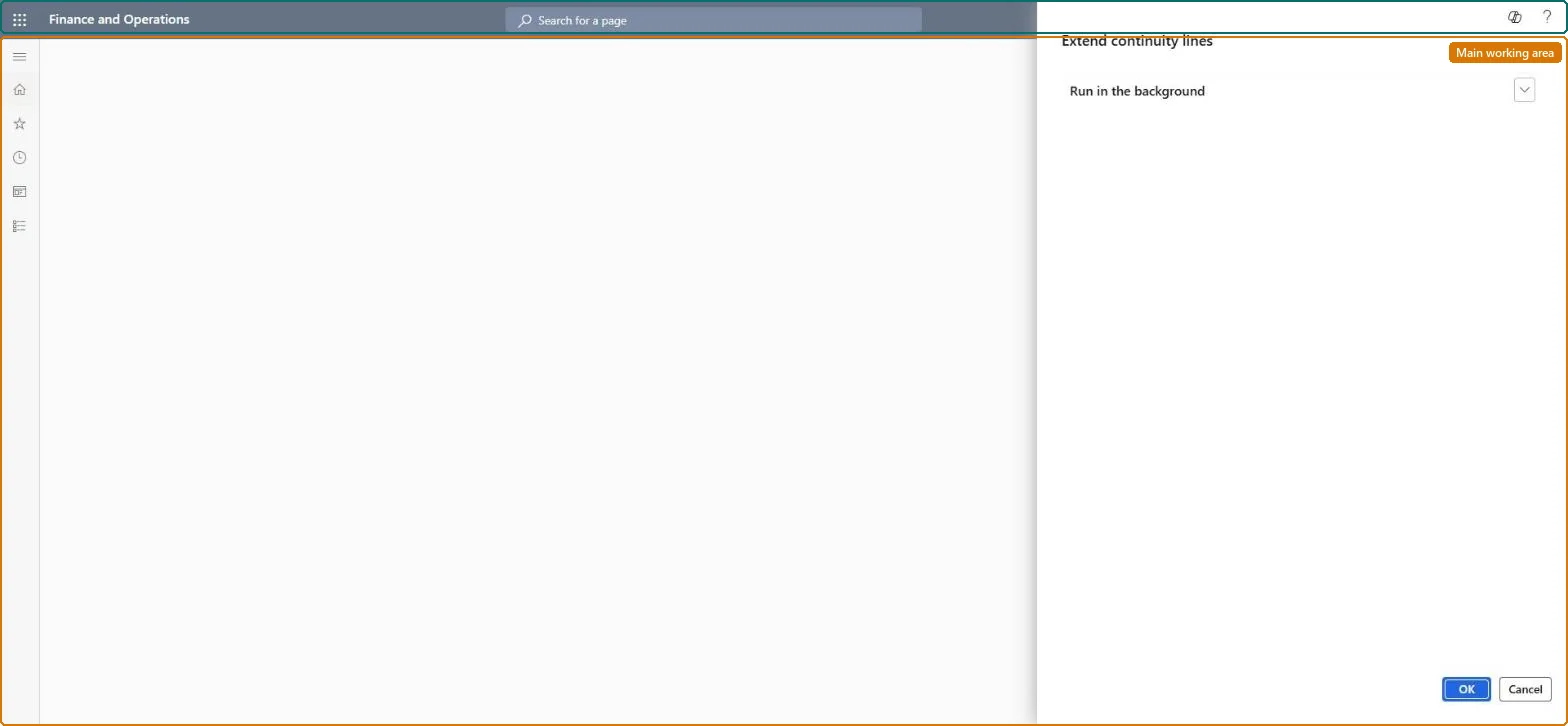
A periodic batch job page that extends continuity events beyond the Continuity repeat threshold set in call center parameters, so shipments keep repeating.
Add continuity subscription to a call center order with Dynamics 365 Commerce
Menu item
MCRContinuityCustLines
Show what matters for
PAGE GUIDEWhat the page does and how to use it7 sections. Choose a role to highlight what matters to you.
Everyone
1What it is and why
What it is
A periodic batch job page that extends continuity events beyond the Continuity repeat threshold set in call center parameters, so shipments keep repeating.
What you do here
Use this page to schedule the batch job that adds further repetitions to continuity lines whose events must repeat more times than the threshold shown at order creation.
Example
For example, if the threshold is 12 and a customer's program repeats monthly indefinitely, the job adds the next events after the twelfth.
The page in Dynamics 365. page title tab to open what to set or check
About the examples: Examples and screenshots in this guide use BEAT, a demo company in a Dynamics 365 test environment. Use your own company's codes and values instead of copying them.
When to run it
When to run it
When continuity events must keep repeating after the number of repetitions created at order entry, set by the Continuity repeat threshold, is used up.
How often
On a recurring schedule, before the existing repetitions of long-running programs run out.
Batch settings
Recurring batch job; run it often enough that lines never run out.
What the output shows
Further repetitions added to continuity lines, so shipments keep repeating. If shipments stop, the job hasn't extended the lines in time.
Go to Retail and Commerce > Continuity > Extend continuity lines.
Use it for programs whose events must repeat more times than the Continuity repeat threshold in call center parameters.
Select the Batch processing check box, choose a batch group if you use one, and select Recurrence so the line extension repeats before repetitions run out.
Select OK, then OK again to schedule the line extension.
Afterwards, open a continuity order of such a program: its lines show further repetitions beyond the threshold.