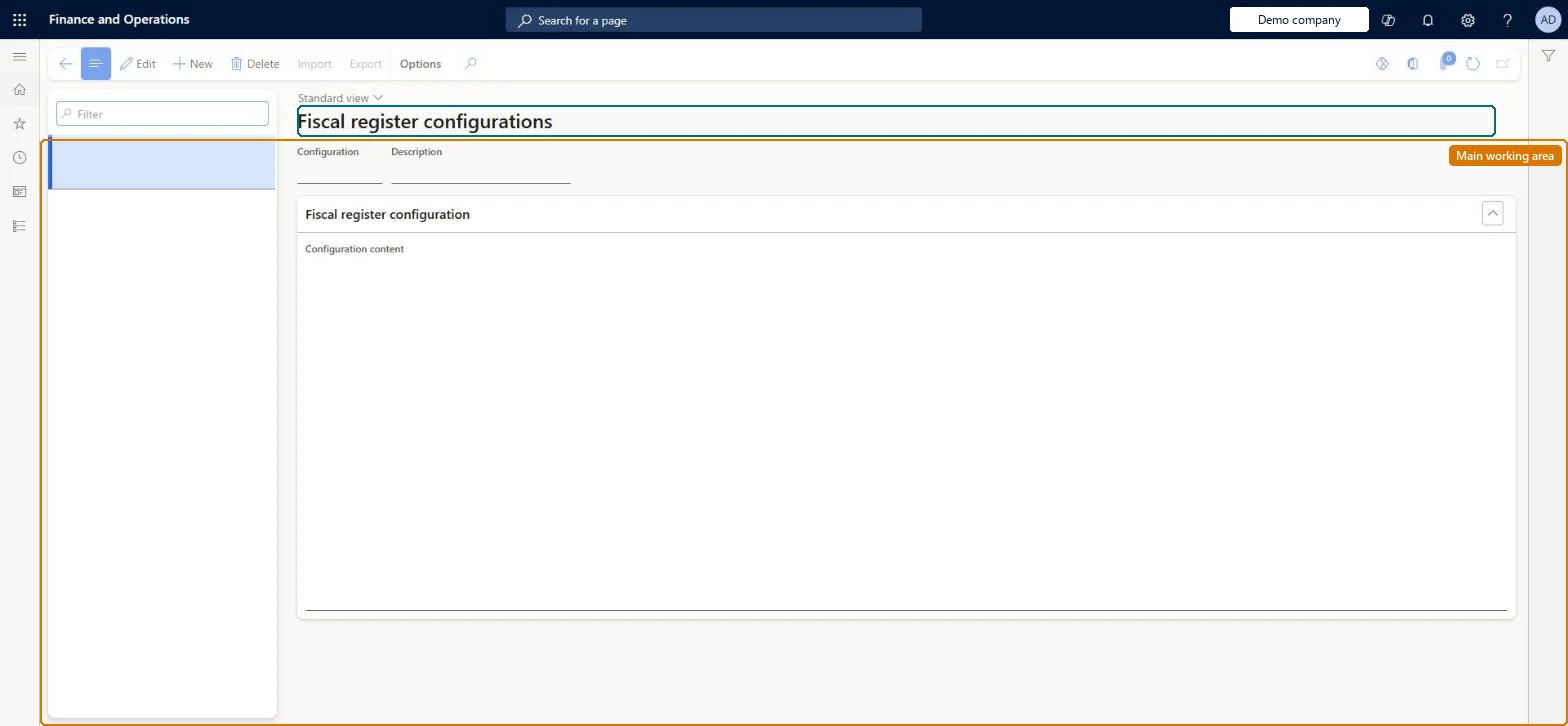
A setup page where you create a configuration record for a fiscal device (such as a control unit or fiscal printer) and import the device's configuration file, so that the configuration can be selected on a hardware profile.
Retail and CommerceChannel setupPOS setupPOS profiles
RetailFiscalPrinterConfigTable
Used by
Retail operations manager, Retail service, Information technology manager
Business process
Manage sales channels
Menu item
RetailFiscalPrinterConfigTable
Main table
RetailFiscalPrinterConfigTable
Data entity
RetailFiscalPrinterConfigTableEntity
Setup steps
1 on this page
Show what matters for
PAGE GUIDEWhat the page does and how to use it6 sections. Choose a role to highlight what matters to you.
Everyone
1What it is and why
What it is
A setup page where you create a configuration record for a fiscal device (such as a control unit or fiscal printer) and import the device's configuration file, so that the configuration can be selected on a hardware profile.
What you do here
Use this page to create, import and export the configuration files that drive a legacy fiscal register device connected to a POS register. The configuration is then assigned to the register through a hardware profile.
Example
For example, for a Swedish control unit you create a new fiscal register configuration, import the vendor's configuration file, and then select that configuration on the hardware profile used by the register.
The page in Dynamics 365. page title tab to open what to set or check
About the examples: Examples and screenshots in this guide use BEAT, a demo company in a Dynamics 365 test environment. Use your own company's codes and values instead of copying them.
Setup steps on this page
Set up Fiscal register configurations
Use this page to create, import and export the configuration files that drive a legacy fiscal register device connected to a POS register. The configuration is then assigned to the register through a hardware profile.
Steps from Microsoft
Go to Retail and Commerce > Channel setup > POS setup > POS profiles > Fiscal register configurations.
Select New to create a new fiscal register configuration.
Select Import and specify the file name and path of the device configuration file.
Optionally select Export to export an existing configuration, or Export sample configuration to get a reference file.
Open the hardware profile for the register and select this configuration in the Configuration field of the fiscal device FastTab.
RetailFiscalPrinterConfigTableChecked in Dynamics 365
Form
RetailFiscalPrinterConfigTableChecked in Dynamics 365
Table
RetailFiscalPrinterConfigTableShown as “FISCAL PRINTER CONFIGURATIONS” in Record infoChecked in Dynamics 365
Data entities
RetailFiscalPrinterConfigTableEntityFiscal register configurations Microsoft data model
Who can open it
PrivilegesMaintain retail hardware profile RetailHardwareProfileMaintainDutiesMaintain retail register profiles RetailTerminalProfilesMaintainMaintain terminal profiles for retail trial. RetailTrialTerminalProfilesMaintain3 security rolesRetail operations manager RetailOperationsManagerRetail service RetailServiceInformation technology manager SysServerITManagerChecked in Dynamics 365
Roles to set it up and use it
To set it up or change itRetail service RetailServiceRetail operations manager RetailOperationsManagerInformation technology manager SysServerITManagerGive people one of these roles. On this system, 3 roles can open this page.Checked in Dynamics 365
Actions on the page
(Action Pane without tabs): Import, ExportChecked in Dynamics 365