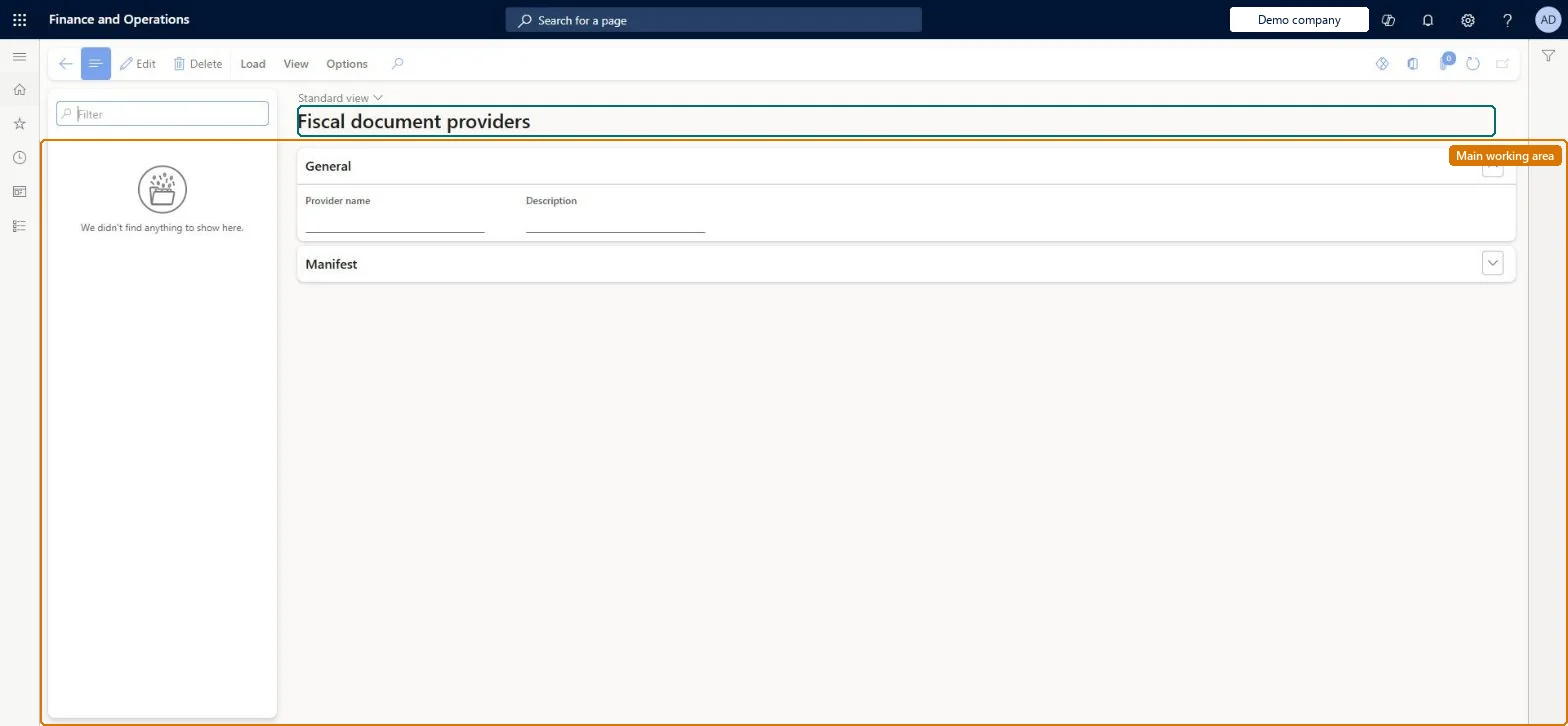
A setup page where you upload the XML configuration of each fiscal document provider, the component that generates fiscal documents (such as an XML fiscal receipt) for transactions and events registered on the POS.
PAGE GUIDEWhat the page does and how to use it8 sections. Choose a role to highlight what matters to you.
Everyone
1What it is and why
What it is
A setup page where you upload the XML configuration of each fiscal document provider, the component that generates fiscal documents (such as an XML fiscal receipt) for transactions and events registered on the POS.
What you do here
Use this page to load one document provider configuration for each fiscal device or service, including its data mapping; create separate providers when different data mappings are needed for the same connector.
Example
For example, a document provider generates the fiscal receipt as XML, which a fiscal connector then sends to the printer.
The page in Dynamics 365. page title tab to open what to set or check
About the examples: Examples and screenshots in this guide use BEAT, a demo company in a Dynamics 365 test environment. Use your own company's codes and values instead of copying them.
Setup steps on this page
Set up Fiscal document providers
Use this page to load one document provider configuration for each fiscal device or service, including its data mapping; create separate providers when different data mappings are needed for the same connector.
Steps from Microsoft
Go to Retail and Commerce > Channel setup > Fiscal integration > Fiscal document providers.
Upload an XML configuration for each device or service that you plan to use.
Select View to see the functional profiles related to the provider.
Create a connector functional profile for each connector and provider combination.
One document provider per device or service, and a separate provider wherever a different data mapping is needed for the same connector (for example state-specific rules)Data mapping is part of the document provider, so different mappings need different providers.
Trying to handle two mapping variants in one provider. The provider drives how taxes and payments are transformed into the fiscal document, so one provider gives one mapping.
Solution architect
5Design impact
Can it be undone
Reversible: You can load a new configuration version; connector functional profiles keep their manual mapping changes until you select Update on the Connector functional profiles page. Microsoft Learn
If you change it later
The provider's data mapping drives how taxes and payments are transformed into the fiscal document, and loading a new configuration does not overwrite manual changes in functional profiles until Update is selected. Microsoft Learn
Technical architect
6Technical
Menu item
RetailFiscalIntegrationDocumentProviderListChecked in Dynamics 365
Form
RetailFiscalIntegrationDocumentProviderListChecked in Dynamics 365
Table
RetailFiscalIntegrationDShown as “FISCAL INTEGRATION DOCUMENT PROVIDER TABLE” in Record infoChecked in Dynamics 365
Data entities
RetailFiscalIntegrationDocumentProviderTableEntityFiscal integration document provider table Checked in Dynamics 365
Who can open it
PrivilegesRetailFiscalIntegrationDocumentProviderListMaintainDutiesRetailFiscalIntegrationMaintain1 security roleRetail service RetailServiceChecked in Dynamics 365
Roles to set it up and use it
To set it up or change itRetail service RetailServiceGive people one of these roles. On this system, 1 role can open this page.Checked in Dynamics 365