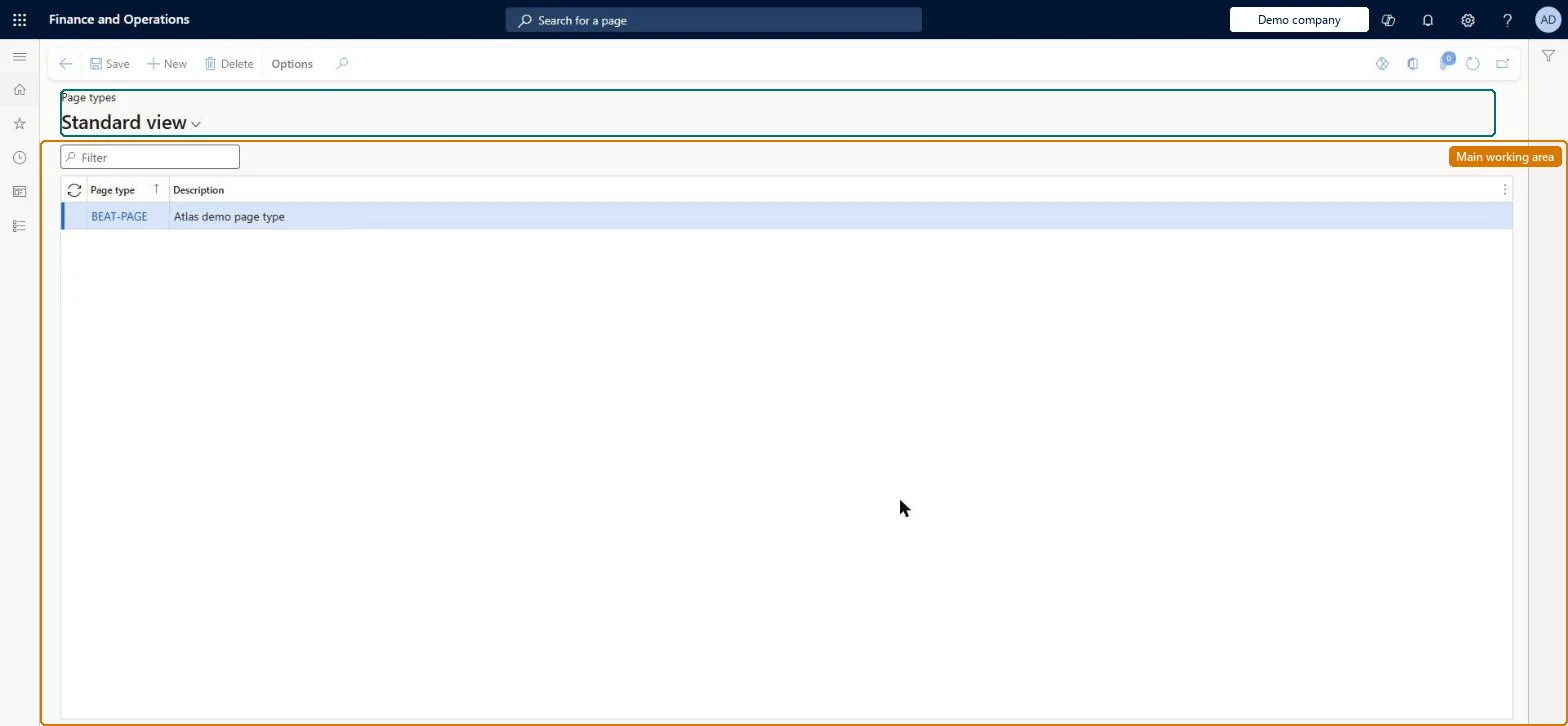
A setup page where you define the types of pages a printed catalog can contain, such as front cover, back cover and general page, for use in catalog page layouts and catalog area analysis.
Retail and CommerceChannel setupCall center setupPages
MCRPageTypeTable
Used by
Marketing manager
Business process
Manage sales channels
Menu item
MCRPageTypeTable
Main table
MCRPageTypeTable
Setup steps
1 on this page
Show what matters for
PAGE GUIDEWhat the page does and how to use it7 sections. Choose a role to highlight what matters to you.
Everyone
1What it is and why
What it is
A setup page where you define the types of pages a printed catalog can contain, such as front cover, back cover and general page, for use in catalog page layouts and catalog area analysis.
What you do here
Use this page to name the page types that are assigned to each catalog page when you record the page's cost, number of products and section for catalog area analysis.
Example
For example, you can create page types for the front cover, the back cover and a general inside page.
The page in Dynamics 365. page title tab to open what to set or check
About the examples: Examples and screenshots in this guide use BEAT, a demo company in a Dynamics 365 test environment. Use your own company's codes and values instead of copying them.
Setup steps on this page
Set up Page types
Use this page to name the page types that are assigned to each catalog page when you record the page's cost, number of products and section for catalog area analysis.
Steps from Microsoft
Go to Retail and Commerce > Channel setup > Call center setup > Pages > Page types.
Select New.
Enter a unique name and a brief description for the page type.
Repeat for each page type you need, then close the page.
Reversible: Page types classify printed catalog pages for cost and area analysis. They don't post anything and can be changed. Microsoft Learn
Technical architect
5Technical
Menu item
MCRPageTypeTableChecked in Dynamics 365
Form
MCRPageTypeTableChecked in Dynamics 365
Table
MCRPageTypeTableShown as “PAGE TYPES” in Record infoChecked in Dynamics 365
Who can open it
PrivilegesMaintain page types for call center catalogs MCRPageTypeTableMaintainDutiesMaintain source code and catalog offers MCRSourceOfferMaintain1 security roleMarketing manager CRMMarketingManagerChecked in Dynamics 365
Roles to set it up and use it
To set it up or change itMarketing manager CRMMarketingManagerGive people one of these roles. On this system, 1 role can open this page.Checked in Dynamics 365