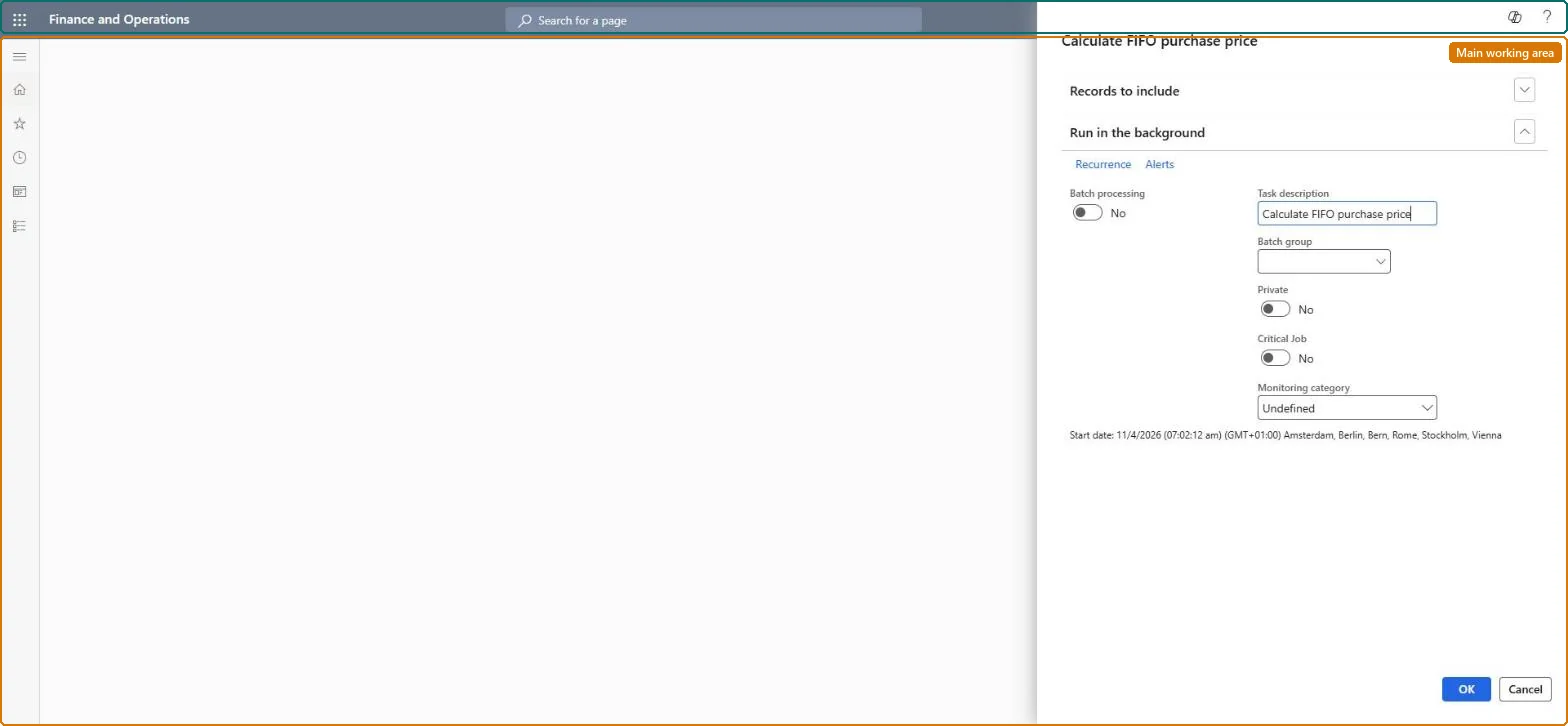
A periodic task dialog that calculates, on a first in, first out basis, the purchase value of stock that has been sold so that vendor rebate deals whose Price basis is FIFO can be calculated.
Manage vendor rebate programs in Dynamics 365 Supply Chain Management
Menu item
TAMRebateCalcFIFOPriceService
Show what matters for
PAGE GUIDEWhat the page does and how to use it7 sections. Choose a role to highlight what matters to you.
Everyone
1What it is and why
What it is
A periodic task dialog that calculates, on a first in, first out basis, the purchase value of stock that has been sold so that vendor rebate deals whose Price basis is FIFO can be calculated.
What you do here
Use this task before processing vendor rebate deals that are based on sales orders with Price basis set to FIFO; the FIFO purchase value it produces is then used as the basis for those vendor rebates.
Example
For example, if 1,000 units were sold at $3.00 each but the FIFO purchase price is $2.00, the task values the stock sold at $2,000 and the vendor rebate is calculated on that amount.
The page in Dynamics 365. page title tab to open what to set or check
About the examples: Examples and screenshots in this guide use BEAT, a demo company in a Dynamics 365 test environment. Use your own company's codes and values instead of copying them.
When to run it
When to run it
Before you process vendor rebate deals whose Price basis is FIFO.
How often
Before each processing run of FIFO-based vendor rebate deals.
Batch settings
Schedule it in the background ahead of the batch job that processes the vendor rebates, so FIFO values are current.
What the output shows
The FIFO purchase value of stock that has been sold, used as the basis for vendor rebates on FIFO deals. Rebate amounts that look wrong on those deals usually mean the task wasn't run before processing.
Yes, by running again: The task only refreshes the FIFO value. Running it again recalculates it; nothing is posted. Microsoft Learn
If you change it later
Running the task refreshes the FIFO purchase value used for sales-order based vendor rebates; if it is not run, rebates for deals with Price basis FIFO cannot be calculated correctly. Microsoft Learn
Technical architect
5Technical
Menu item
TAMRebateCalcFIFOPriceServiceChecked in Dynamics 365
Form
SysOperationTemplateFormChecked in Dynamics 365
Roles to set it up and use it
To use itAccounts payable manager VendInvoiceAccountsPayableManagerGive people one of these roles. On this system, 1 role can run this page.Checked in Dynamics 365