PAGE GUIDEWhat the page does and how to use it8 sections. Choose a role to highlight what matters to you.
Everyone
1What it is and why
What it is
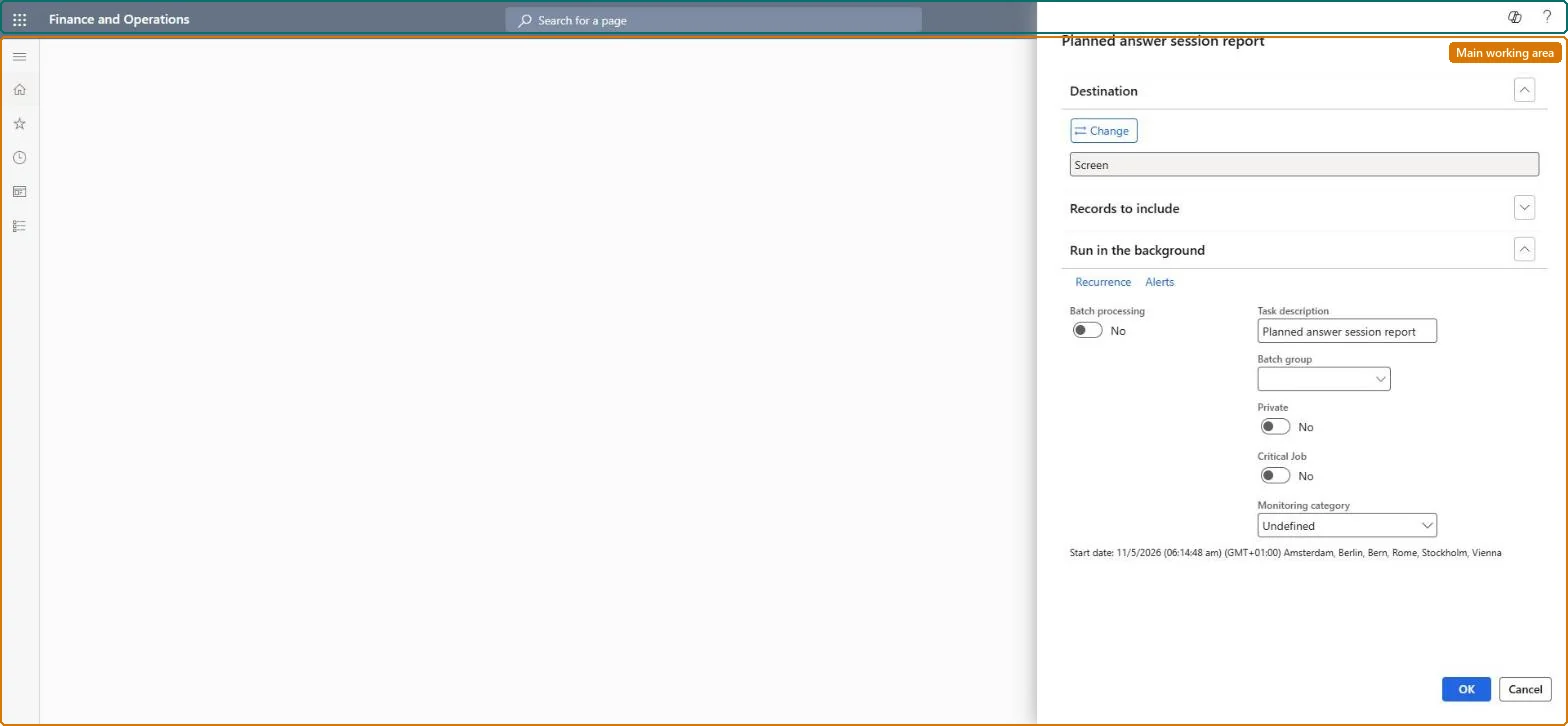
A report that prints an overview of all planned answer sessions, so you can see who a questionnaire is planned for.
What you do here
Use this page to print the questionnaires that have been planned for respondents, for example to follow up on who still has to answer.
Example
For example, two weeks into BEAT's workforce health survey, the HR administrator prints the planned answer sessions of the schedule and finds 23 of 180 workers still listed.
The page in Dynamics 365. page title tab to open what to set or check
About the examples: Examples and screenshots in this guide use BEAT, a demo company in a Dynamics 365 test environment. Use your own company's codes and values instead of copying them.
When to run it
When to run it
While a questionnaire is distributed, to see who it is planned for and who still has to answer.
How often
On demand, for example weekly during a survey.
What the output shows
All planned answer sessions with the respondent and questionnaire. Sessions that are still listed near the end of a schedule are respondents who haven't answered.
Filter on the running schedule and print it weekly during the survey.The sessions still listed are the respondents who haven't answered, and they must be deleted before the schedule can end.
No Feature management feature is needed for questionnaires; Microsoft Learn describes them without one. Questionnaires belong to the Human resources area, and in this system the same pages are also granted through procurement (vendor and RFQ questionnaires), sales and marketing (campaigns, telemarketing) and case management duties, as the Security section shows. The HR administrator follows up on surveys with it.
All planned answer sessions that match the filter, across all respondents. Microsoft Learn
Can it be undone
Nothing to undo: The report only reads planned sessions; it changes nothing. Microsoft Learn
If you change it later
None on data; the list shrinks as respondents answer. Microsoft Learn
Technical architect
6Technical
Menu item
KMKnowledgeCollectorPlanningChecked in Dynamics 365
Form
SysOperationTemplateFormChecked in Dynamics 365
Roles to set it up and use it
To set it up or change itHuman resource assistant HcmHumanResourceAssistantPurchasing manager TradePurchasingManagerMarketing coordinator CRMMarketingCoordinatorMarketing manager CRMMarketingManagerCustomer service manager TradeCustomerServiceManagerTo use itVendor account manager VendVendorAccountManagerSales representative TradeSalesRepresentativeGive people one of these roles. On this system, 17 roles can open this page.Checked in Dynamics 365
Load order: The Planned answer session report has no data entity in Data management, so it can't be loaded from a file or a configuration template. It is a report: it reads the planned answer sessions and holds no data of its own, so there is nothing to migrate.Checked in Dynamics 365
Everyone
8Sources
Questionnaire report (KMKnowledgeCollector) (Dynamics AX 2012 documentation, an earlier version) (AX 2012 report reference: the same report prints planned sessions or answers depending on the menu item)