Project management and accountingPeriodicQuotations
action:SalesQuotationDelete_Proj
Used by
Project manager, Rental coordinator agent, Rental manager and 4 more roles
Business process
Manage project contracts
Menu item
action:SalesQuotationDelete_Proj
Main table
SalesQuotationParmTable
Setup steps
1 on this page
Show what matters for
PAGE GUIDEWhat the page does and how to use it8 sections. Choose a role to highlight what matters to you.
Everyone
1What it is and why
What it is
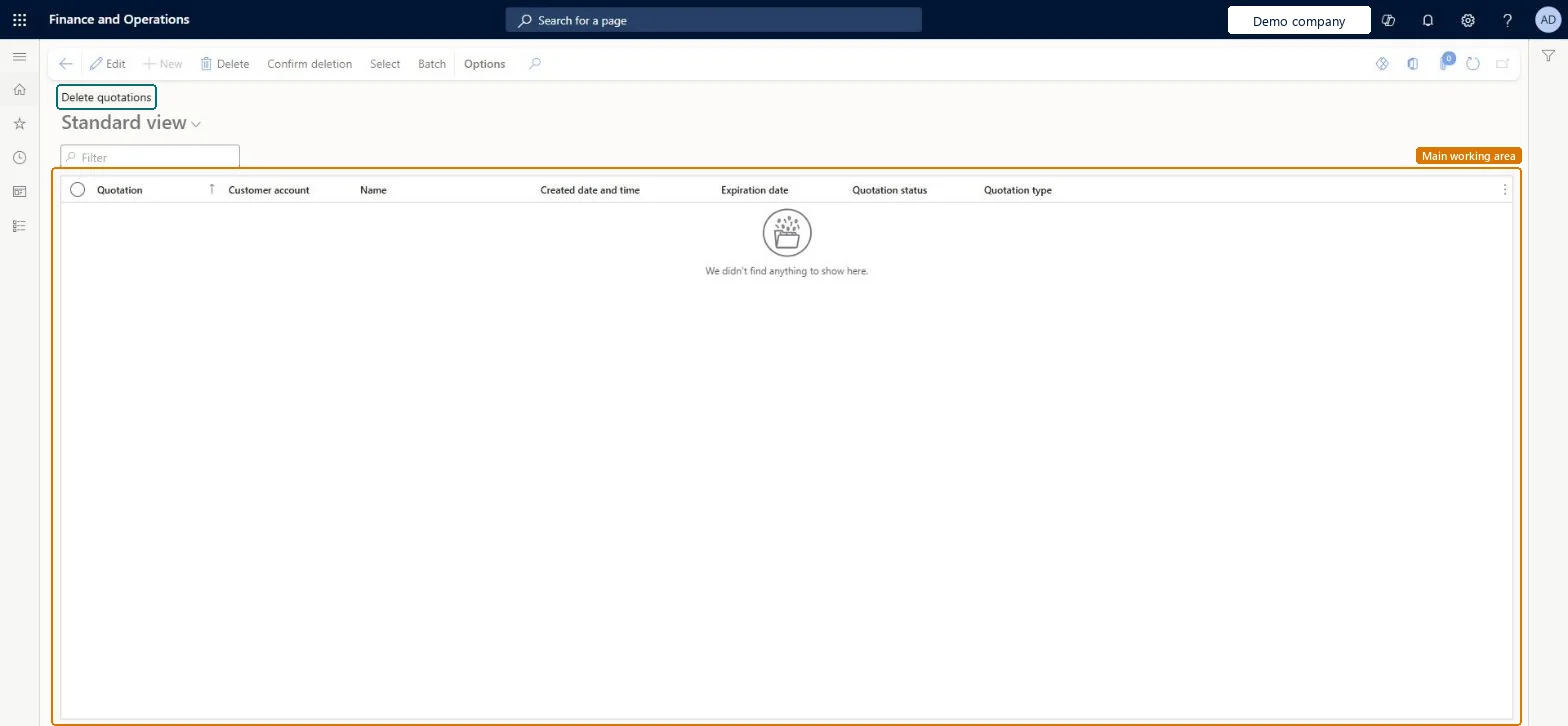
A periodic page that permanently deletes several project quotations at once, chosen with a query and reviewed in a list before the delete.
What you do here
Use it to clean up old project quotations that will never be used again, after they are Lost or Canceled. Deleted quotations can't be restored, and they no longer appear in lost-deal analysis.
Example
In January 2027 BEAT deletes the 146 project quotations that were Lost or Canceled before 01/01/2025, after exporting them to Excel for the sales archive; quotations from 2025 and 2026 stay for pipeline analysis.
The page in Dynamics 365. page title tab to open what to set or check
About the examples: Examples and screenshots in this guide use BEAT, a demo company in a Dynamics 365 test environment. Use your own company's codes and values instead of copying them.
When to run it
When to run it
When old quotations that will never be used again clutter the list, for example after a yearly pipeline review.
How often
Once a year, as part of data cleanup.
Batch settings
Review the list on the page before you select Confirm deletion; the Batch button can run the deletion in the background.
What the output shows
The listed quotations and their lines are deleted.
Delete only Lost or Canceled quotations older than the analysis period, after exporting them.The delete is permanent and removes them from pipeline analysis.
To use itProject manager ProjProjectManagerSales representative TradeSalesRepresentativeSales clerk TradeSalesClerkRental manager RentalManagerRental coordinator agent RentalCoordinatorAgentGive people one of these roles. On this system, 7 roles can run this page.Checked in Dynamics 365
Actions on the page
Options: Personalize, Page options, ShareChecked in Dynamics 365
Load order: Delete quotations has no data entity in Data management: it stores only the temporary delete list (SalesQuotationParmTable). Migrate the quotations you keep with ProjQuotationHeaderEntity.Load first: ProjQuotationHeaderEntityMicrosoft data model