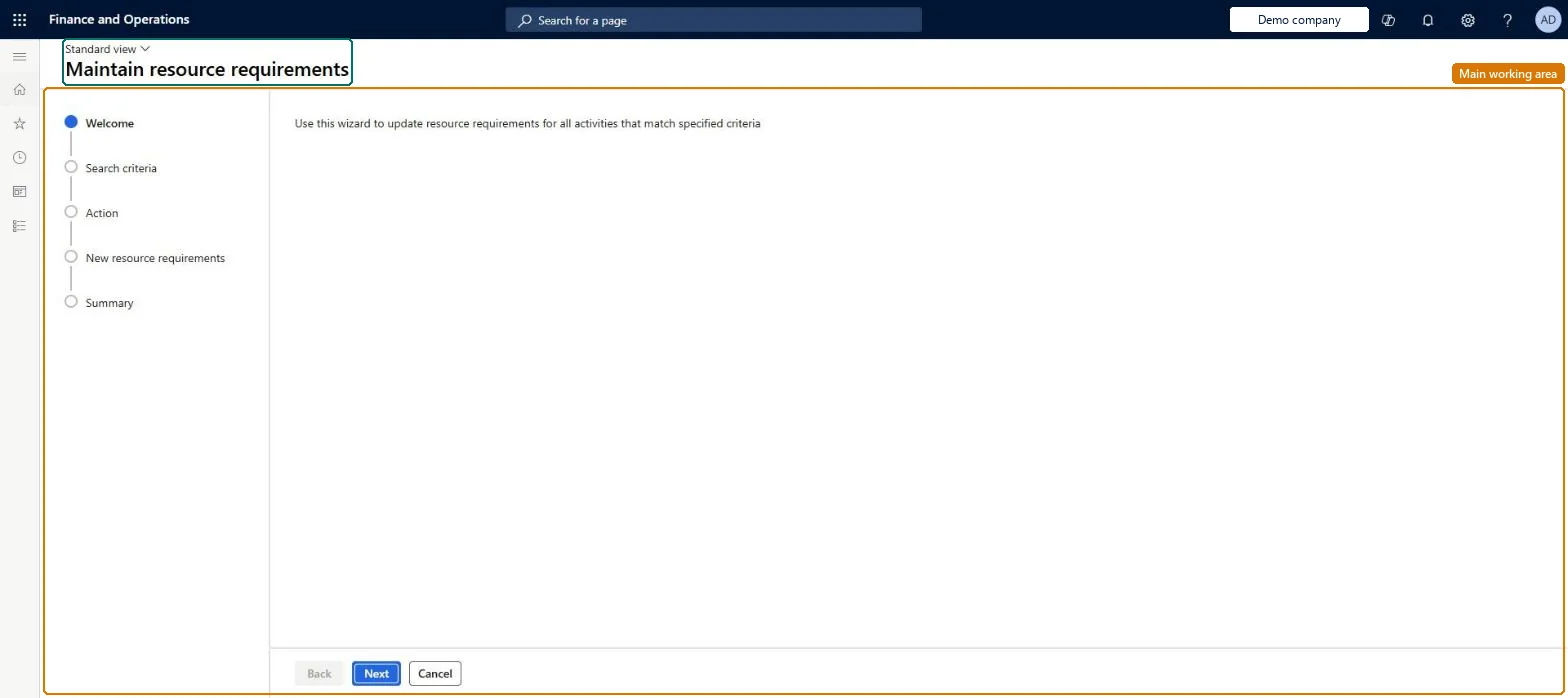
A wizard that adds, changes or removes the resource requirements on route operations in bulk, for the routes and operations that match criteria you choose.
Create routes for discrete or process manufacturing in Dynamics 365 Supply Chain Management
Menu item
WrkCtrBulkResReqEditWizard
Show what matters for
PAGE GUIDEWhat the page does and how to use it7 sections. Choose a role to highlight what matters to you.
Everyone
1What it is and why
What it is
A wizard that adds, changes or removes the resource requirements on route operations in bulk, for the routes and operations that match criteria you choose.
What you do here
Use this page to update which resource, resource group, resource type or capability many route operations require, instead of editing each route one by one.
The page in Dynamics 365. page title tab to open what to set or check
About the examples: Examples and screenshots in this guide use BEAT, a demo company in a Dynamics 365 test environment. Use your own company's codes and values instead of copying them.
When to run it
When to run it
When many route operations must switch to another resource, resource group, resource type or capability, for example after a new machine or work cell is introduced.
How often
On demand, whenever resource requirements must change on many routes at once.
What the output shows
Route operations with added, changed or removed resource requirements. Operations that weren't changed did not match the search criteria.
Go to Production control > Periodic tasks > Update entities > Maintain resource requirements.
On the Search criteria step, choose the routes and operations whose resource requirements you want to change.
On the Action step, choose whether to add, change or remove requirements.
On the New resource requirements step, set the Requirement type (resource type, resource, resource group or capability), the Requirement, and whether it applies to Operations scheduling, Job scheduling or both.
On the Summary step, review the changes before you finish the wizard, then open one changed route operation to confirm the new requirement.
The kind of requirement: resource type, resource, resource group, capability, or (with Human resources) skill, course, certificate or title.Microsoft Learn
Requirement
The specific resource, group, type or capability that is required; the choices depend on the requirement type.Microsoft Learn
Operations scheduling
Whether the requirement is used when the route is operations scheduled.Microsoft Learn
Job scheduling
Whether the requirement is used when the route is job scheduled.Microsoft Learn
Test checklist
Selected route operations show the new requirement.
Yes, by running it again: Run the wizard again to restore the previous requirements; orders already scheduled keep their reservations. Microsoft Learn
If you change it later
Changed requirements are only checked when production is scheduled; if the resource no longer meets a requirement at that time, planning fails with an error. Microsoft Learn
Technical architect
5Technical
Menu item
WrkCtrBulkResReqEditWizardChecked in Dynamics 365
Form
WrkCtrBulkResReqEditWizardChecked in Dynamics 365
Roles to set it up and use it
To set it up or change itProcess engineer RouteProcessEngineerGive people one of these roles. On this system, 1 role can open this page.Checked in Dynamics 365