BeyondERP.Newsletter
Menu

Job page · Production control

Revert completed status for a job

A function that cancels the report-as-finished registration on a selected production job from manufacturing execution.

Business process
Reverse a step in a production or batch order in Dynamics 365 Supply Chain Management
Menu item
action:JmgProdCancelFinished
Show what matters for
PAGE GUIDEWhat the page does and how to use it7 sections. Choose a role to highlight what matters to you.
Everyone

1What it is and why

What it isA function that cancels the report-as-finished registration on a selected production job from manufacturing execution.
What you do hereUse this page to undo a job that was reported as finished in error, so that the job can be worked on and reported again.
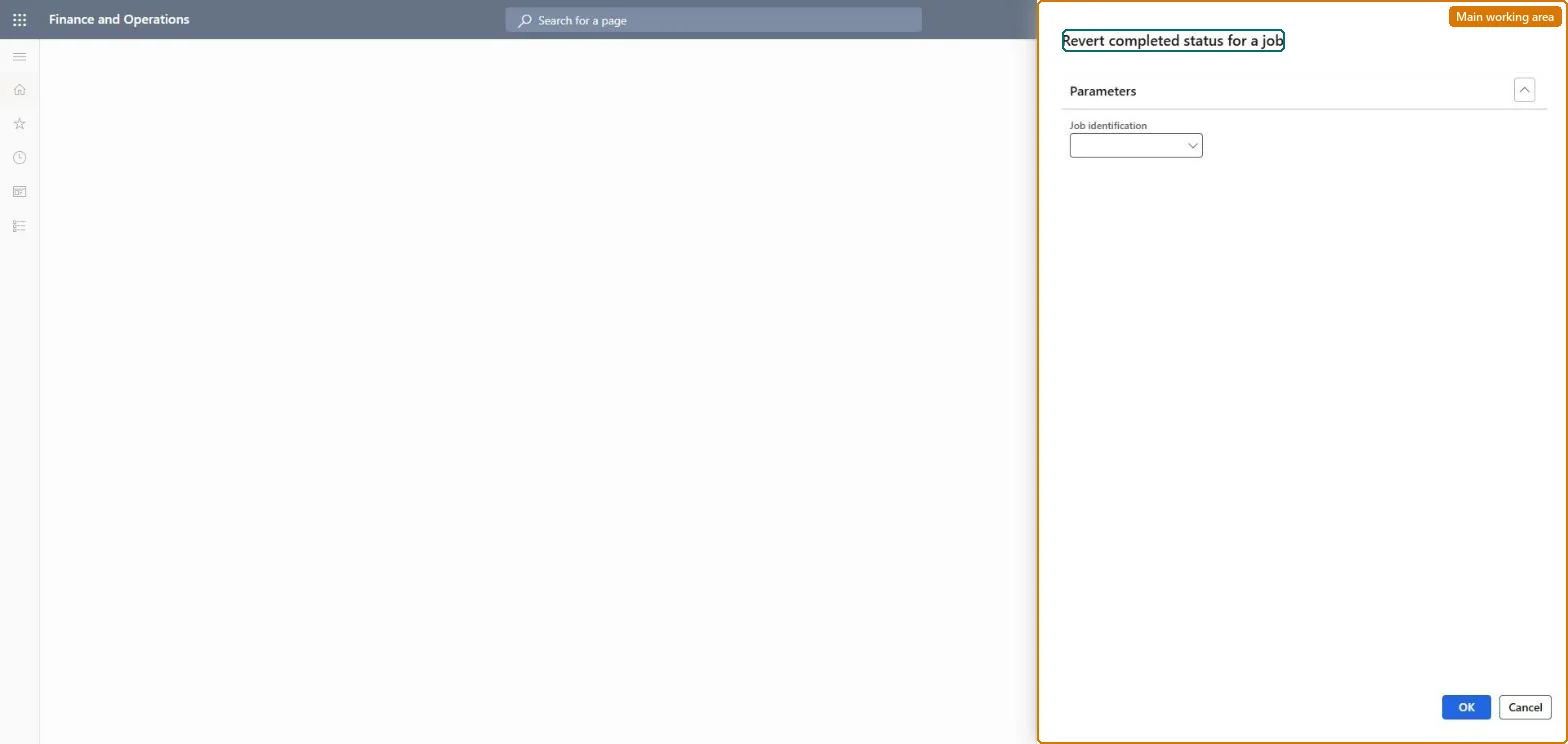
Revert completed status for a job page in Dynamics 365
The page in Dynamics 365. page title tab to open what to set or check
Functional consultant · Solution architect

2Where it fits

Business processRun production operations › Adjust production plan › Reverse a step in a production or batch order in Dynamics 365 Supply Chain Management
Menu pathProduction control › Periodic tasks › Production order status update › Revert completed status for a job
Set up firstProduction jobs Microsoft Learn
Related pagesProduction order defaults (manufacturing execution) Microsoft Learn Reset status Microsoft Learn
End user · Functional consultant

3How to do it

About the examples: Examples and screenshots in this guide use BEAT, a demo company in a Dynamics 365 test environment. Use your own company's codes and values instead of copying them.

When to run it

When to run itWhen a production job was reported as finished in error from manufacturing execution and must be reported again.
How oftenOn demand, only when a job's completion was registered by mistake.
What the output showsThe selected job without its completed registration, so it shows again as open work. If the job still shows completed, the wrong job identification was selected.

Source: Microsoft Learn

Steps from Microsoft

  1. Go to Production control > Periodic tasks > Production order status update > Revert completed status for a job.
  2. Under Parameters, select the Job identification of the production job that was reported as finished in error.
  3. Confirm the job before you run it: the function cancels the report-as-finished registration on that job only, not on the whole production order.
  4. Open the job in manufacturing execution afterwards; it can be worked on and reported again.

Source: Microsoft Learn

Solution architect

4Design impact

Can it be undoneYes, by reporting again: If you reverted the wrong job, report it as finished again from manufacturing execution. Microsoft Learn
If you change it laterCancels the report-as-finished registration on the selected production job so it can be worked on and reported again. Microsoft Learn
Technical architect

5Technical

Menu itemaction:JmgProdCancelFinished Checked in Dynamics 365
FormDialog Checked in Dynamics 365
Roles to set it up and use itTo use itProduction supervisor ProdProductionSupervisorManufacturing execution workload shop supervisor JmgManufacturingExecutionWorkloadSupervisorGive people one of these roles. On this system, 2 roles can run this page.Checked in Dynamics 365
Developer

6Developer

Open it by URLhttps://<your-environment>/?mi=action:JmgProdCancelFinished
Everyone

7Sources