PAGE GUIDEWhat the page does and how to use it7 sections. Choose a role to highlight what matters to you.
Everyone
1What it is and why
What it is
A periodic cleanup routine that removes clock-in and clock-out registrations with a future timestamp from the raw registrations table.
What you do here
Use this page, ideally as a batch job that runs every 24 hours, to remove faulty future-dated registrations that would otherwise make the system treat a worker's next clock-out as a clock-in.
Example
For example, if a supervisor registers a clock-out for Wednesday 16:00 by mistake on Tuesday, the worker's real clock-out at 16:05 on Wednesday is recorded as a clock-in unless the future registration is removed first.
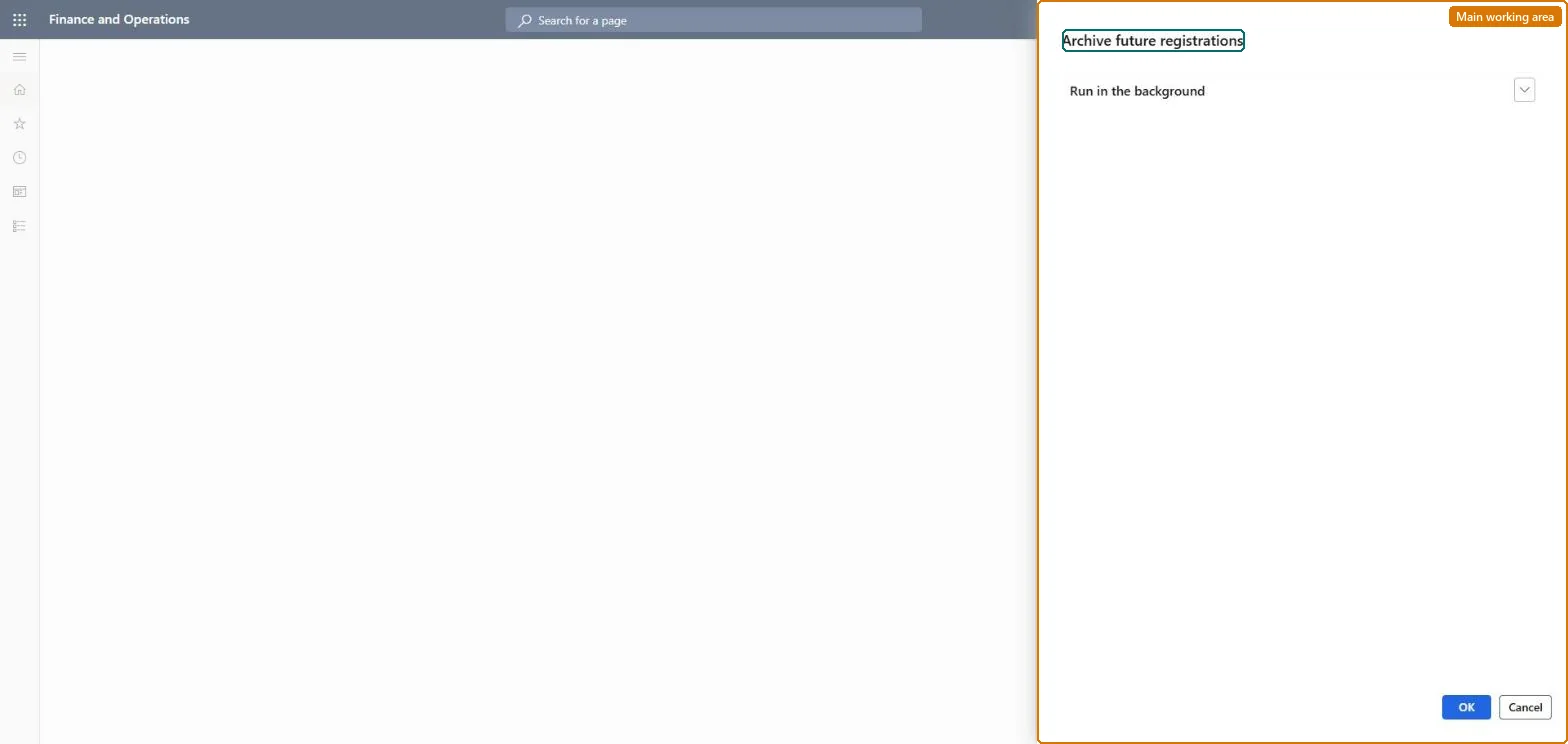
The page in Dynamics 365. page title tab to open what to set or check
About the examples: Examples and screenshots in this guide use BEAT, a demo company in a Dynamics 365 test environment. Use your own company's codes and values instead of copying them.
When to run it
When to run it
When faulty future-dated registrations exist, which make the system treat a worker's next clock-out as a clock-in.
How often
Once every 24 hours as a batch job, as Microsoft recommends.
Batch settings
Schedule it as a batch job that runs once every 24 hours.
What the output shows
Registrations with a future timestamp are removed from the raw registrations table. If a worker still gets the wrong clock-in or clock-out message, another faulty registration was created after the last run.
Go to Production control > Periodic tasks > Clean up > Archive future registrations.
Use it to remove clock-in and clock-out registrations with a future timestamp, for example a clock-out a supervisor created for tomorrow with the Missing clock-out function.
Set it up as a batch job that runs regularly, such as once every 24 hours, as Microsoft recommends.
Afterwards, confirm that workers' next clock-in and clock-out are registered as the right type again.
No: Removed future registrations are not put back. Run it as a regular batch job so wrong registrations don't stay in place. Microsoft Learn
If you change it later
Removes registrations with a future timestamp from the raw registrations table, so the next clock-in or clock-out is registered as the correct type. Microsoft Learn
Technical architect
5Technical
Menu item
action:JmgArchiveFutureRegistrationsPCChecked in Dynamics 365
Form
DialogChecked in Dynamics 365
Roles to set it up and use it
To use itProduction supervisor ProdProductionSupervisorGive people one of these roles. On this system, 1 role can run this page.Checked in Dynamics 365