A shop-floor registration page, now deprecated, on which workers signed in to see their job list and report time, quantities and status on production jobs; it is replaced by the production floor execution interface.
Deprecated in Supply Chain Management 10.0.41. Microsoft stops supporting the job card terminal about one year after version 10.0.41 and might remove it. Use the production floor execution interface instead. Microsoft Learn
Consume resources using the job card terminal in Dynamics 365 Supply Chain Management
Menu item
JmgRegistrationJobQueue
Show what matters for
PAGE GUIDEWhat the page does and how to use it7 sections. Choose a role to highlight what matters to you.
Everyone
1What it is and why
What it is
A shop-floor registration page, now deprecated, on which workers signed in to see their job list and report time, quantities and status on production jobs; it is replaced by the production floor execution interface.
What you do here
Use this page only if the production floor execution interface is not yet in use; it lets workers start jobs, report good and error quantities and set a job to In progress, Stopped or Completed, which updates the production journals.
Example
For example, a worker signs in with a badge ID, starts the next job on the list and later reports the good quantity and marks the job completed.
The page in Dynamics 365. page title tab to open what to set or check
About the examples: Examples and screenshots in this guide use BEAT, a demo company in a Dynamics 365 test environment. Use your own company's codes and values instead of copying them.
How to use it
Go to Production control > Manufacturing execution > Job card terminal.
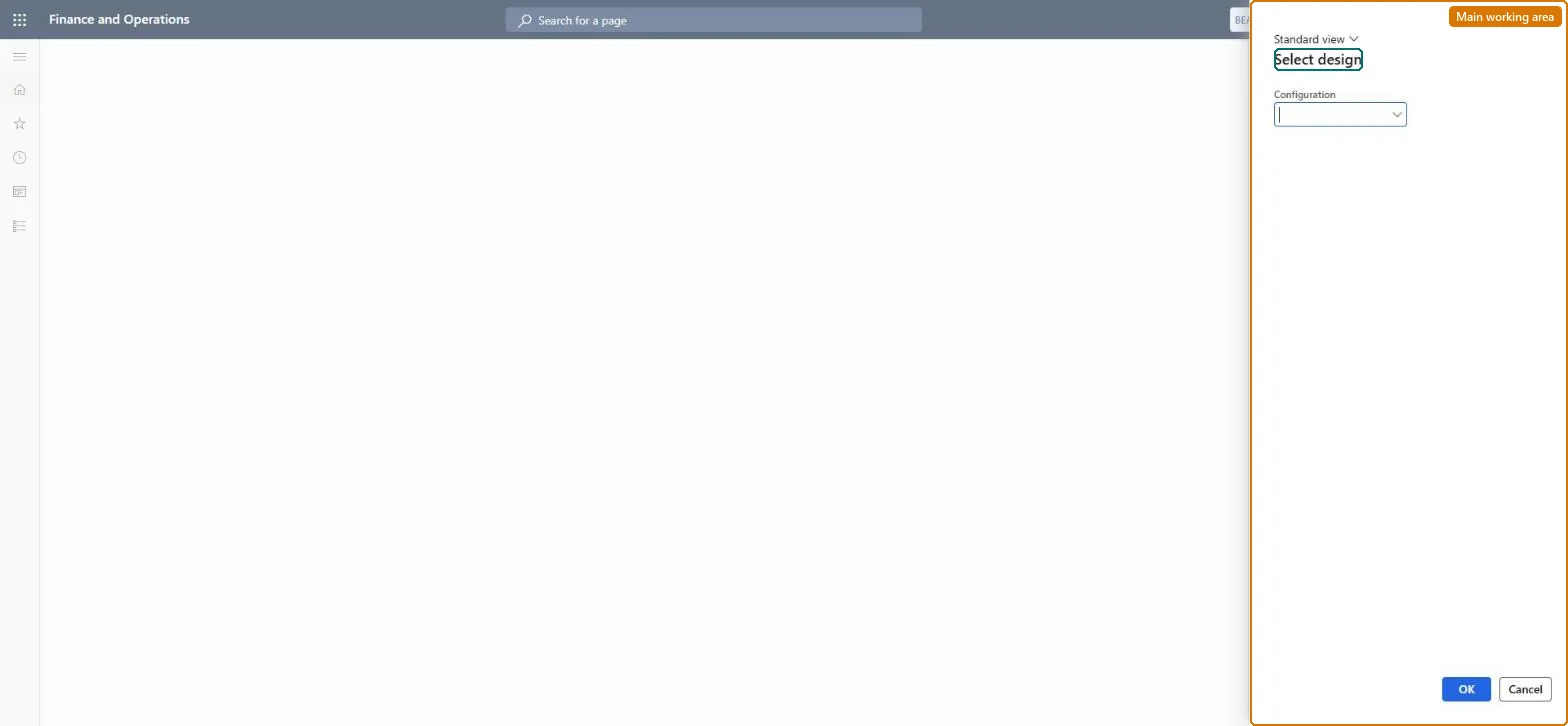
In the Select design dialog, choose the job card terminal Configuration to open.
Select OK to open the terminal with that configuration, or Cancel to close the dialog.
In progress, Stopped or Completed after feedback.Microsoft Learn
Solution architect
4Design impact
If you change it later
The job card terminal is deprecated from version 10.0.41 and may be removed about a year later; new shop-floor setup should use the production floor execution interface. Microsoft Learn
Technical architect
5Technical
Menu item
JmgRegistrationJobQueueChecked in Dynamics 365
Form
JmgRegistrationJobQueueDialogChecked in Dynamics 365
Roles to set it up and use it
To set it up or change itProduction supervisor ProdProductionSupervisorShop supervisor JmgShopSupervisorMachine operator JmgMachineOperatorManufacturing execution workload shop supervisor JmgManufacturingExecutionWorkloadSupervisorWaterspider LeanWaterspiderGive people one of these roles. On this system, 6 roles can open this page.Checked in Dynamics 365