Product information managementSetupDual Use Products
COODualUseCategories
Used by
View Country of Origin and Dual Use functionality, Manage Country of Origin and Dual Use functionality
Business process
Develop product strategy
Menu item
COODualUseCategories
Main table
COODualUseCategory
Setup steps
1 on this page
Show what matters for
PAGE GUIDEWhat the page does and how to use it8 sections. Choose a role to highlight what matters to you.
Everyone
1What it is and why
What it is
A setup page where you list the dual-use categories that you use, based on the export control classification number (ECCN) of the goods.
What you do here
Use this page to record each ECCN code with its category, group and regime parts, so that the code can be assigned to dual-use products for reporting purposes.
Example
For example, for the ECCN code 3A001 you enter 3 as the dual use category, A as the dual use group and 001 as the dual use regime.
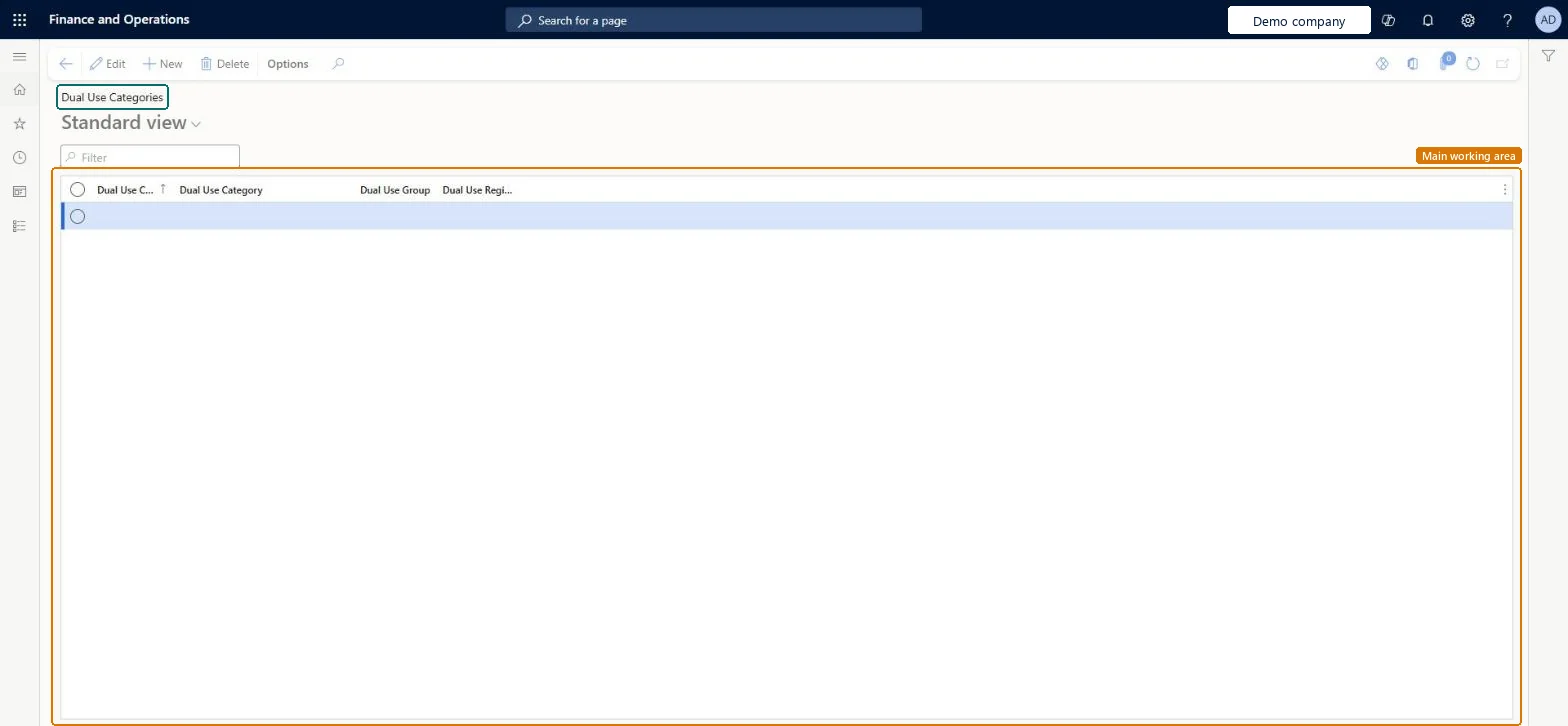
The page in Dynamics 365. page title tab to open what to set or check
About the examples: Examples and screenshots in this guide use BEAT, a demo company in a Dynamics 365 test environment. Use your own company's codes and values instead of copying them.
Setup steps on this page
Set up Dual Use Categories
Use this page to record each ECCN code with its category, group and regime parts, so that the code can be assigned to dual-use products for reporting purposes.
Steps from Microsoft
Go to Product information management > Setup > Dual Use Products > Dual Use Categories.
Select an existing category to edit it, or select New on the Action Pane to create a new category.
Set the Dual Use Code, Dual Use Category, Dual Use Group and Dual Use Regime fields.
Full ECCN in Dual use code, split into its parts: for 3A001, category 3, group A, regime 001Microsoft describes the page this way: the code is the full ECCN and the three fields hold its CCL category, product group and regime parts, for reporting.
Creating the code but not setting Dual use products to Yes on the item's Foreign trade FastTab. The confirmation check only looks at items marked as dual-use.
Reversible: Categories are shared across legal entities and used for reporting; changes show wherever the code is referenced. Microsoft Learn
Technical architect
6Technical
Menu item
COODualUseCategoriesChecked in Dynamics 365
Form
COODualUseCategoriesChecked in Dynamics 365
Table
COODualUseCategoryShown as “DUAL USE CATEGORIES” in Record infoKey field: DualUseCodeChecked in Dynamics 365
Who can open it
PrivilegesMaintain Dual Use Product Setup COODualUseMaintainView Dual Use Product Setup COODualUseViewDutiesMaintain Country of Origin Setup COOMaintainView Country of Origin and Dual Use Data COOView2 security rolesView Country of Origin and Dual Use functionality COOClerkManage Country of Origin and Dual Use functionality COOManageChecked in Dynamics 365
Roles to set it up and use it
To set it up or change itManage Country of Origin and Dual Use functionality COOManageTo use itView Country of Origin and Dual Use functionality COOClerkGive people one of these roles. On this system, 2 roles can open this page.Checked in Dynamics 365