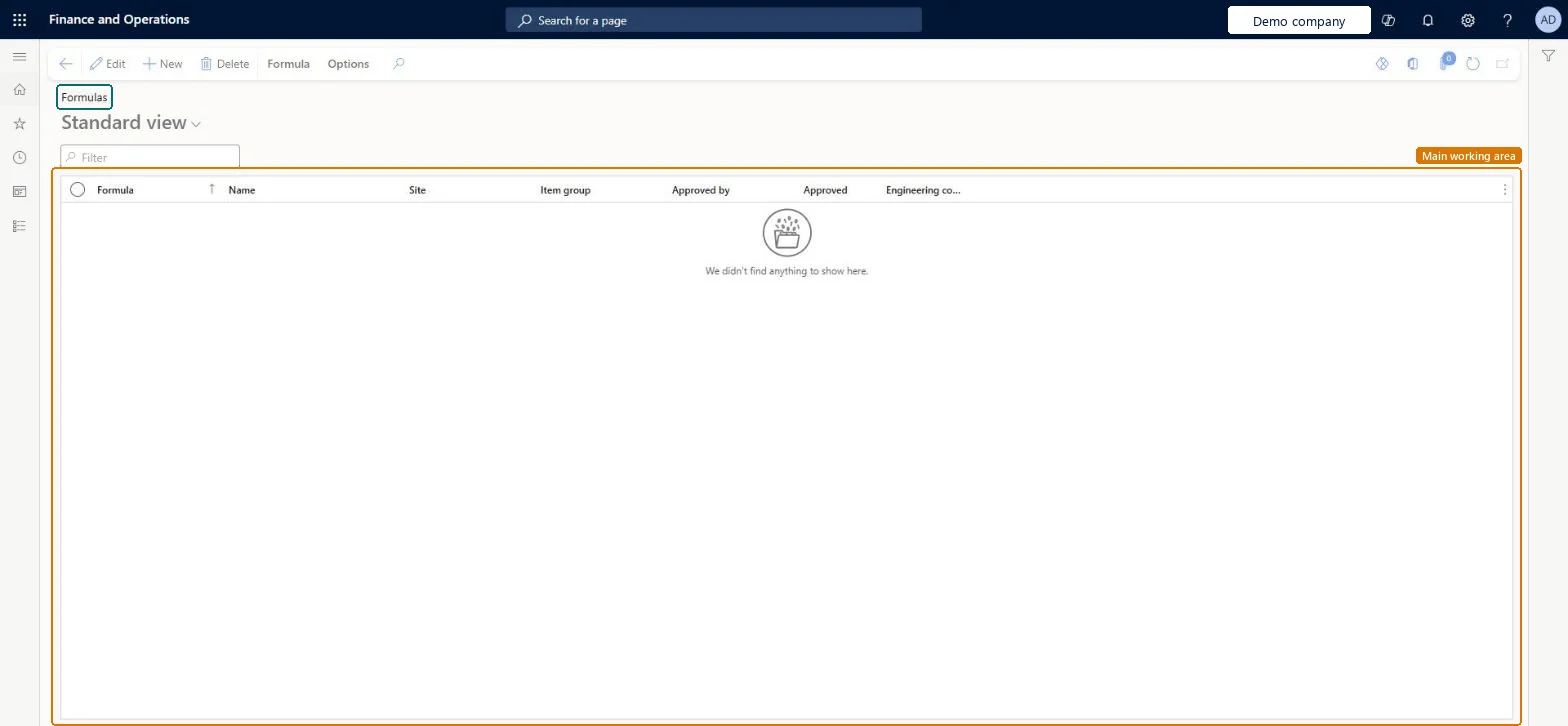
A list page that shows the formulas, the subtype of bill of materials that is typically used for process manufacturing, with the Formula, Name, Site, Item group, Approved by and Approved columns.
Product information managementBills of materials and formulas
PmfFormulaTable
Used by
Product designer, Product design manager, Inventory accountant and 7 more roles
Business process
Design formulas
Menu item
PmfFormulaTable
Main table
BOMTable
Data entity
PmfFormulaHeaderEntity
Show what matters for
PAGE GUIDEWhat the page does and how to use it7 sections. Choose a role to highlight what matters to you.
Everyone
1What it is and why
What it is
A list page that shows the formulas, the subtype of bill of materials that is typically used for process manufacturing, with the Formula, Name, Site, Item group, Approved by and Approved columns.
What you do here
Use this page to create, copy and approve formulas. In addition to components and ingredients, a formula describes the co-products and by-products of the process.
Example
For example, you can create a new formula by copying an existing formula that has most of the ingredients you need and then adjusting the copied lines.
The page in Dynamics 365. page title tab to open what to set or check
About the examples: Examples and screenshots in this guide use BEAT, a demo company in a Dynamics 365 test environment. Use your own company's codes and values instead of copying them.
Steps from Microsoft
Go to Product information management > Bills of materials and formulas > Formulas.
Select New.
In the Formula field, type a value, and in the Name field, type a meaningful name for the formula.
In the Site and Item group fields, select values.
Select Save.
To copy lines from another formula, on the Action Pane select Formula, select Copy, select the Item number and Formula version, and then select OK.
To approve the formula, on the Action Pane select Formula, select Approve formula, select a value in the Approved by field, and then select OK.
Hard to reverse: A formula can be approved and unapproved, but unapproving it also unapproves its formula versions, and a version can't be used in planning or production until it's approved again. Co-products and by-products are defined on the formula version. Microsoft Learn
Technical architect
5Technical
Menu item
PmfFormulaTableChecked in Dynamics 365
Form
BOMTableChecked in Dynamics 365
Table
BOMTableShown as “BILLS OF MATERIALS” in Record infoKey field: BOMIdChecked in Dynamics 365
PrivilegesMaintain formula table PmfFormulaTableMaintainView formula table PmfFormulaTableViewDutiesMaintain BOM calculation master BOMBillsOfMaterialsCalcMasterMaintainInquire into BOM calculations BOMBillsOfMaterialsCalcStatusInquireInquire into BOM master BOMBillsOfMaterialsMasterInquireMaintain BOM master BOMBillsOfMaterialsMasterMaintain10 security rolesProduct designer BOMProductDesignerProduct design manager BOMProductDesignManagerInventory accountant InventCostAccountantInventory accountant clerk InventCostCostClerkAccounting manager LedgerAccountingManagerProduction manager ProdProductionManagerProduction supervisor ProdProductionSupervisorProduction planner ReqProductionPlannerProcess engineer RouteProcessEngineerProcess engineering manager RouteProcessEngineeringManagerChecked in Dynamics 365
Roles to set it up and use it
To set it up or change itProduct designer BOMProductDesignerProcess engineer RouteProcessEngineerTo use itProduct design manager BOMProductDesignManagerProcess engineering manager RouteProcessEngineeringManagerProduction supervisor ProdProductionSupervisorProduction manager ProdProductionManagerAccounting manager LedgerAccountingManagerGive people one of these roles. On this system, 10 roles can open this page.Checked in Dynamics 365
Actions on the page
Formula: Maintain, Configuration, Product changeChecked in Dynamics 365
PmfFormulaHeaderEntity (Formula headers): loaded for each company.PmfItemSpecificFormulaHeaderV2Entity (Formula headers and versions V2): loaded for each company.Microsoft Learn