About the examples: Examples and screenshots in this guide use BEAT, a demo company in a Dynamics 365 test environment. Use your own company's codes and values instead of copying them.
Step by step, with screenshots
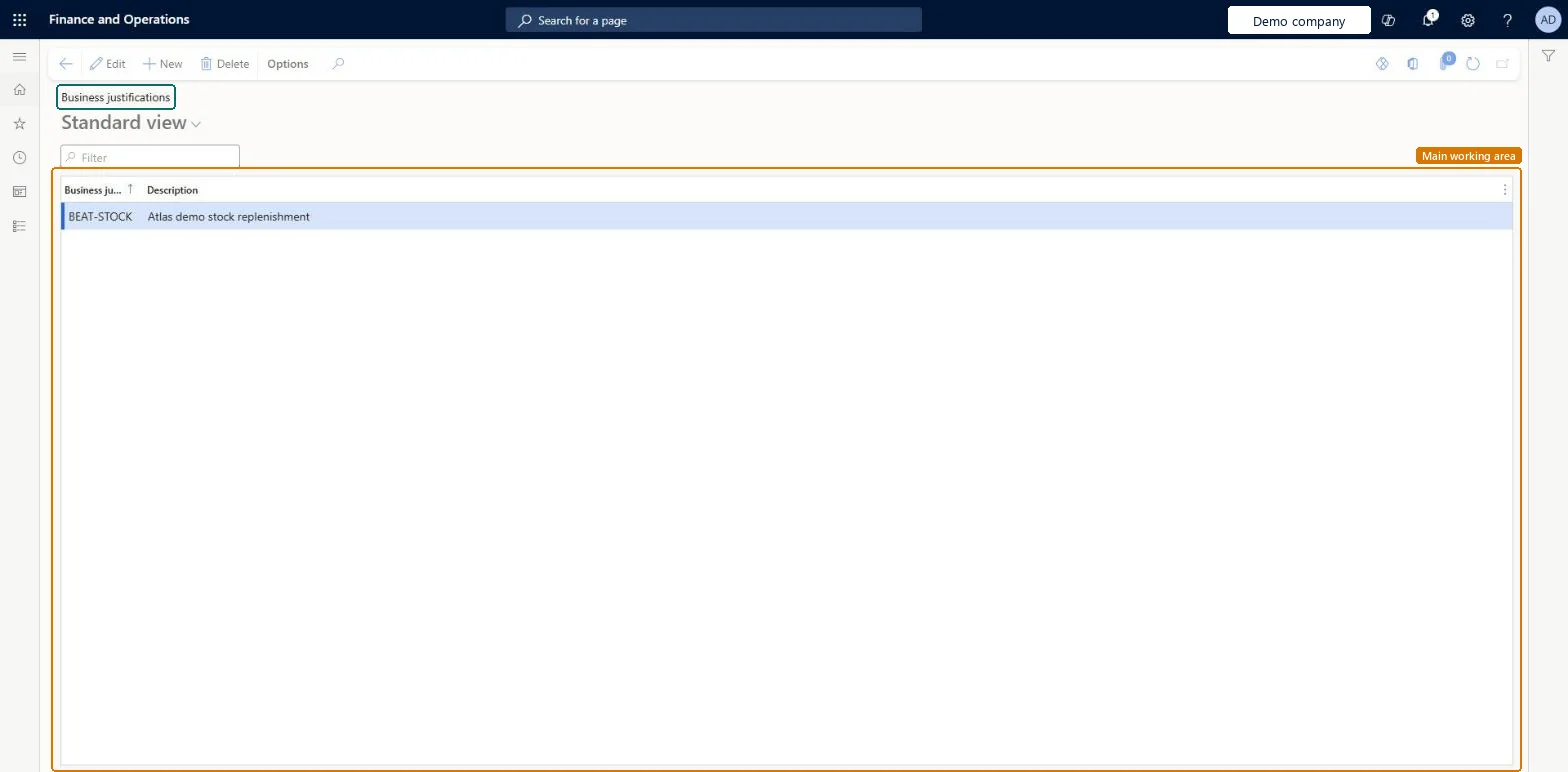
Set up Business justifications1 screen
Use this page to show the reason for a purchase on purchase requisitions, so reviewers can see it straight away.
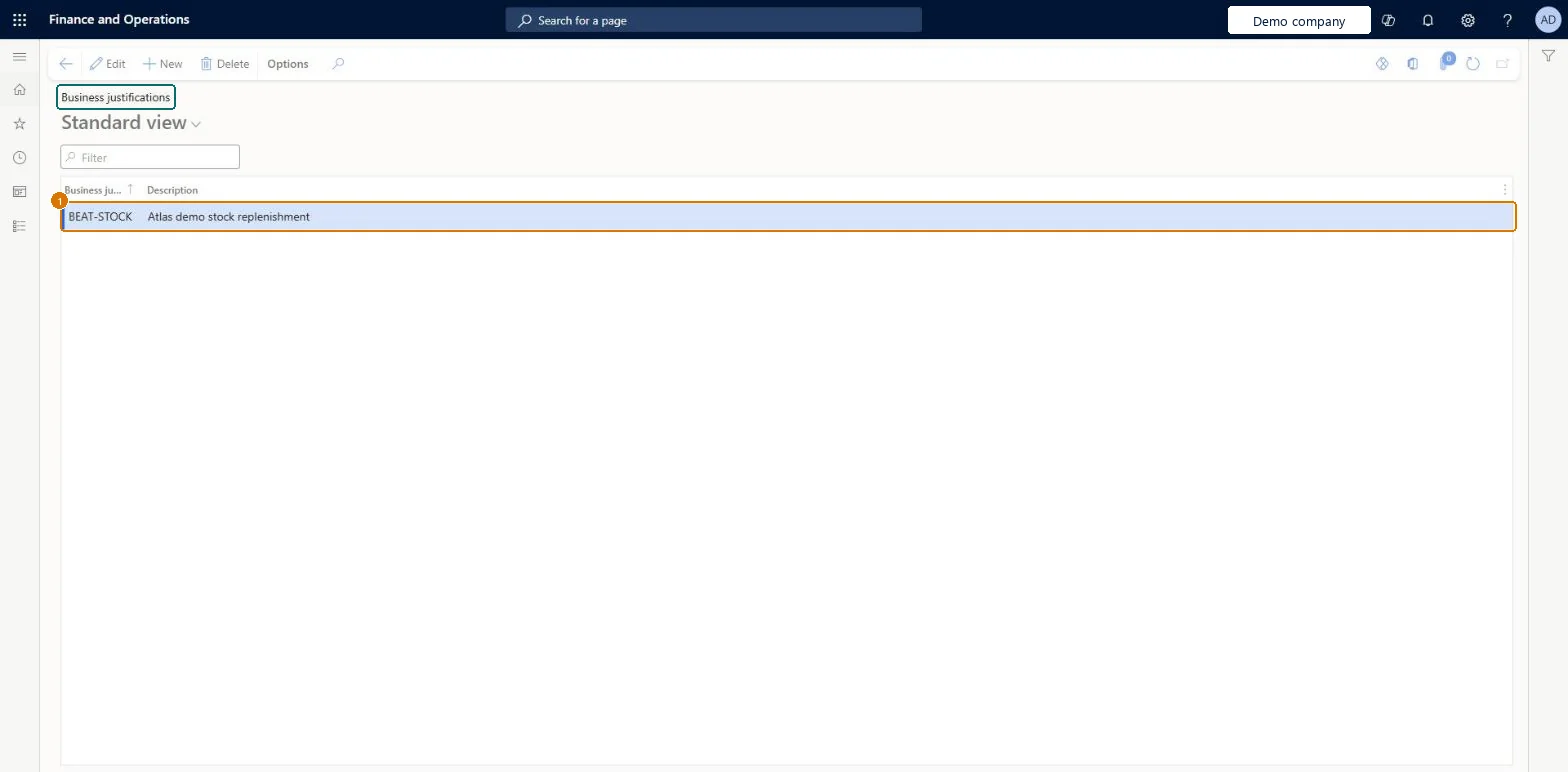
Screen 1
Create the business justification
Go to Procurement and sourcing > Setup > Policies > Business justifications
Select New
Enter the business justification and its description
Select Save
1Business justification
BEAT-STOCK
Show the full screen page title tab to open what to set or check
Steps from Microsoft
Go to Procurement and sourcing > Setup > Policies > Business justifications.
Select New to add a business justification reason code.
In the Business justification field, enter the code that requesters will use.
In the Description field, enter the text that appears in the Reason field on the purchase requisition.
PurchReqBusinessJustificationCodesChecked in Dynamics 365
Form
PurchReqBusinessJustificationCodesChecked in Dynamics 365
Table
PurchReqBusinessJustificationCodesShown as “Business justification” in Record infoChecked in Dynamics 365
Data entities
PurchPurchaseRequisitionBusinessJustificationEntityPurchase requisition business justifications Microsoft data model
Who can open it
PrivilegesMaintain purchase requisition process PurchReqPurchasingProcessEnableInquire into purchase requisition process PurchReqPurchasingProcessInquireDutiesEnable purchasing process ProcPurchasingProcessEnableInquire into purchasing policies ProcPurchasingProcessInquire5 security rolesAuditor AuditPolicyManagerPurchasing manager TradePurchasingManagerAccounts payable manager VendInvoiceAccountsPayableManagerPurchasing agent VendPurchasingAgentPurchasing Agent - Public Sector VendPurchasingAgent_PSNChecked in Dynamics 365
Roles to set it up and use it
To set it up or change itPurchasing manager TradePurchasingManagerAccounts payable manager VendInvoiceAccountsPayableManagerTo use itPurchasing agent VendPurchasingAgentPurchasing Agent - Public Sector VendPurchasingAgent_PSNAuditor AuditPolicyManagerGive people one of these roles. On this system, 5 roles can open this page.Checked in Dynamics 365
Actions on the page
Options: Personalize, Page options, ShareChecked in Dynamics 365
Checked in a working Dynamics 365 system, version 10.0.49: the menu item, form, table and security, the page, the demo records and the values in the screenshots.