About the examples: Examples and screenshots in this guide use BEAT, a demo company in a Dynamics 365 test environment. Use your own company's codes and values instead of copying them.
Step by step, with screenshots
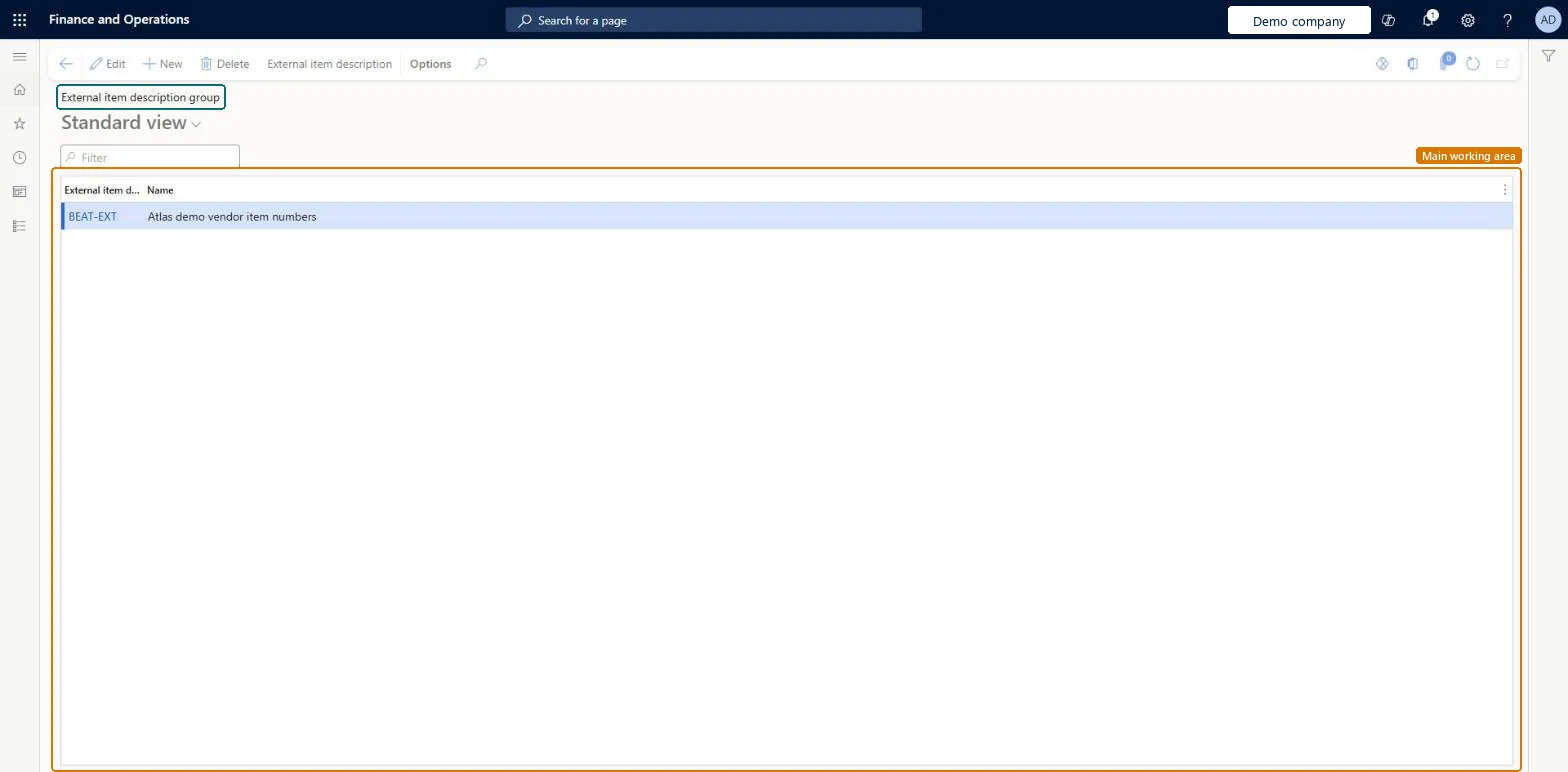
Set up External item description group1 screen
Use this page to make vendor item numbers easier to maintain when many vendors use the same numbers.
Screen 1
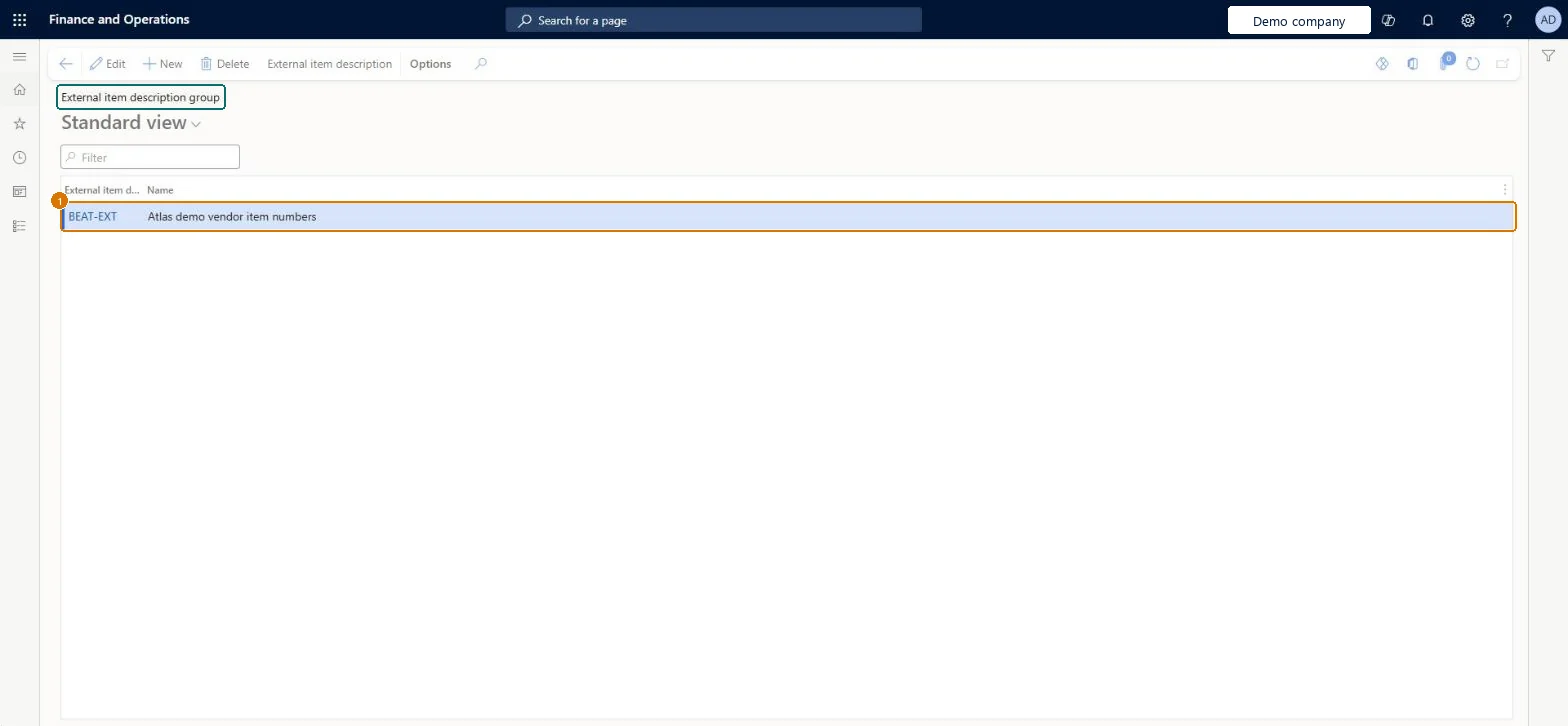
Create the external item description group
Go to Procurement and sourcing > Setup > External item description group
Select New
Enter the group and its name
Select Save
1External item description group
BEAT-EXT
Show the full screen page title tab to open what to set or check
How to use it
Go to Procurement and sourcing > Setup > External item description group.
Select New to add a group.
Fill in the External item description group and Name columns.
Select a row and select Edit to change it, or Delete to remove it.
Select External item description to open the descriptions for the selected group.
Source: Checked in Dynamics 365
Fields on the page
Field
What it means
Example
Table column
External item description group
RETAILER
GroupId
Test checklist
Create an external item description group and add the vendor item number, Description and External item text for a released product.
Open a vendor in All vendors and set Item - vendor group on the Purchase order defaults FastTab to the new group.
Create a purchase order for that vendor with the released product.
Print or preview the purchase order and check that the vendor's item number and description appear.
One group per set of vendors that share the same item numbers (for example a buying association), used instead of maintaining the numbers vendor by vendorMicrosoft recommends vendor groups when many vendors use the same item numbers, to simplify maintenance of external product information.
Creating the group and its item numbers but not linking the vendors. A vendor only uses the group when the Item - vendor group field is set on the Purchase order defaults FastTab of the vendor, and the association is kept per legal entity.
Reversible: You can change the group's item numbers or move vendors between groups at any time. The references are used on external documents such as purchase orders, so documents produced after the change pick up the new values. Microsoft Learn
Technical architect
6Technical
Menu item
VendItemGroupChecked in Dynamics 365
Form
CustVendItemGroupChecked in Dynamics 365
Table
CustVendItemGroupShown as “External item description group” in Record infoChecked in Dynamics 365
Data entities
PurchProductDescriptionVendorGroupEntityExternal item description vendor groups Microsoft data model SalesProductDescriptionCustomerGroupEntityExternal item description customer groups Microsoft data model
Who can open it
PrivilegesMaintain external item details VendGroupExternalItemMaintainView external item details VendGroupExternalItemViewDutiesInquire into products definition master EcoResProductDefinitionMasterInquireMaintain products definition master EcoResProductDefinitionMasterMaintainEnable purchasing process ProcPurchasingProcessEnableInquire into purchasing reference data ProcPurchasingReferenceDataInquire9 security rolesProduct designer BOMProductDesignerMaterials manager InventMaterialsManagerQuality control manager InventQualityControlManagerBuying agent TradeBuyingAgentPurchasing manager TradePurchasingManagerAccounts payable manager VendInvoiceAccountsPayableManagerPurchasing agent VendPurchasingAgentPurchasing Agent - Public Sector VendPurchasingAgent_PSNWarehouse manager WMSWarehouseManagerChecked in Dynamics 365
Roles to set it up and use it
To set it up or change itPurchasing manager TradePurchasingManagerAccounts payable manager VendInvoiceAccountsPayableManagerProduct designer BOMProductDesignerTo use itPurchasing agent VendPurchasingAgentPurchasing Agent - Public Sector VendPurchasingAgent_PSNBuying agent TradeBuyingAgentMaterials manager InventMaterialsManagerWarehouse manager WMSWarehouseManagerGive people one of these roles. On this system, 9 roles can open this page.Checked in Dynamics 365
Actions on the page
Options: Personalize, Page options, ShareChecked in Dynamics 365
PurchProductDescriptionVendorGroupEntity (External item description vendor groups): loaded for each company, in Microsoft's default template 320 - Procurement and sourcing.SalesProductDescriptionCustomerGroupEntity (External item description customer groups): loaded for each company, in Microsoft's default template 330 - Sales and marketing.Load order: Microsoft's default template 320 - Procurement and sourcing loads External item description vendor groups at execution unit 1, level 30, sequence 10. Lower levels load first, and entities at the same level load in sequence order.Load first: the default templates at lower levels (System setup to General ledger)Microsoft Learn
Checked in a working Dynamics 365 system, version 10.0.49: the menu item, form, table and security, the page, the demo records and the values in the screenshots.