Batch job for delivery due date notification workflow
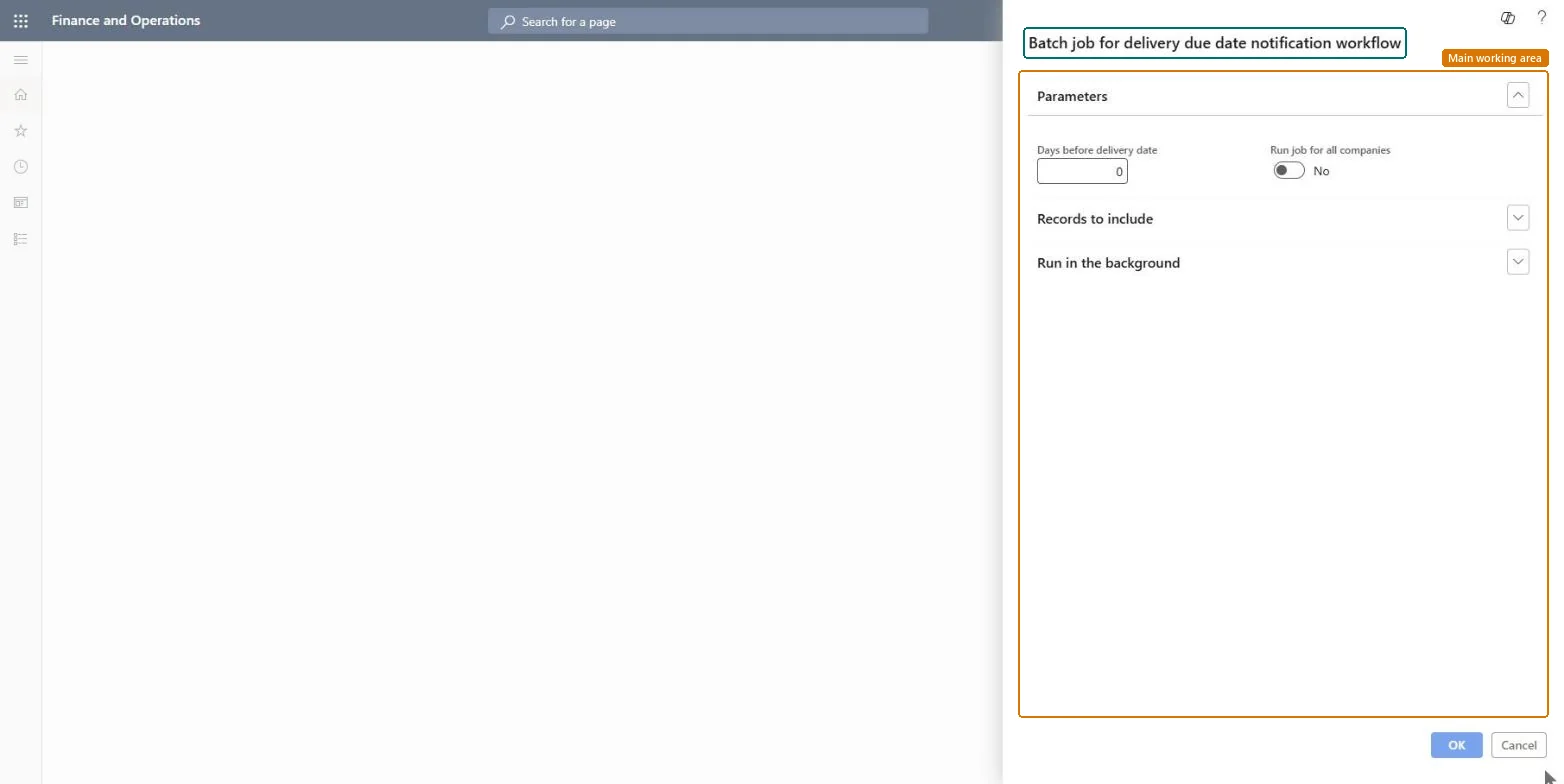
A dialog that sets up the batch job for the delivery due date notification workflow, with a Days before delivery date value, a Run job for all companies option, records to include and the option to run in the background.
Batch job for delivery due date notification workflow
Procurement and sourcingPurchase ordersPurchase order follow-up
action:PurchCORJobDeliveryDue
Business process
Procure goods and services
Menu item
action:PurchCORJobDeliveryDue
Show what matters for
PAGE GUIDEWhat the page does and how to use it6 sections. Choose a role to highlight what matters to you.
Everyone
1What it is and why
What it is
A dialog that sets up the batch job for the delivery due date notification workflow, with a Days before delivery date value, a Run job for all companies option, records to include and the option to run in the background.
What you do here
Use this dialog to set how many days before the delivery date the job applies, whether it runs for all companies, and which records it includes.
The page in Dynamics 365. page title tab to open what to set or check
About the examples: Examples and screenshots in this guide use BEAT, a demo company in a Dynamics 365 test environment. Use your own company's codes and values instead of copying them.
How to use it
Go to Procurement and sourcing > Purchase orders > Purchase order follow-up > Batch job for delivery due date notification workflow.
Enter the Days before delivery date.
Turn on Run job for all companies if the job should cover every company.
Expand Records to include to set filters.
Expand Run in the background if you want to run it as a batch job.
Select OK to run it.
Source: Checked in Dynamics 365
Technical architect
4Technical
Menu item
action:PurchCORJobDeliveryDueChecked in Dynamics 365
Form
SysOperationTemplateFormChecked in Dynamics 365
Roles to set it up and use it
To use itInformation technology manager SysServerITManagerGive people one of these roles. On this system, 1 role can run this page.Checked in Dynamics 365