About the examples: Examples and screenshots in this guide use BEAT, a demo company in a Dynamics 365 test environment. Use your own company's codes and values instead of copying them.
When to run it
When to run it
When old requests for quotation and their replies are no longer needed, for example after the purchase orders or agreements were created from the accepted bids.
How often
On demand, for example once a year as part of procurement data cleanup.
Batch settings
Run it in the background when you delete a large number of old requests.
What the output shows
The requests for quotation that match your criteria and their replies are deleted. The request for quotation journals are not deleted and remain in the system.
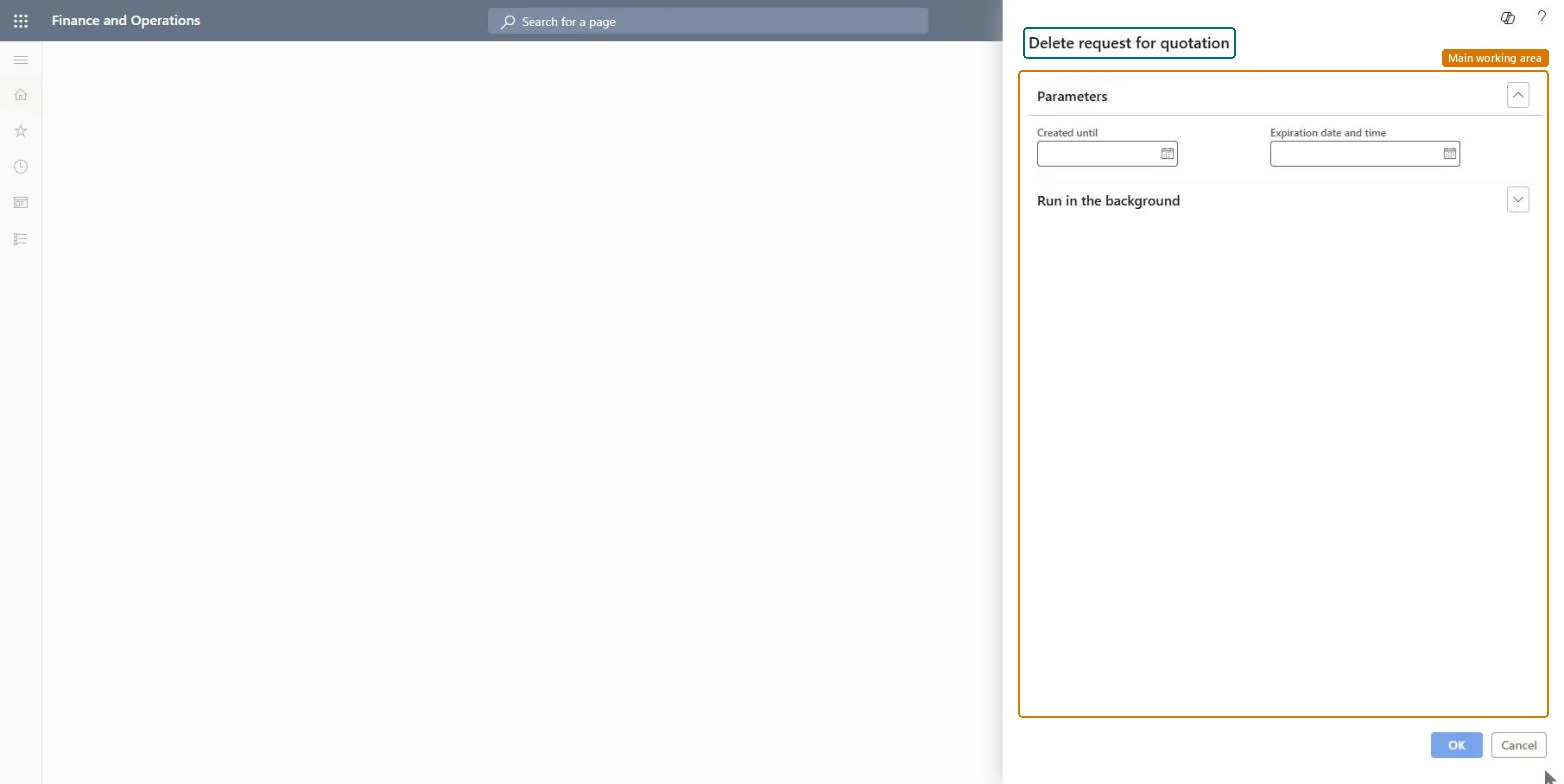
Go to Procurement and sourcing > Periodic tasks > Clean up > Delete requests for quotations.
Set the criteria for the requests for quotation to delete, such as a creation date or an expiration date, so only closed sourcing events are included.
Make sure none of the selected requests is still open for replies; replies are deleted together with the request.
Run it in the background when many requests qualify.
After the run, open All requests for quotations to see that the old requests are gone, and Request for quotation journals to see that their journals are still there.